User’s
Guide
store. You should also charge your new battery be-
fore you use it.
Low-Battery Indications
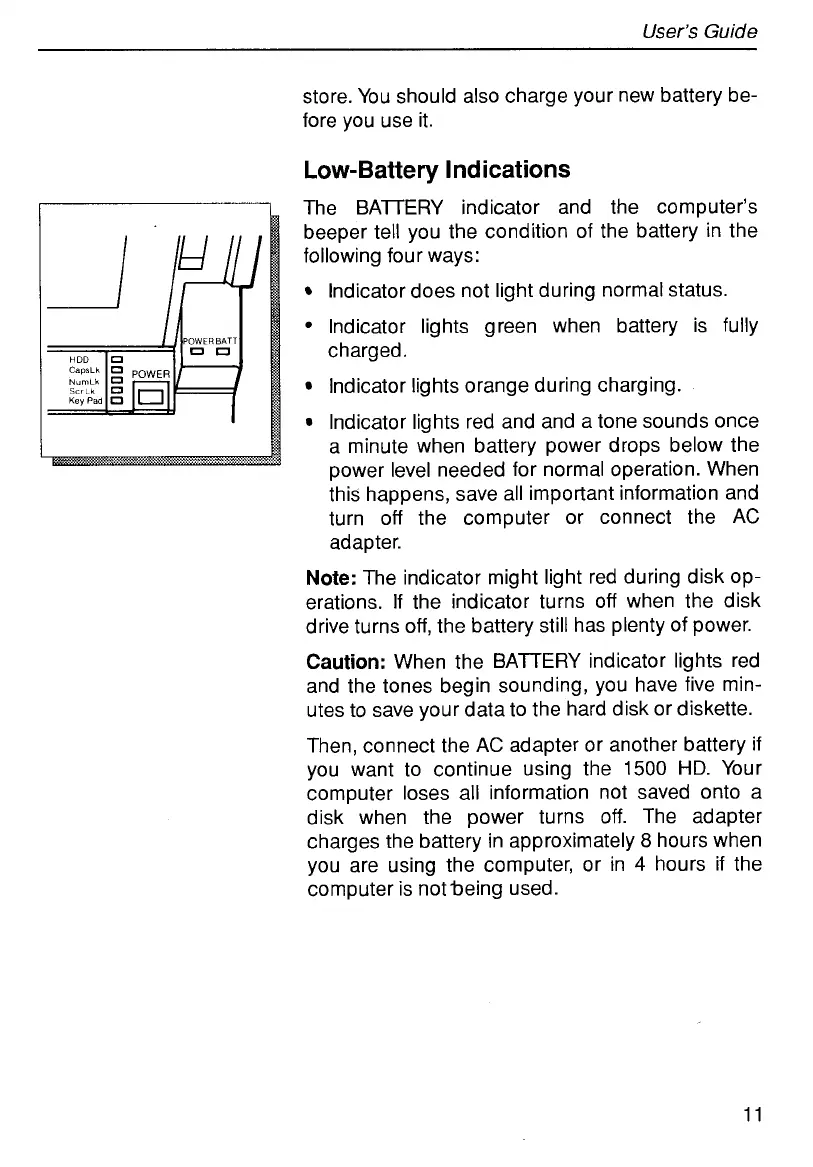
The BATTERY indicator and the computer’s
beeper tell you the condition of the battery in the
following four ways:
Indicator does not light during normal status.
Indicator lights green when battery is fully
charged.
Indicator lights orange during charging.
Indicator lights red and and a tone sounds once
a minute when battery power drops below the
power level needed for normal operation. When
this happens, save all important information and
turn
off
the computer or connect the AC
adapter.
Note:
The indicator might light red during disk op-
erations.
If
the indicator turns
off
when the disk
drive turns
off,
the battery still has plenty of power.
Caution:
When the BATTERY indicator lights red
and the tones begin sounding, you have five min-
utes to save your data to the hard disk or diskette.
Then, connect the AC adapter or another battery
if
you want to continue using the
1500
HD.
Your
computer
loses
all information not saved onto a
disk when the power turns
off.
The adapter
charges the battery in approximately
8
hours when
you are using the computer, or in
4
hours if the
computer is notbeing used.
11



 To Next Page