1500
HD Laptop Computer
There is also a group of MS-DOS power-manage-
ment
line commands
that let’s you temporarily
change the power-management parameters with-
out running Setup or Power. You can use these
commands in batch files. This could be convenient
if you often switch from AC power to battery power.
You can make one batch file to set power-manage-
ment parameters for AC-power operation and an-
other for battery-power operation. (For more infor-
mation about batch files, see your
MS-DOS Quick
Reference,
or buy an optional
MS-DOS Reference
Guide).
PARAMETER DEFAULTS AND
DESCRl PTI
ONS
Now that you understand the basics of the Setup
and Power programs, use the following information
and procedures to set the
1500
HD
to
work the
way you want
it
to.
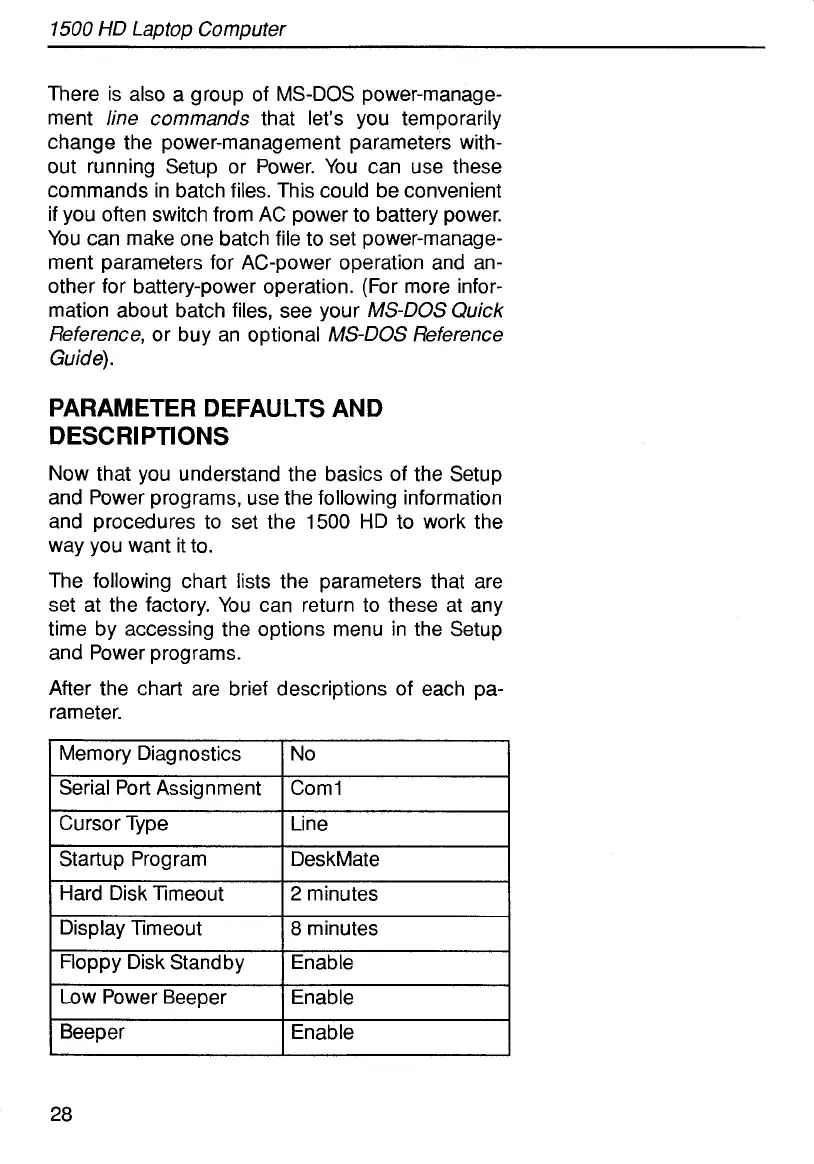
The following chart lists the parameters that are
set at the factory. You can return to these at any
time by accessing the options menu
in
the Setup
and Power programs.
After the chart are brief descriptions of each pa-
rameter.
Memory Diagnostics
Serial Port Assignment
Cursor Type
Startup Program
Hard Disk Timeout
Display Timeout
Floppy Disk Standby
Low Power Beeper
Beeper
No
Coml
Line
DeskMate
2
minutes
8
minutes
Enable
Enable
Enable
28



 To Next Page