User’s
Guide
Keep diskettes away from magnetic fields (such
as transformers,
AC
motors, magnets, TVs, and
radios).
Make copies
of
important diskettes.
Handle diskettes with the metal shutter closed.
Never touch the surface of the diskette itself.
Keep diskettes out of direct sunlight and away
from excessive heat.
Keep diskettes away from cigarette ashes, dust,
and other small particles. In dusty areas, use fil-
ters to clean the air.
TURNING
OFF
YOUR
COMPUTER
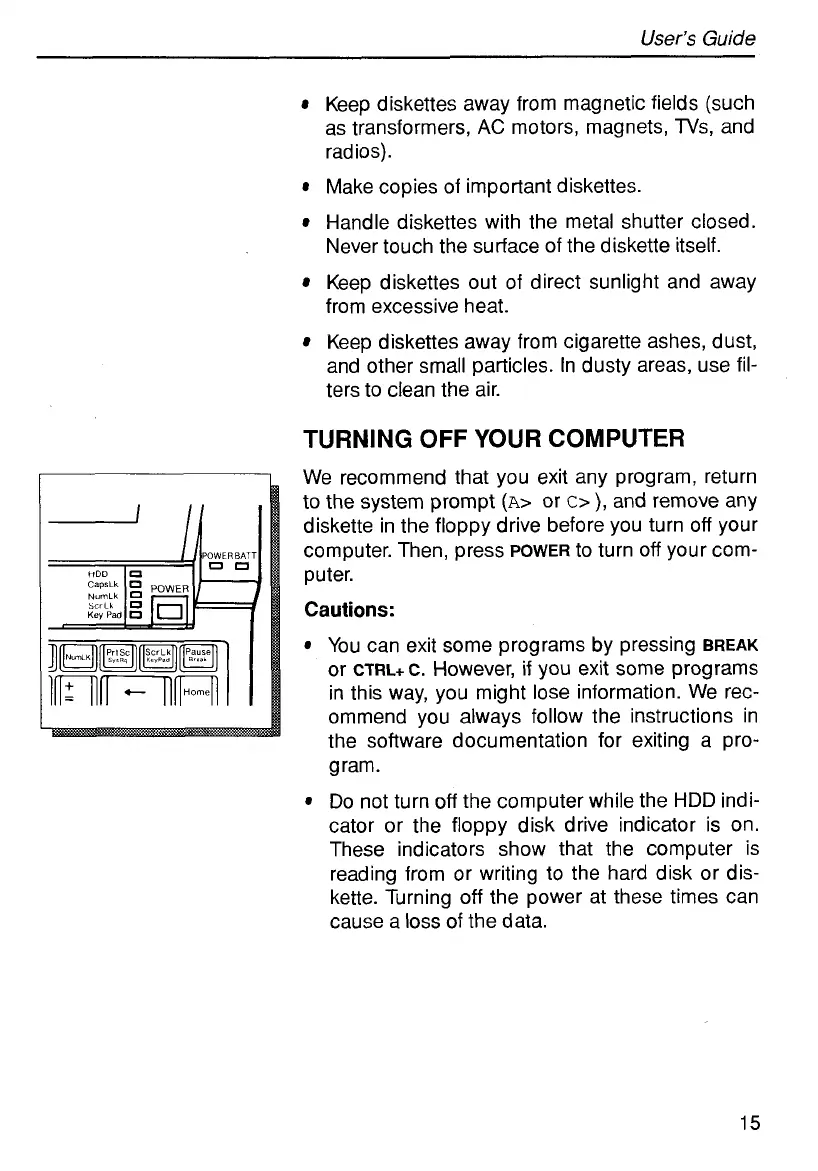
We recommend that you exit any program, return
to the system prompt
(A>
or
c>
),
and remove any
diskette in the floppy drive before you turn
off
your
computer. Then, press
POWER
to turn
off
your com-
puter.
Cautions:
You can exit some programs by pressing
BREAK
or
CTRL+C.
However,
if
you exit some programs
in this way, you might lose information. We rec-
ommend you always follow the instructions in
the software documentation for exiting a pro-
gram.
Do not turn
off
the computer while the
HDD
indi-
cator or the floppy disk drive indicator is on.
These indicators show that the computer
is
reading from or writing to the hard disk or dis-
kette. Turning
off
the power at these times can
cause a
loss
of the data.
15



 To Next Page