1500
HD
Laptop Computer
USING
THE
KEYBOARD
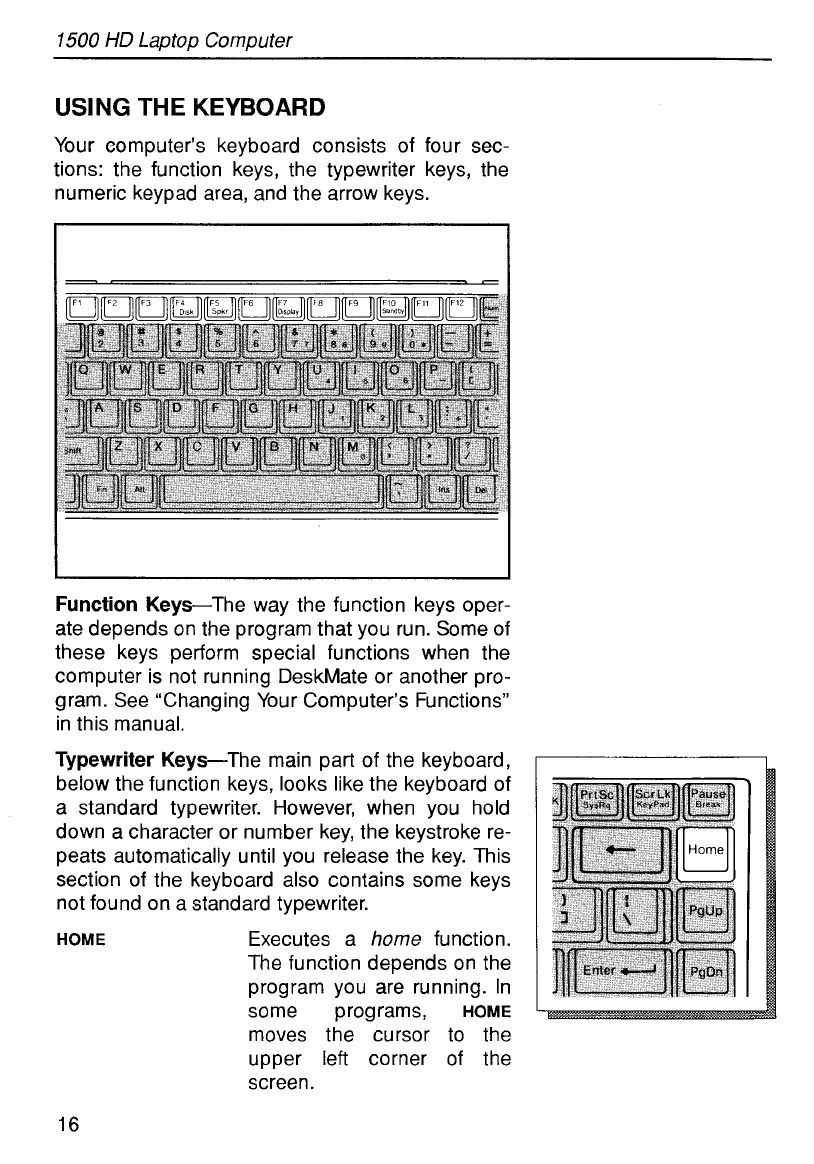
Your eomputer’s keyboard consists of four sec-
tions: the function keys, the typewriter keys, the
numeric keypad area, and the arrow keys.
Function Keys-The way the function keys oper-
ate depends on the program that you run. Some of
these keys perform special functions when the
computer is not running DeskMate or another pro-
gram. See ‘Changing Your Computer’s Functions”
in this manual.
Typewriter Keys-The main part of the keyboard,
below the function keys, looks like the keyboard of
a standard typewriter. However, when you hold
down a character or number key, the keystroke re-
peats automatically until you release the key. This
section of the keyboard also contains some keys
not found on a standard typewriter.
HOME
Executes a
home
function.
The function depends on the
program you are running. In
some programs,
HOME
moves the cursor to the
upper left corner of the
screen.
16



 To Next Page