User’s Guide
USING THE POWER PROGRAM IN
DOS
You can change several of the computer’s param-
eters by using the Power program in DOS within
the
DOS
directory. The
DOS
program is
Power75.
To run the Power program, use the following steps:
1.
Exit from DeskMate (or any other program).
2.
If
you are not in Drive
C,
type:
c:
ENTER
3.
To change to the
DOS
directory, type:
cd
dos
ENTER
4.
At the prompt, type:
power15
ENTER
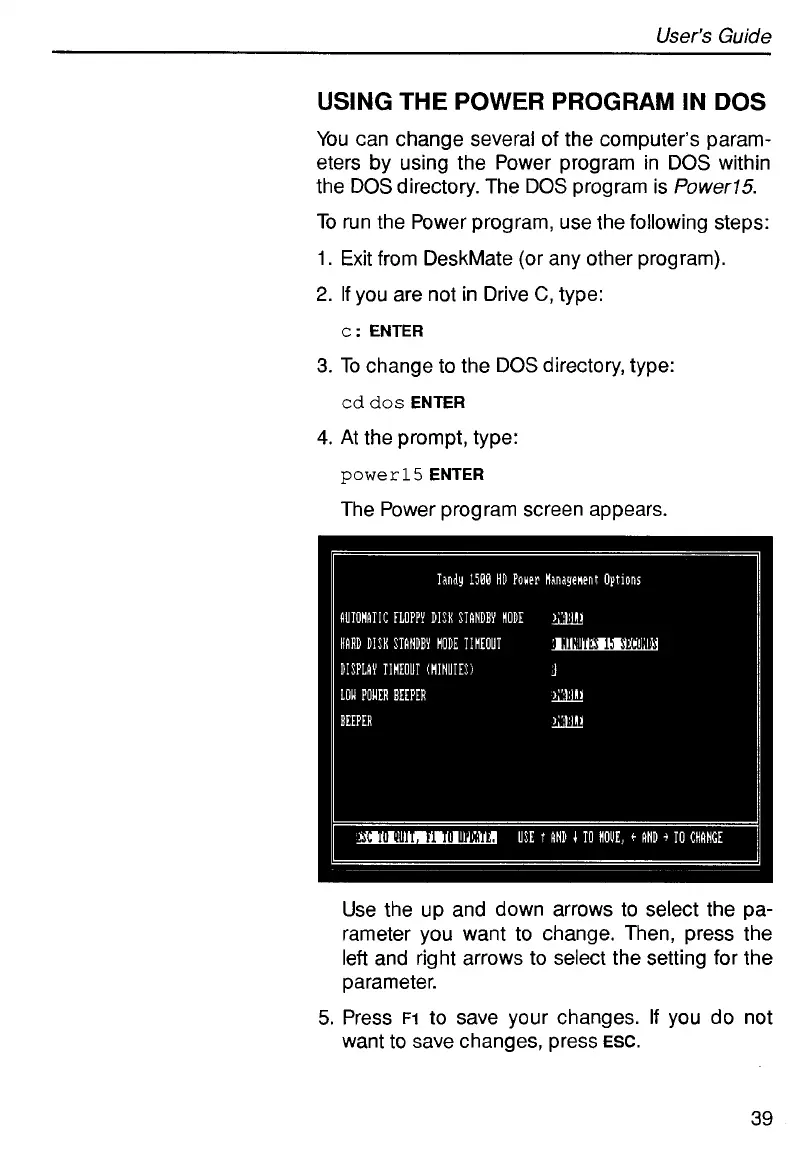
The Power program screen appears.
Use the up and down arrows
to
select the pa-
rameter you want to change. Then, press the
left and right arrows to select the setting for the
parameter.
5.
Press
~1
to save your changes.
If
you do not
want to save changes, press
ESC.
39



 To Next Page