User’s
Guide
Press
ENTER
to accept the default selection
(v).
FDISK pauses and then displays the following
message:
System
will
now
restart
Insert
DOS
diskette
in
drive
A:
Press
any
key
when
ready
.
.
.
Put your MS-DOS system diskette in Drive A, and
press any key to restart MS-DOS.
Now
that you have created your MS-DOS partition,
you must format your hard disk
so
that MS-DOS
can use
it.
Enter the FORMAT command as out-
lined in “Using Format”, if
you
intend not to use the
Display Partition Data option.
How
to Display Partition Data
If you choose the fourth option on the main menu,
FDISK displays a menu that contains information
about each of the partitions on your hard disk.
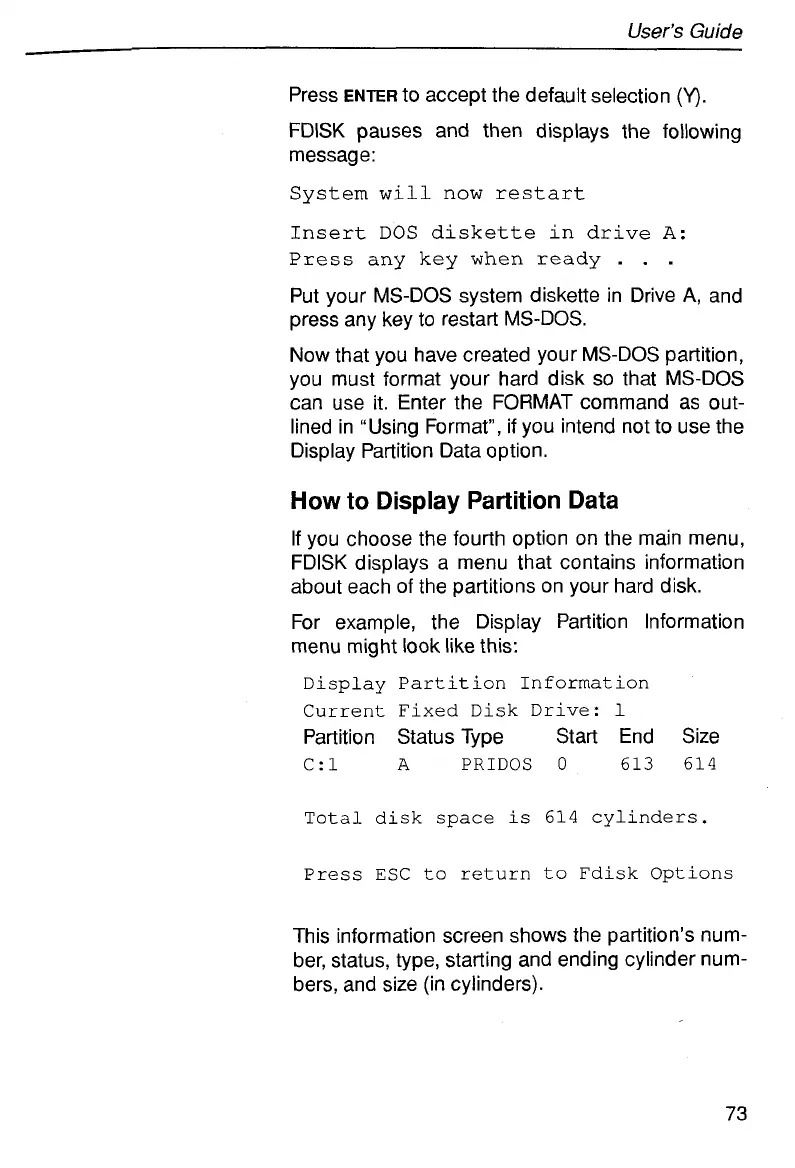
For example, the Display Partition Information
menu might
look
like this:
Display Partition Information
Current Fixed Disk
Drive:
1
Partition Status Type Start End Size
C:l
A
PRIDOS
0
613 614
Total disk
space
is
614 cylinders.
Press
ESC
to
return
to
Fdisk Options
This information screen shows the partition’s num-
ber, status, type, starting and ending cylinder num-
bers, and size (in cylinders).
73



 To Next Page