User’s
Guide
USING
FDISK
To prepare the hard disk for the MS-DOS operat-
ing system, you must create a DOS partition.
Using FDISK, you can do the following:
Create an MS-DOS partition
Display partition information
Caution:
Reconfiguring the hard disk with FDISK
destroys all existing files. Be sure to have backup
diskettes for all files on the hard disk before you
run FDISK.
The FDISK utility is easy to use because it uses
menus to lead you through each procedure. To
start FDISK, place the
MS-DOS/GW-BASIC
disk-
ette in Drive
A.
Then, type
FDISK
and press
ENTER.
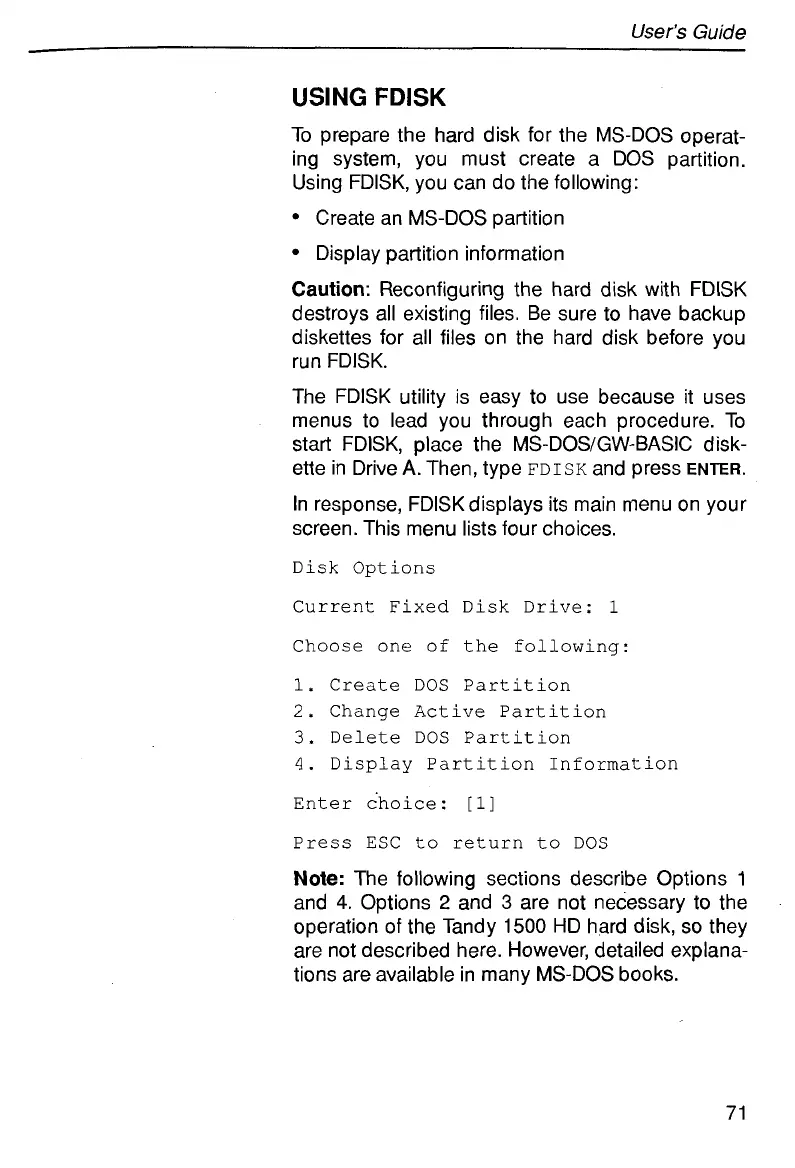
In response, FDlSKdisplays its main menu on your
screen. This menu lists four choices.
Disk Options
Current Fixed Disk Drive:
1
Choose one
of
the following:
1.
Create
DOS Partition
2.
Change Active Partition
3.
Delete
DOS Partition
4.
Display Partition Information
Enter choice:
[l]
Press ESC
to
return to DOS
Note:
The following sections describe Options
1
and
4.
Options
2
and
3
are not necessary to the
operation
of
the Tandy
1500
HD hard disk,
so
they
are not described here. However, detailed explana-
tions are available in many MS-DOS books.
71



 To Next Page