7500
HD
Laptop
Computer
To
return to MS-DOS from the main menu, press
ESC.
You can also use the
ESC
key to return to the
main menu from any FDISK menu.
Most FDISK menus display a default value. To
choose the default value, press
ENTER.
To
choose
another value, simply type the value you want, and
press
ENTER.
How to Create a
DOS
Partition
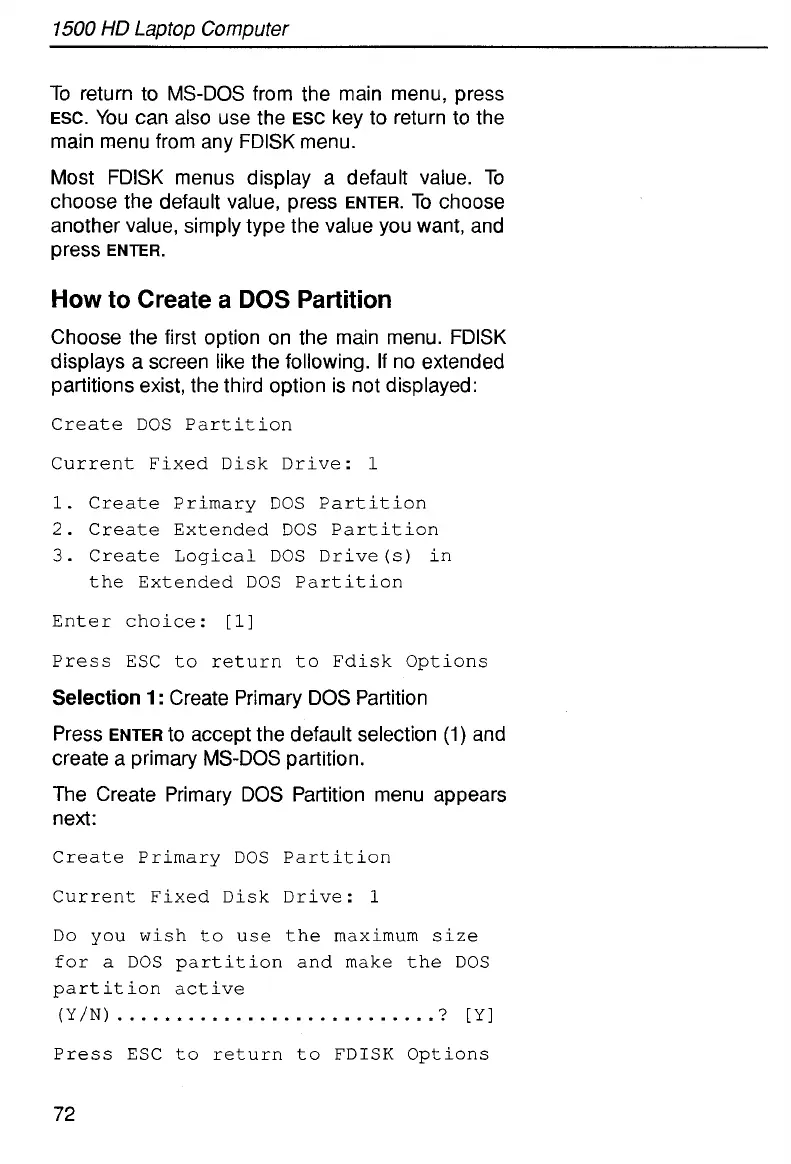
Choose the first option on the main menu. FDISK
displays a screen like the following.
If
no extended
partitions exist, the third option is not displayed:
Create
DOS Partition
Current Fixed Disk
Drive:
1
1.
Create
Primary DOS Partition
2.
Create
Extended DOS Partition
3.
Create
Logical
DOS Drive(s) in
the Extended DOS Partition
Enter choice:
[l]
Press ESC
to
return
to
Fdisk Options
Selection
1
:
Create Primary DOS Partition
Press
ENTER
to
accept the default selection
(1)
and
create a primary MS-DOS partition.
The Create Primary DOS Partition menu appears
next:
Create
Primary DOS Partition
Current Fixed Disk
Drive:
1
Do
you
wish
to
use the maximum size
for
a
DOS partition and make the
DOS
part
it
ion
active
(Y/N)
...........................
?
[Yl
Press
ESC
to return
to
FDISK Options
72



 To Next Page