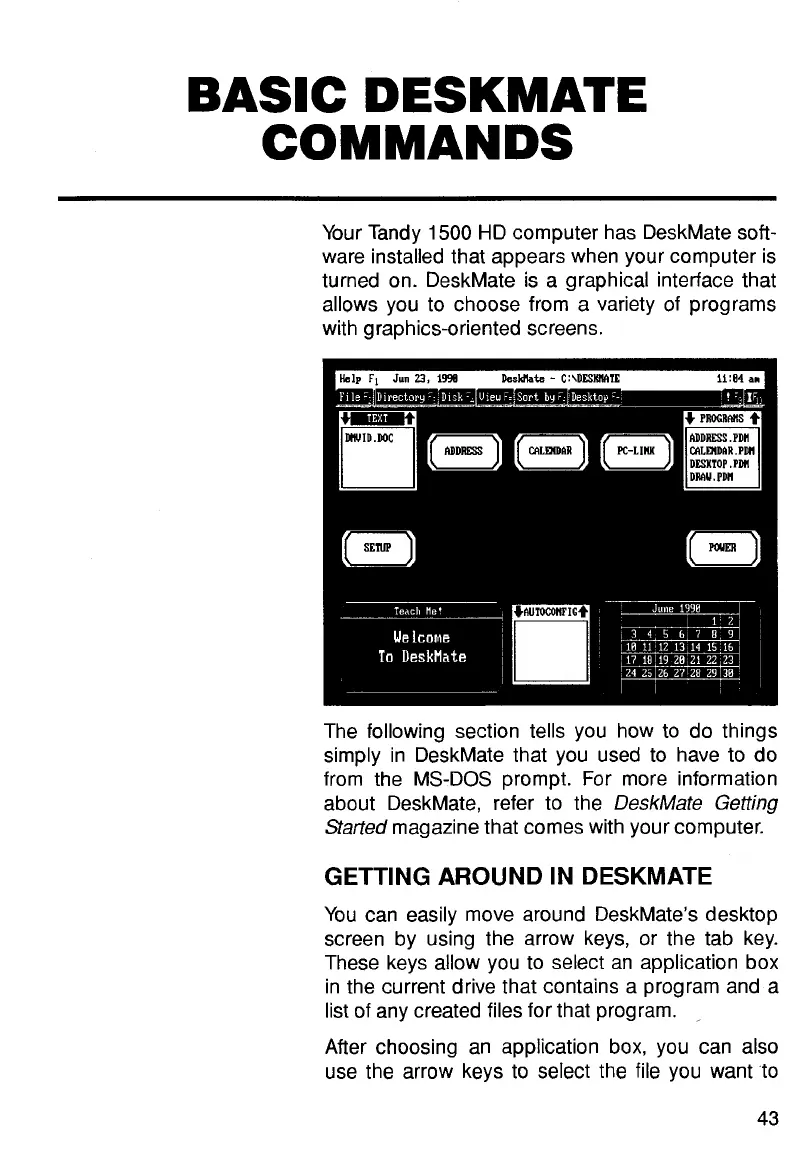
Your Tandy
1500
HD computer has DeskMate soft-
ware installed that appears when your computer is
turned on. DeskMate is a graphical interface that
allows you to choose from a variety of programs
with graphics-oriented screens.
The following section tells you how to do things
simply in DeskMate that you used
to
have
to
do
from the MS-DOS prompt. For more information
about DeskMate, refer to the
DeskMate
Getting
Started
magazine that comes with your computer.
GETTING AROUND IN DESKMATE
You can easily move around DeskMate's desktop
screen by using the arrow keys, or the tab key.
These keys allow you to select an application box
in the current drive that contains
a
program and a
list of any created files for that program.
,
After choosing an application box, you can
also
use the arrow keys to select the file you want 'to
43



 To Next Page