User’s Guide
STARTING YOUR COMPUTER
1.
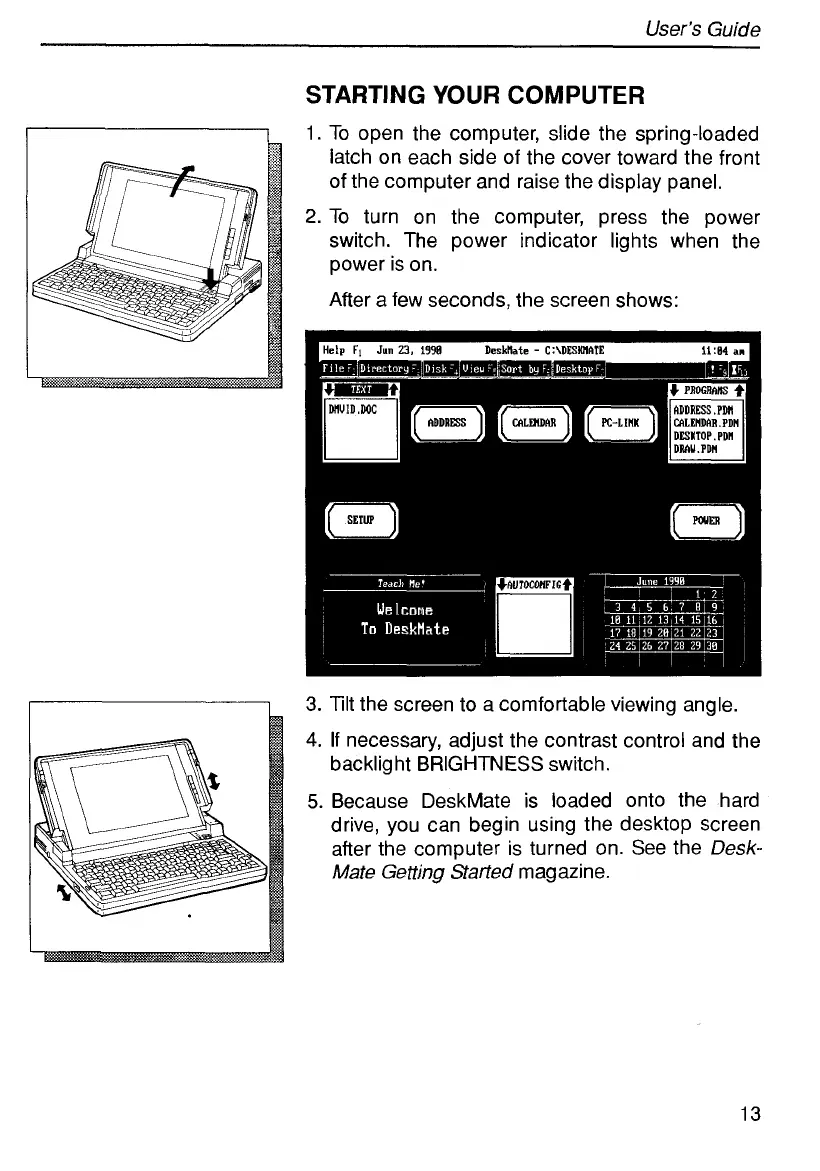
To open the computer, slide the spring-loaded
latch on each side of the cover toward the front
of the computer and raise the display panel.
2.
To
turn on the computer, press the power
switch. The power indicator lights when the
power is on.
After a few seconds, the screen shows:
3.
Tilt the screen to a comfortable viewing angle.
4.
If
necessary, adjust the contrast control and the
backlight BRIGHTNESS switch.
5.
Because DeskMate is loaded onto the hard
drive, you can begin using the desktop screen
after the computer is turned on. See the
Desk-
Mate
Getting
Started
magazine.
13



 To Next Page