1500
HD Laptop Computer
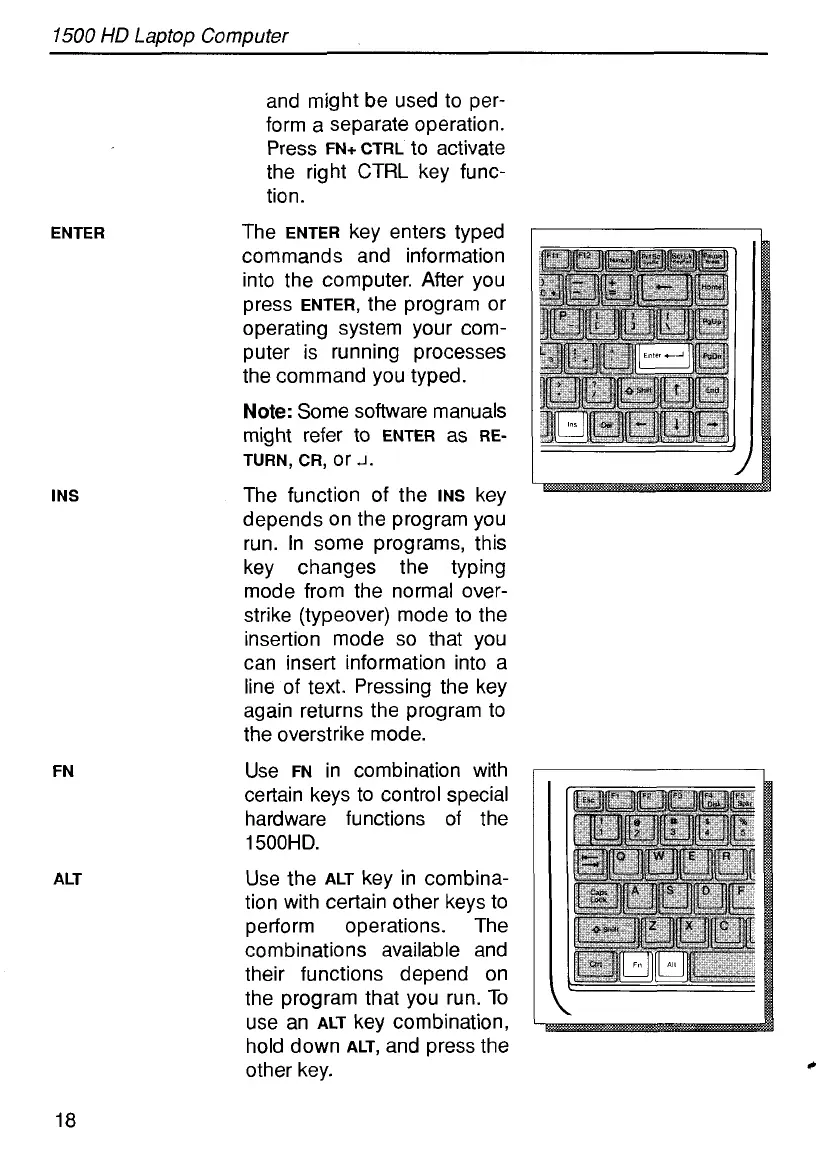
ENTER
INS
FN
ALT
and might be used to per-
form a separate operation.
Press
FN+ CTRL
to activate
the right
CTRL
key func-
tion.
The
ENTER
key enters typed
commands and information
into the computer. After you
press
ENTER,
the program
or
operating system your com-
puter is running processes
the command you typed.
Note:
Some software manuals
TURN,
CR,
or
J.
The function of the
INS
key
depends on the program you
run. In some programs, this
key changes the typing
mode from the normal over-
strike (typeover) mode to the
insertion mode
so
that you
can insert information into a
line of text. Pressing the key
again returns the program to
the overstrike mode.
Use
FN
in combination with
certain keys to control special
hardware functions of the
1500HD.
Use the
ALT
key in combina-
tion with certain other keys to
perform operations. The
combinations available and
their functions depend on
the program that you run. To
use an
ALT
key combination,
hold down
ALT,
and press the
other key.
might refer
t0
ENTER
as
RE-
c
18



 To Next Page