User’s
Guide
2.
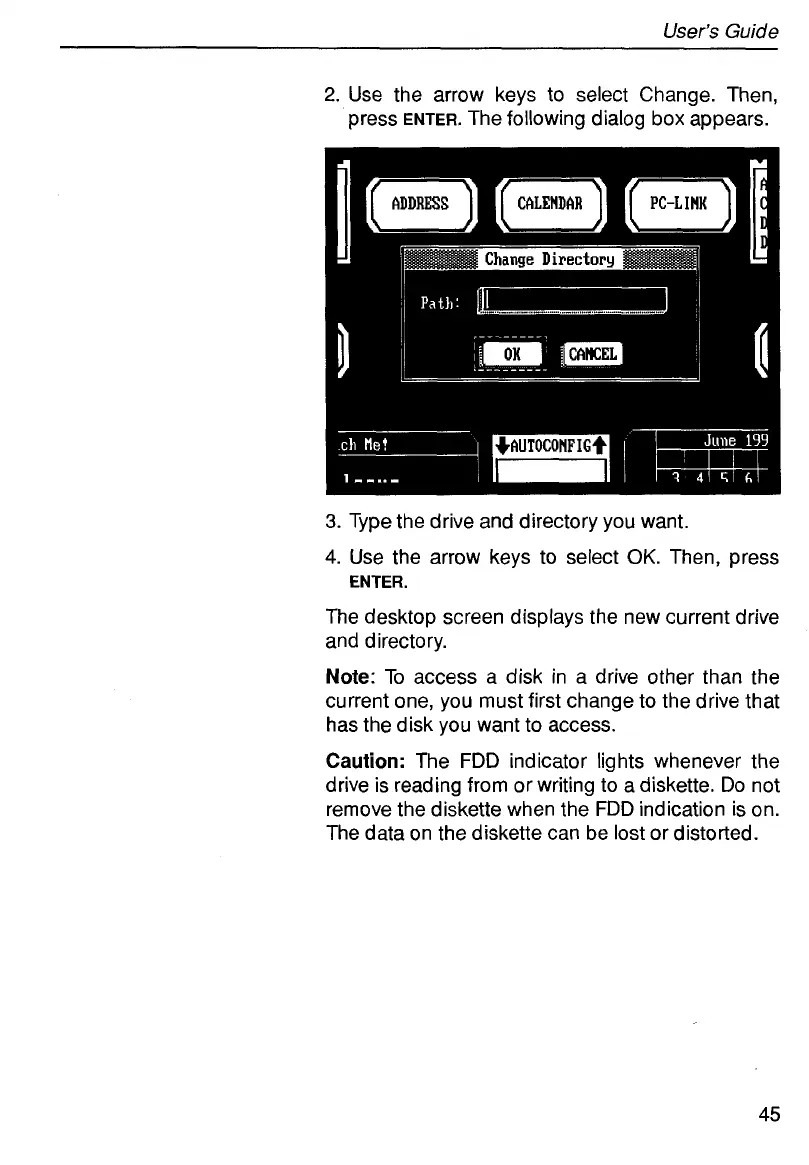
Use the arrow keys to select Change. Then,
press
ENTER.
The following dialog
box
appears.
3.
Type the drive and directory you want.
4.
Use the arrow keys to select
OK.
Then, press
The desktop screen displays the new current drive
and directory.
Note:
To access a disk in a drive other than the
current one, you must first change to the drive that
has the disk you want to access.
Caution:
The
FDD
indicator lights whenever the
drive is reading from or writing to a diskette.
Do
not
remove the diskette when the
FDD
indication is on.
The data on the diskette can be lost or distorted.
ENTER.
45



 To Next Page