User’s
Guide
1.
Press
~4
to select the Disk menu.
2.
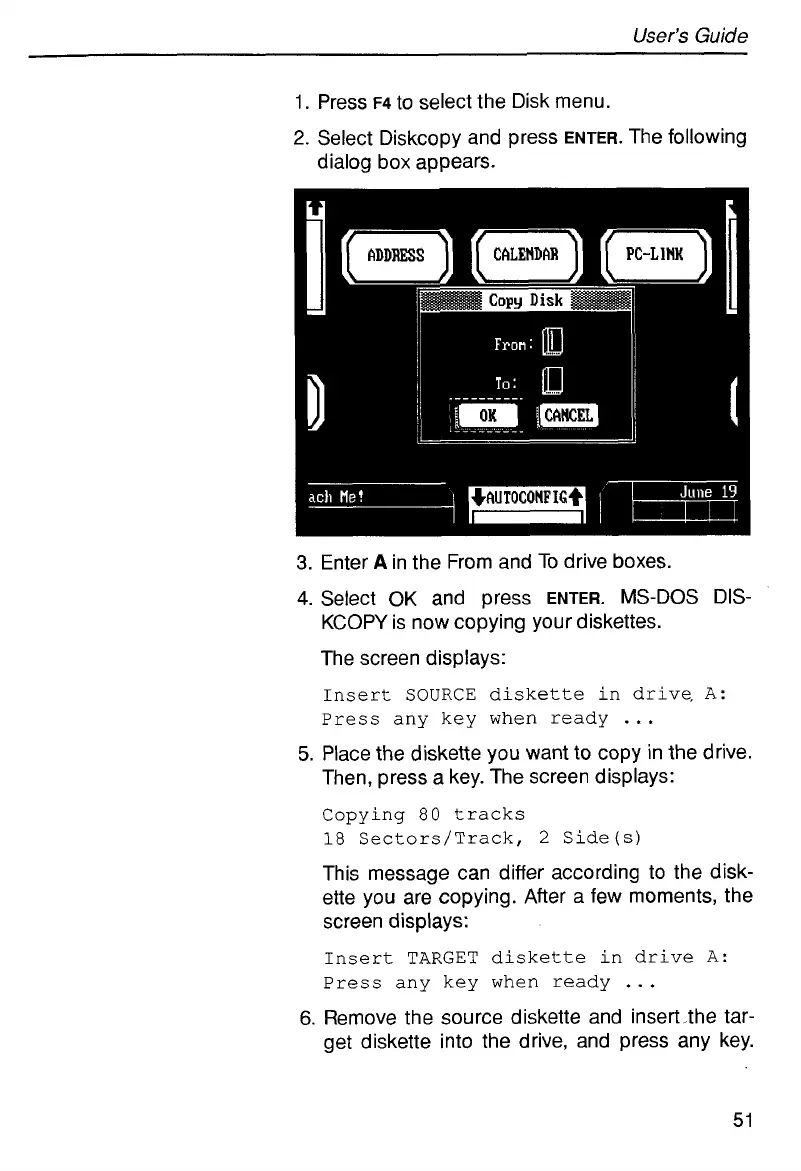
Select Diskcopy and press
ENTER.
The following
dialog box appears.
3.
Enter
A
in the From and To drive boxes.
4.
Select
OK
and press
ENTER.
MS-DOS
DIS-
KCOPY
is now copying your diskettes.
The screen displays:
Insert
SOURCE
diskette in
drive,
A:
Press any key
when
ready
...
5.
Place the diskette
you
want to copy in the drive.
Then, press a key. The screen displays:
Copying
80
tracks
18
Sectors/Track,
2
Side
(s)
This message can differ according to the disk-
ette you are copying. After a few moments, the
screen displays:
Insert
TARGET
diskette in
drive
A:
Press any key when ready
...
6.
Remove the source diskette and insert-the tar-
get diskette into the drive, and press any key.
51



 To Next Page