1500
HD
Laptop
Computer
~~
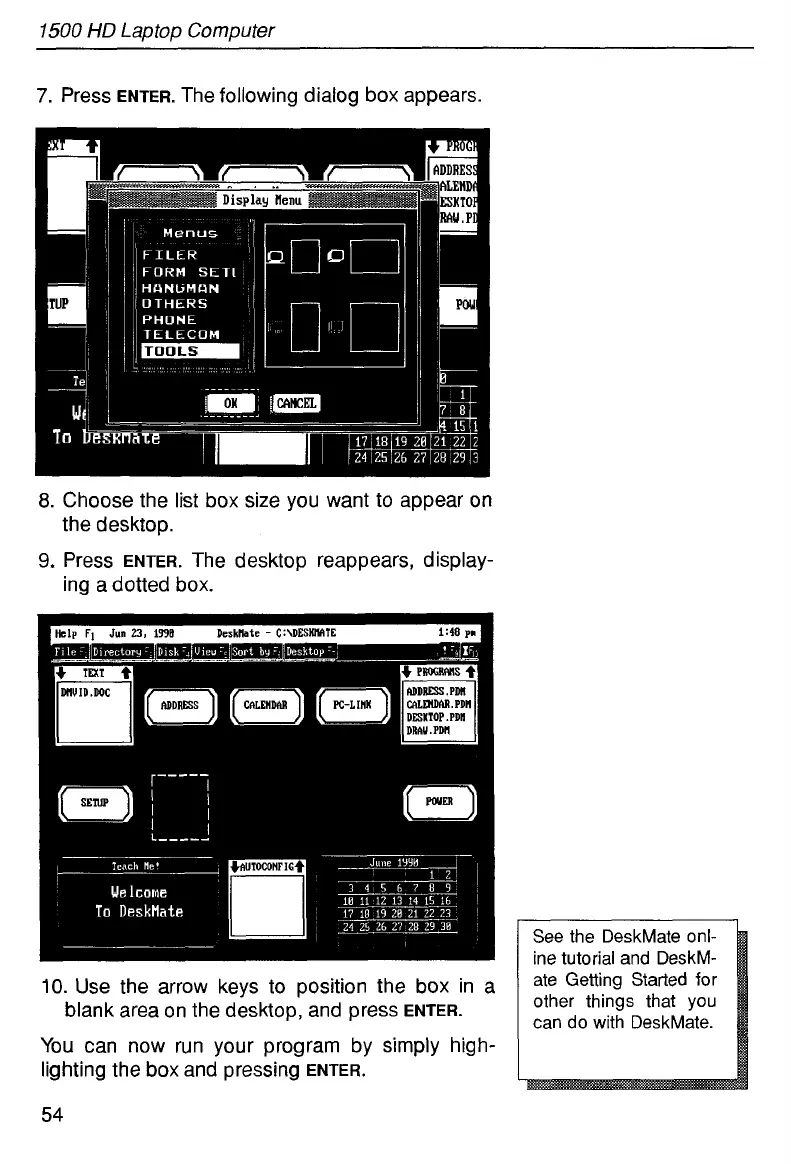
7.
Press
ENTER.
The following dialog box appears.
8.
Choose the list box size you want to appear on
9.
Press
ENTER.
The desktop reappears, display-
the desktop.
ing a dotted box.
Hch
FI
Jun
23.
139E
Deskllatc
-
C:\DESWTE
1:48
pi
1
See the DeskMate onl-
ine tutorial and DeskM-
other things that you
can do with DeskMate.
10.
Use the arrow keys to position the box in
a
blank area on the desktop, and press
ENTER.
You
can now run your program by simply high-
lighting the box and pressing
ENTER.
54



 To Next Page