Map Options
Navigation Device PNA-E3530 59
Navigation
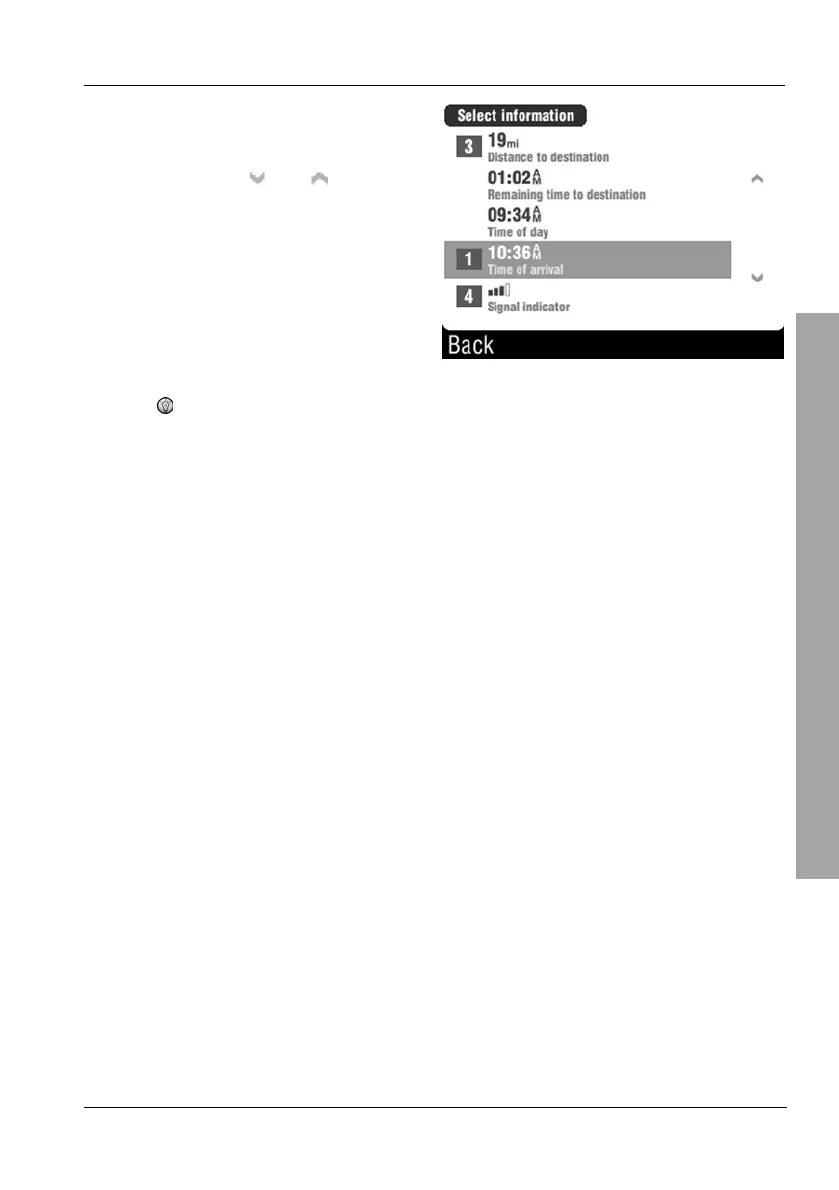
Tap the type of information to be
shown at the selected position.
You can use the
and buttons
to change the displayed page.
If a digit appears in front of an entry it represents the current
position on the display.
The following options are available:
Average speed
Current speed
Elevation
Length of route
Distance since start
Distance to destination
Remaining time to destination
Time of day
Time of arrival
Signal indicator



 To Next Page