Map Options
60 English
Navigation
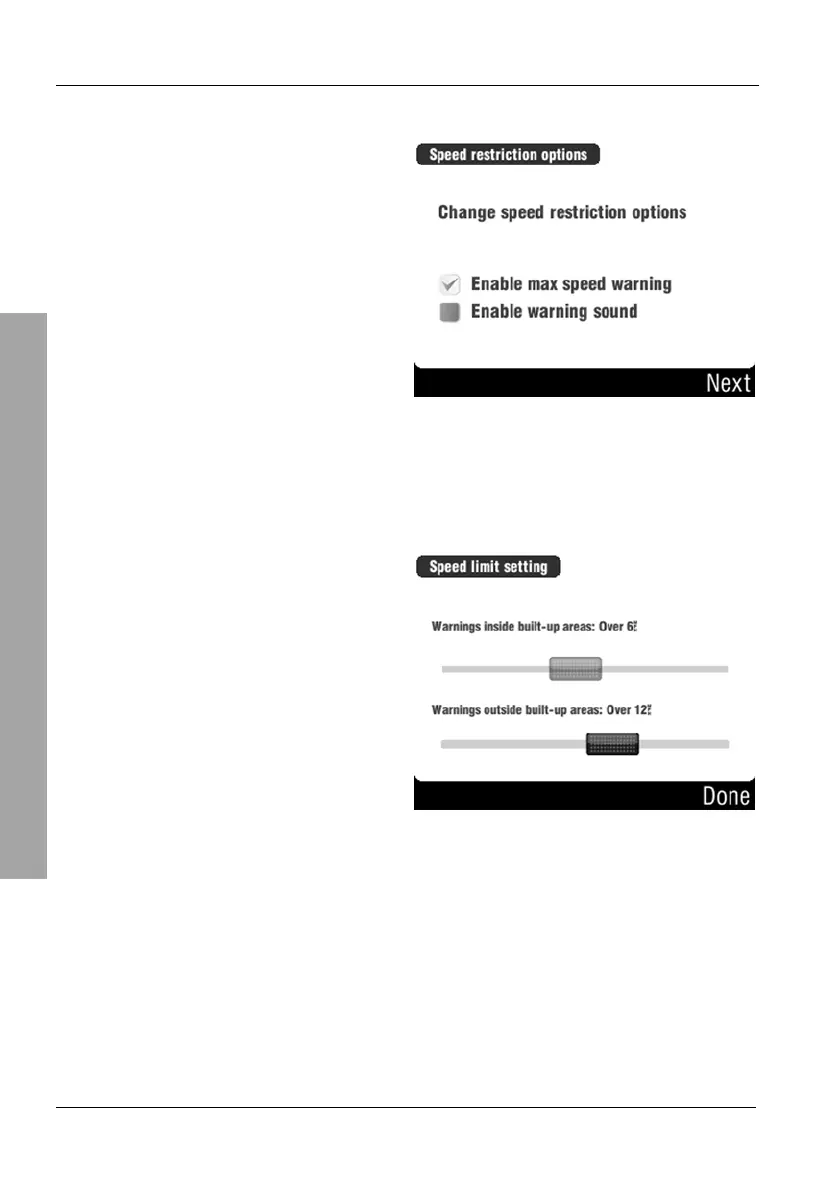
Change speed restriction options
Tap the Enable max speed
warning checkbox to enable the
warning.
Tap the checkbox in front of Enable
warning sound to output an
acoustic warning signal.
This window will appear only if the option Enable max speed warning has
been enabled.
Select a trigger value for the
warning in towns and outside towns
by adjusting the corresponding
sliders.
Then tap Done.



 To Next Page