Map Options
Navigation Device PNA-E3530 61
Navigation
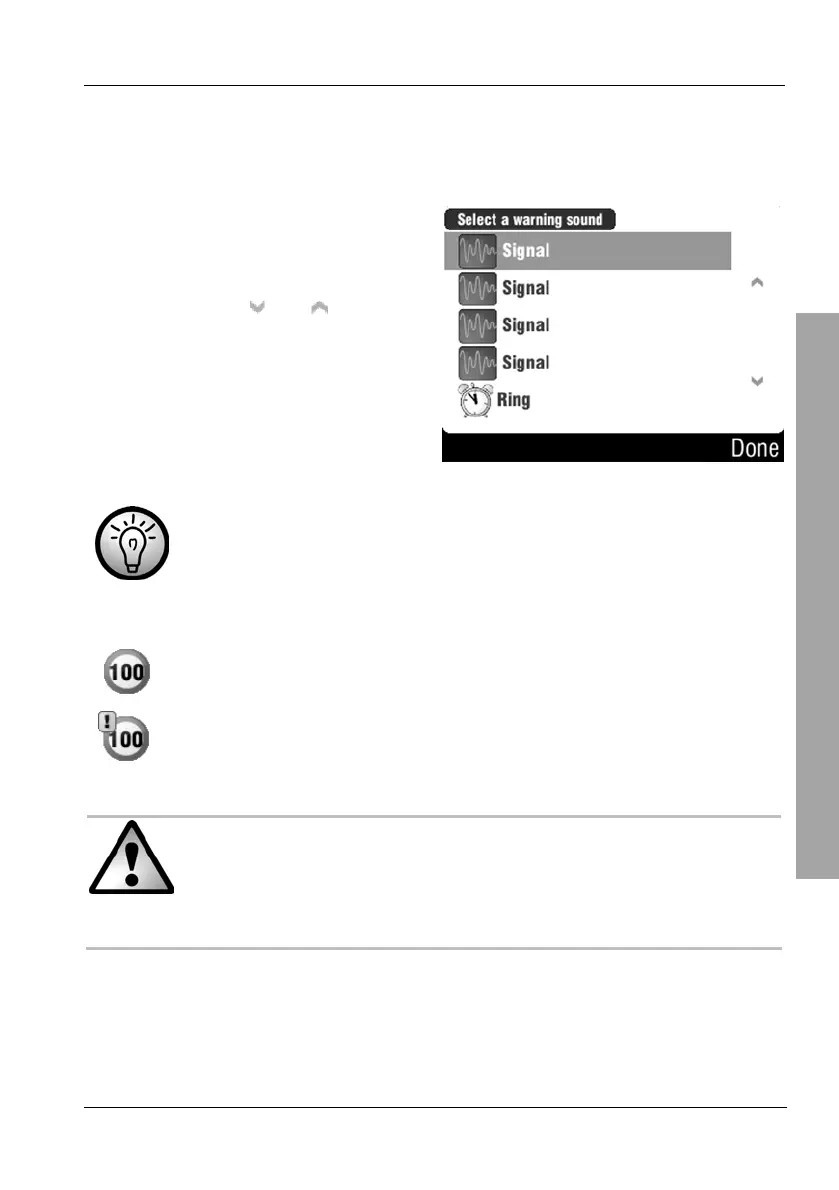
This window will appear only if the option Enable warning sound has been
enabled.
Select a warning sound by tapping
on it. A sound sample will be output
when selecting it.
You can use the
and buttons
to change the displayed page.
Then tap Done.
Not all roads support speed information. This information will be
principally available for motorways and national roads.
Display examples:
Shows the maximum speed
Shows that the maximum speed has been exceeded
The speed values are an extra support function but are not
guaranteed to be complete nor up-to-date.
The Road Traffic Act regulations and traffic signs always have
priority over the instructions of your navigation device.



 To Next Page