ATP Operator Instructions
[Step 7]
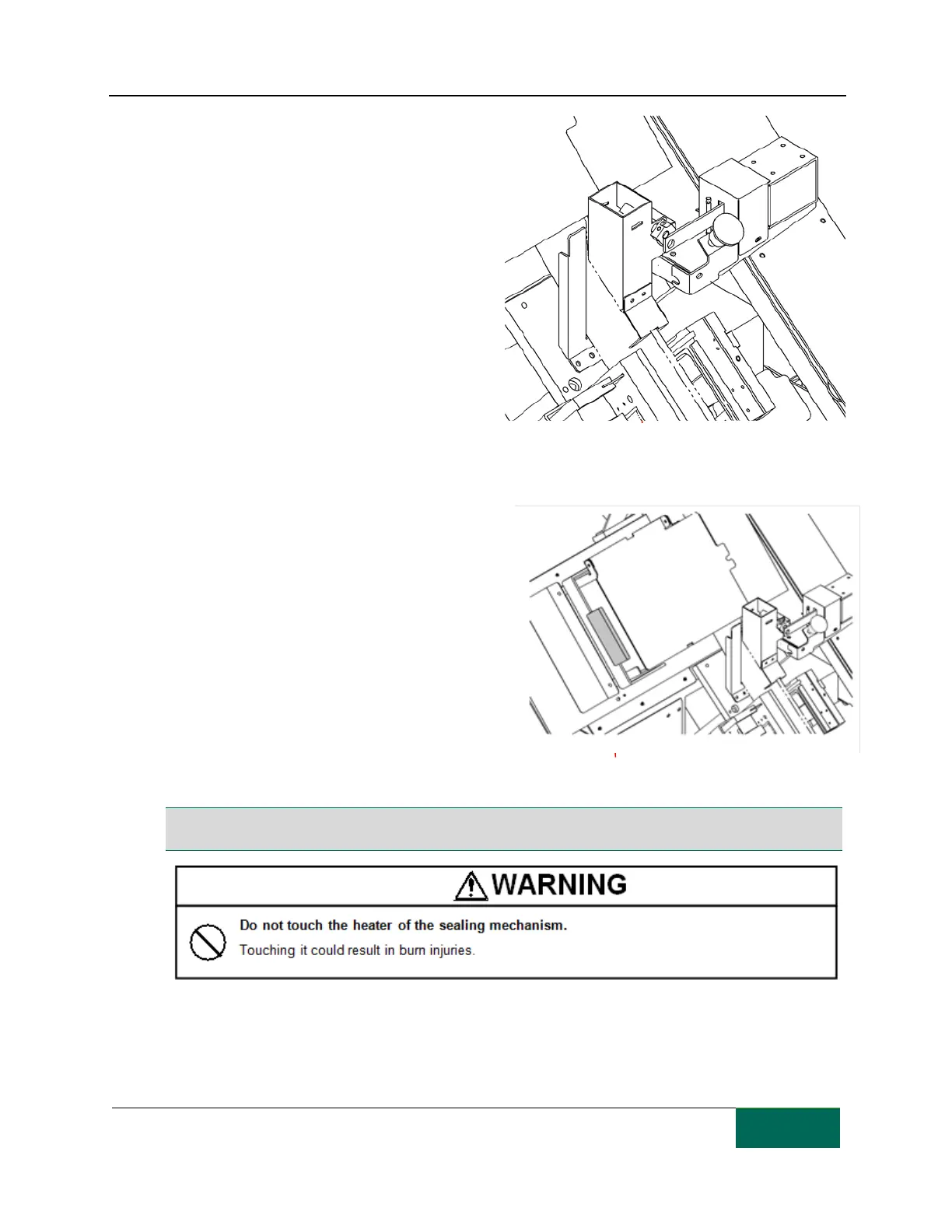
Return the opened shutter to its original
location.
[Step 8]
Close the opened printer.
Hold the printer lock lever and close it slowly.
Make sure that the printer lock lever is fully
locked. When the lever is not locked, a
“Printer alarm” will appear.
[Step 9]
Create test packages to check that the paper
was correctly installed.
Close the front door and press the FEED
button to perform test packaging. When one
medication has been packaged, check through
the small window in the front door that it has
been properly packaged. If medications are
correctly packaged, repeat the packaging test
two or three times.
Open the front door to check that the
packaging paper is properly fed by the
transfer conveyor. If it is, close the front door
and press the "CUT" button and check that
the packaging paper is ejected through the
paper exit (It will take about 10 seconds for
the packaging paper to reach the paper exit).
Note: Only use packaging paper purchased from TCGRx. Use of other paper may void the warranty or cause
machine failure.
Return the open shutter to its original
location.



 To Next Page