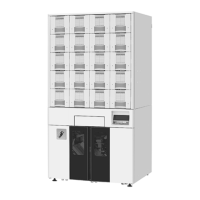
ATP Operator Instructions
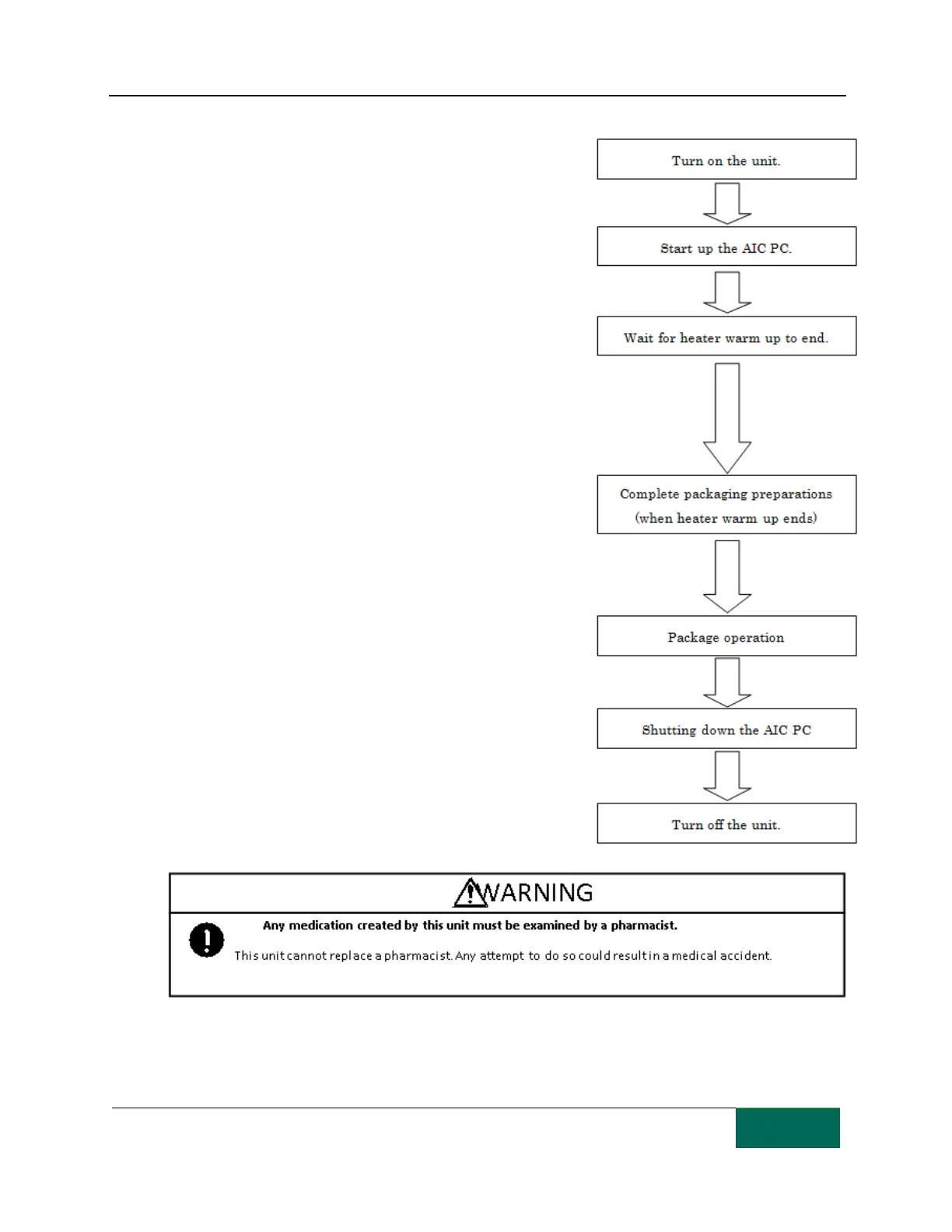
From Power on to Shutdown
[Step 1]
Turn on the power switch. On the Power switch, "I" indicates
power On, and "O" indicates power Off.
[Step 2]
Turn on the ATP computer (AIC PC) and start up the software for
controlling the ATP.
[Step 3]
Wait until the heater reaches the set temperature (about 160°C)
and heater warm up is complete.
(This will take about 10 minutes but depends on ambient
temperature and other environmental factors.)
The control panel and the computer software display “Heater
warming up" until the heater reaches the required temperature.
[Step 4]
When
“
Heater warm up
”
clears, the control panel and the TCGRx
computer display the
“
System ready
”
message. This means that
the ATP is ready to package.
[Step 5]
Follow the instructions regarding prescription input and
packaging operations in the software manual for TCGRx
computer.
[Step 6]
Exit the ATP software and shut down the computer. During the
shutdown process, the TC drawers automatically lock.
[Step 7]
Turn off the unit power switch to shut down the ATP unit.



 To Next Page