ATP Operator Instructions
How to Clean the UTC Tray
[Step 1]
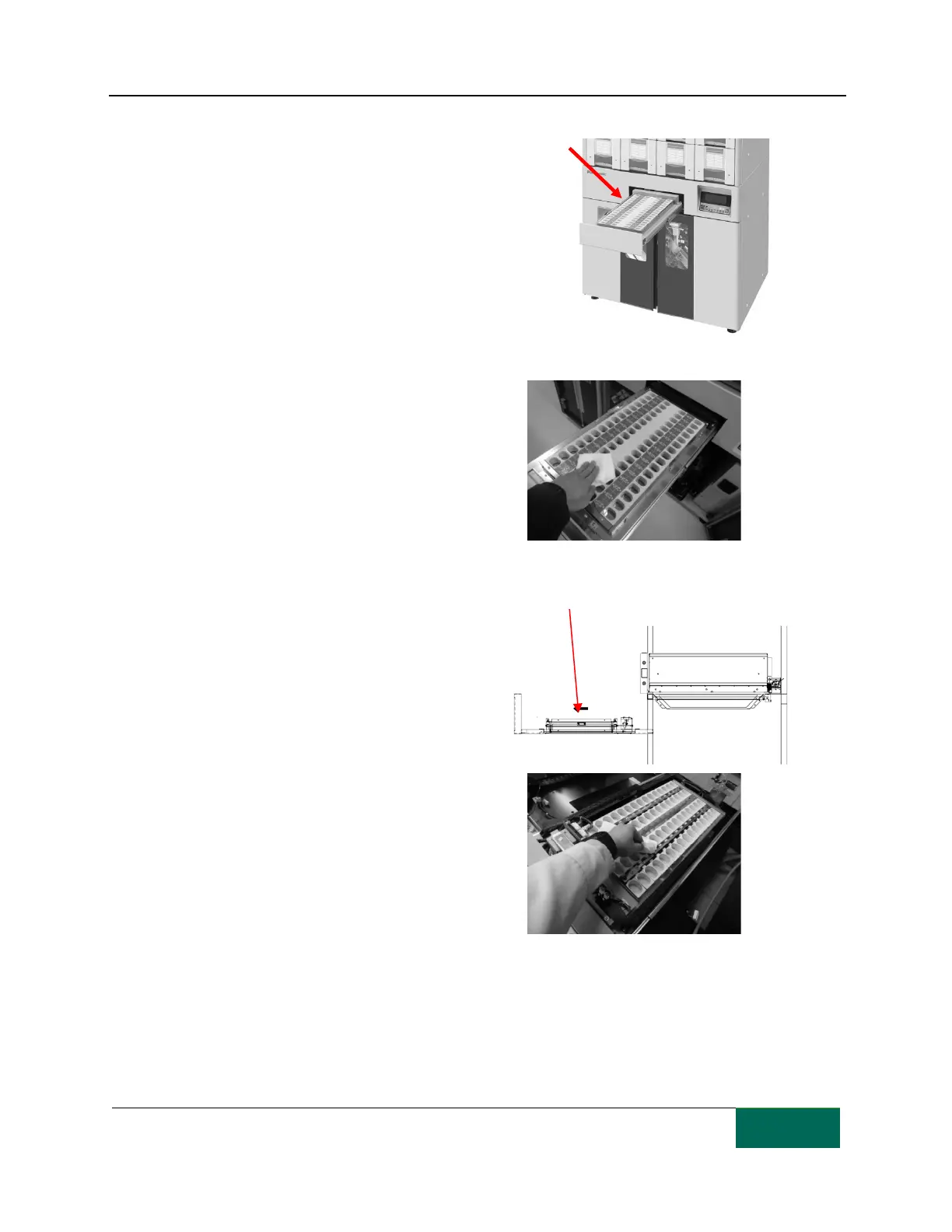
The
UTC tray is normally
automatically locked. Use the UTC
unlock instruction on the PC or press
the TRAY OPEN button on the control
panel to release the UTC tray lock.
[Step 2]
Be sure to turn the Power switch Off before
you start cleaning. Wipe off pill dust from the
upper UTC tray and the cells.
[Step 3]
The primary shutter base is pulled out
after pulling out the UTC tray.
Completely remove the upper UTC
tray and wipe off pill dust in the lower
UTC tray and in the cells.



 To Next Page