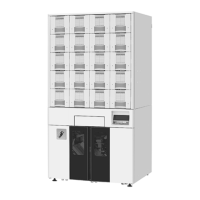
ATP Operator Instructions
Chapter 8 | TROUBLESHOOTING
Refer to the following troubleshooting guide before calling for service to report a problem.
Automatic Tablet Packager (ATP)
1.
Check if the unit is properly supplied with power
2.
Check if the control panel is properly displayed when the unit is powered up.
3.
Check if the button functions normally.
4.
Check if the packaging paper mechanism is making unusual noises or operating abnormally.
5.
Verify the paper path is correct.
Tablet Canister
1.
Verify the correct medication is in the canister.
2.
Check if the tablet canisters are correctly installed in the drawer. Verify the tablet canisters are properly
seated.
3.
Check if the pill detecting sensor in the motor base needs cleaning.
TCGRx Computer
1.
Check that there is power to the computer.
2.
If a dispensing error occurs, make a note of what appears on the computer screen.
3.
Try to recall what you were doing when the problem occurred.
4.
Check if the keyboard keys function normally.
5.
Check what the control panel displays. Check if an alarm is displayed.
6.
Restart the computer and see if this fixes the problem.
7.
Check if the button functions normally.



 To Next Page