ATP Operator Instructions
Chapter 6 | OPERATING METHOD
Checking System Conditions
[Step 1]
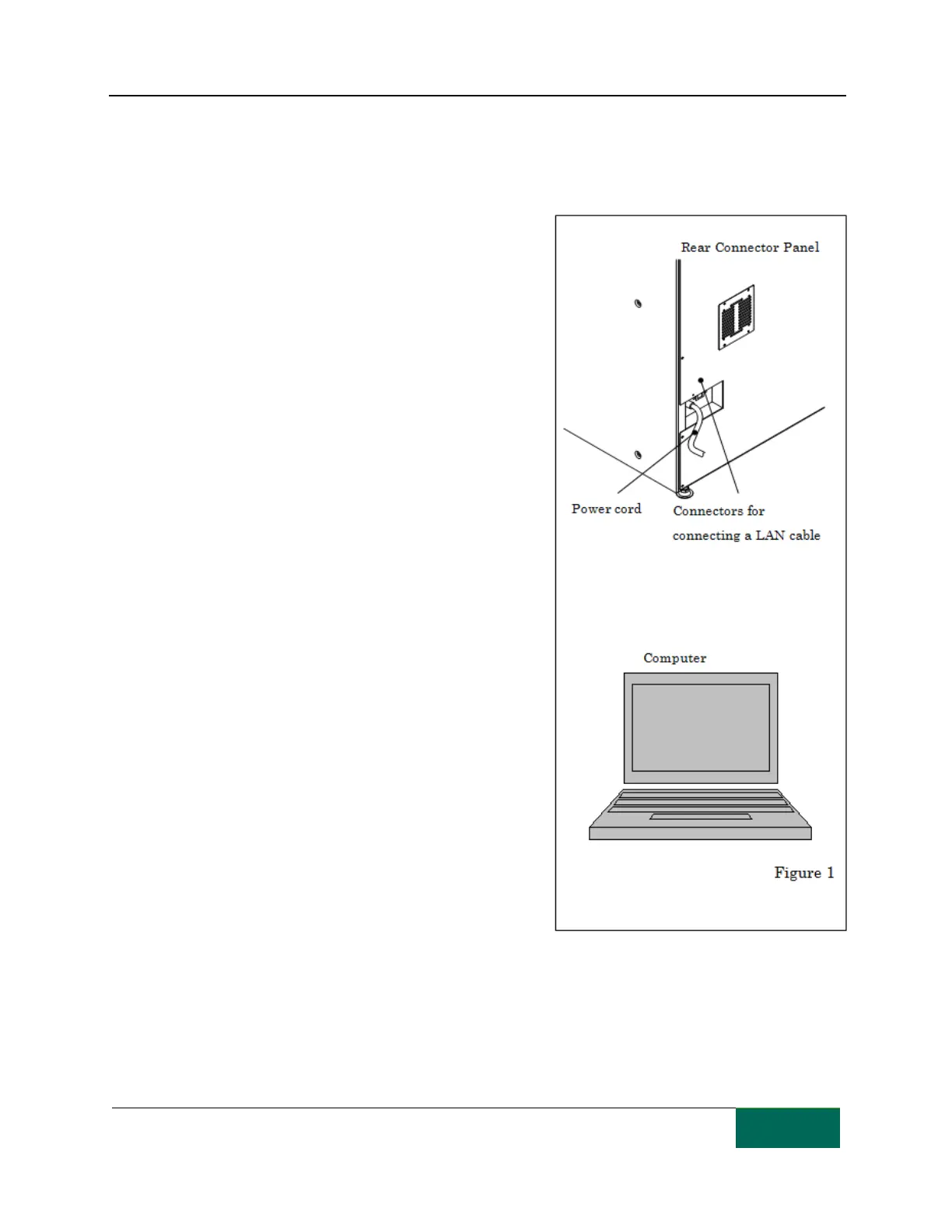
Connect the power cord plug to a wall outlet
[Step 2]
Connect the LAN cable to the TCGRx computer.
[Step 3]
Install the software for controlling the ATP on the TCGRx
computer.
[Step 4]
Make sure that all packaging preparations such as
checking tablet canister positions, packaging paper, and
ribbon replenishment and cutter blade have been
completed.
[Step 5]
Connect the required peripheral equipment to the TCGRx
computer.



 To Next Page