ATP Operator Instructions
W
(W is the name of the
hopper.)
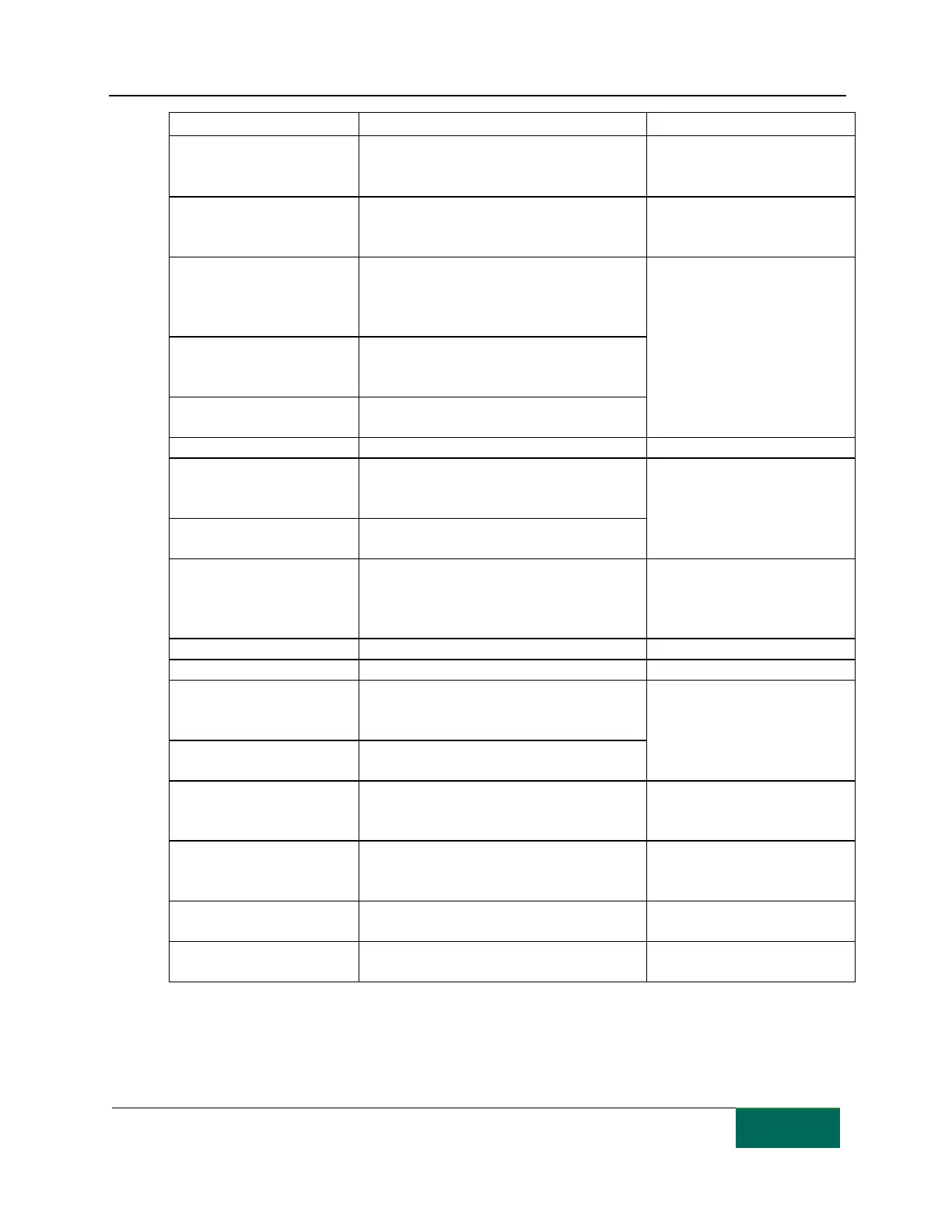
The hopper has not been properly installed.
(The hopper has been pulled out.)
correct position and press the
“Start” button.
An intermediate drawer is
open.
An intermediate drawer has not been properly
installed. (A drawer has been pulled out.)
drawer to the correct position
and press the “Start” button.
(XXX indicates a canister
number)
More than the specified number of pills were
detected.
(1) Clean the tablet canister and
the motor base.
(2) Call for service if there is no
recovery.
(XXX indicates a canister
number.)
Contains medication from location other than
the specified location.
(XXX indicates a TC number.)
A pill detecting sensor error has occurred.
The UTC tray is not rotating properly.
Shutter malfunction 1 left Z
Shutter malfunction 1 right Z
(Z is the letter of the alarm.)
Primary shutter (right or left) has started to
malfunction.
(1) Press the “Start” button.
(2) Call for service if there is no
recovery.
(Z is the letter of the alarm.)
The shutter of the packaging mechanism is not
operating normally.
A sealer malfunction has occurred.
(1) Make sure the front door is
properly closed.
(2) Call for service if there is no
recovery.
AC power is not properly supplied.
24 DC V power is not properly supplied.
Communications with the PC are not working
normally.
(1) Press the “Start” button.
(2) Call for service if there is no
recovery.
TC communication error 2
Communications inside the unit are not
working normally.
The printer head replacement period is
approaching and printing quality is gradually
deteriorating.
Make a visual check of print
quality and call for service.
The specified TC is in the wrong location.
Follow the guide on the LCD
display to place the TC at the
specified location.
(Z is the letter of the alarm)
A UTC shutter malfunction has been detected.
The heater is warming up.
Press the “Start” button to clear
the preheat mode.



 To Next Page