ENGLISH
31
3
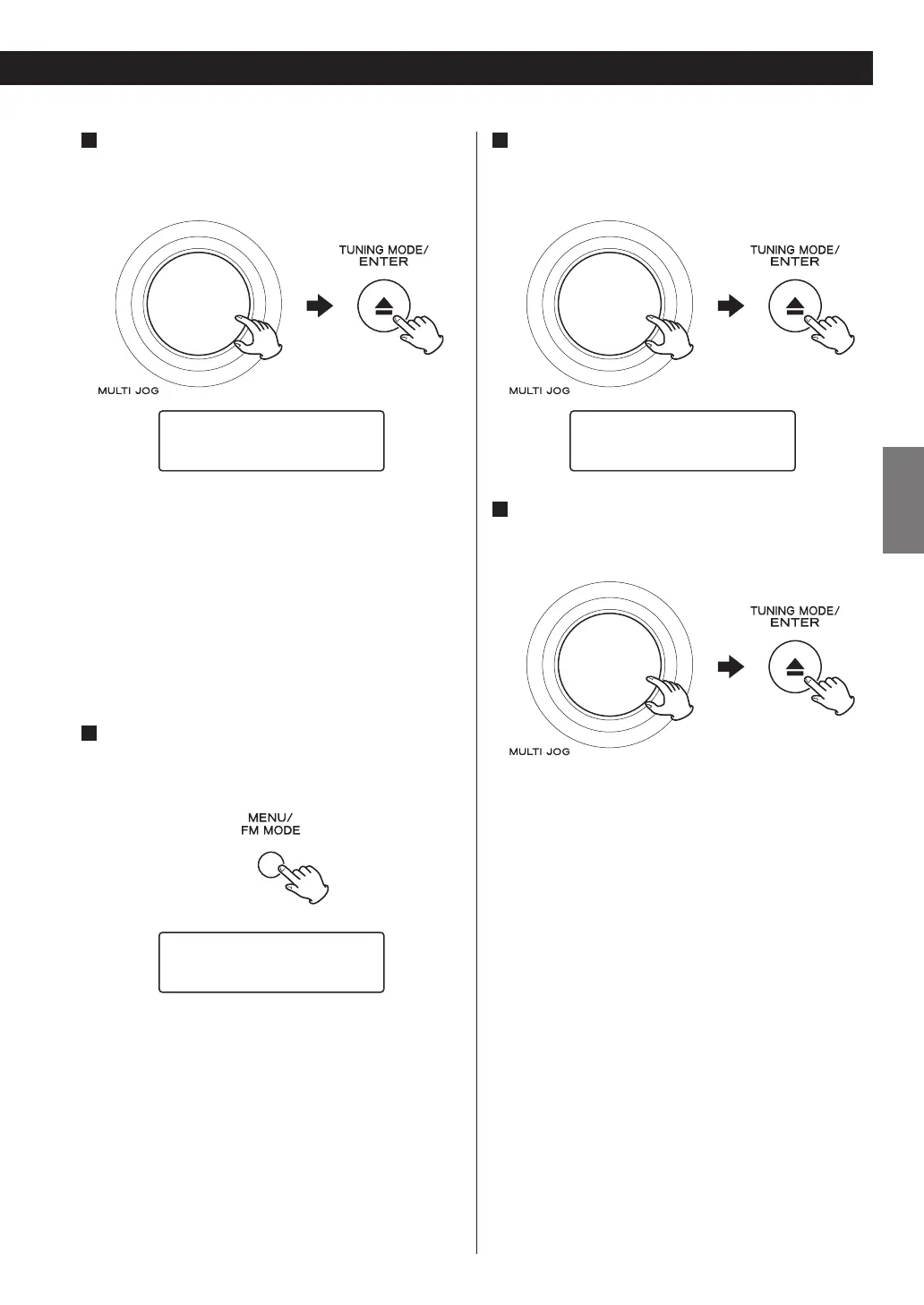
Select the channel you want to tune in.
Turn the MULTI JOG knob to select the item, and then
press the ENTER button.
BBC Radio 5 Live
BBC National DAB
If you tune into a vacant frequency, “No service” will
be displayed.
Preset Tune
Use this to select the DAB preset station.
< See page 36 for the procedure of presetting DAB
stations.
1
Open the DAB menu.
Press the MENU button while DAB is selected as the
source.
›Station List
Local Scan
2
Select “Preset Tune”.
Turn the MULTI JOG knob to select the item, and then
press the ENTER button.
Manual Tune
›Preset Tune
3
Select the desired preset station.
Turn the MULTI JOG knob to select the item, and then
press the ENTER button.


 To Next Page