ENGLISH
33
2
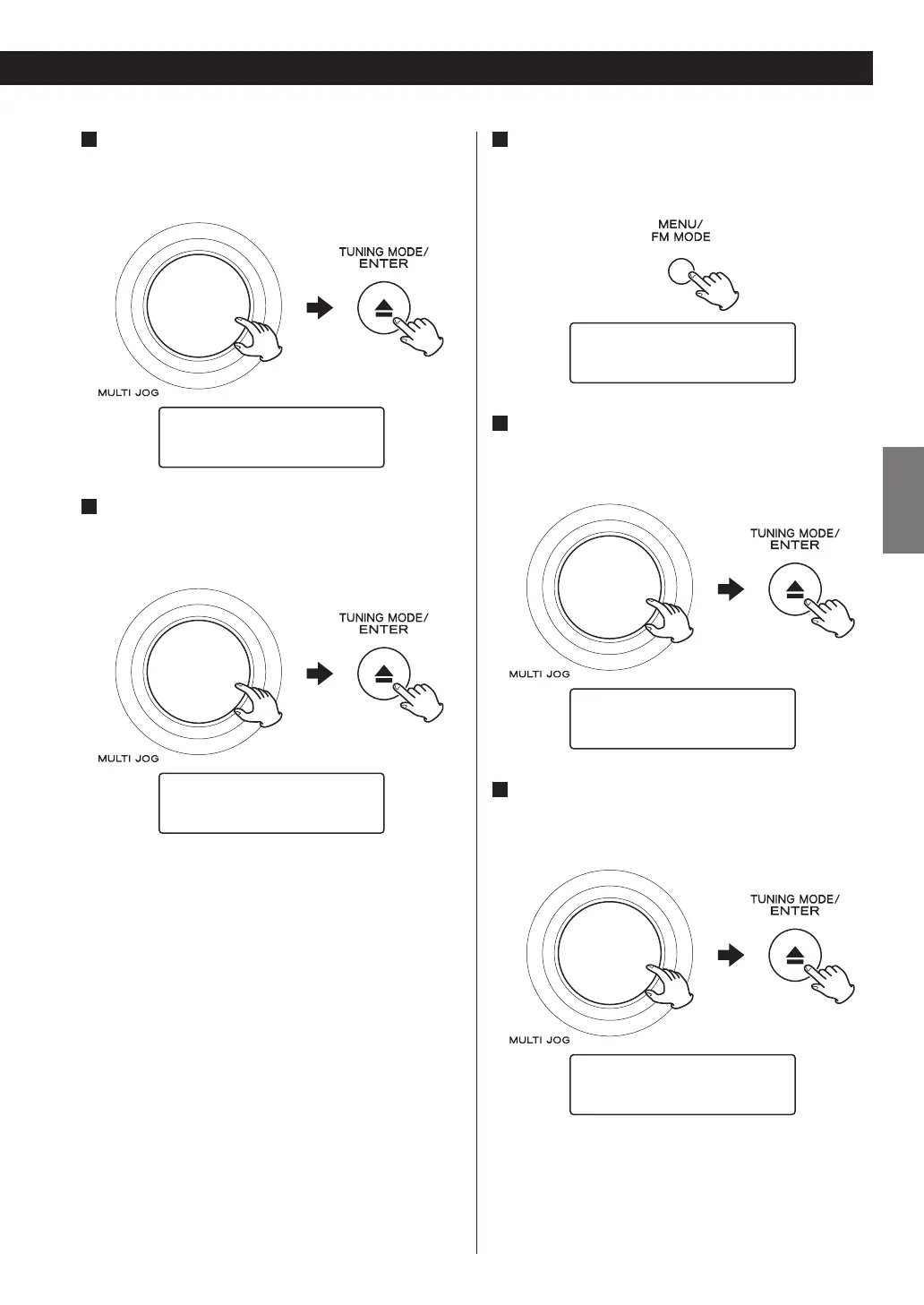
Select “Station Order”.
Turn the MULTI JOG knob to select the item, and then
press the ENTER button.
DRC
›Station Order
3
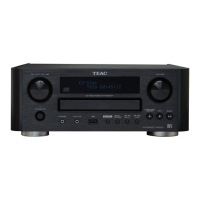
Select the desired option.
Turn the MULTI JOG knob to select the item, and then
press the ENTER button.
Alphanumeric *
›Ensemble
Alphanumeric
This is the default order. Channels are listed by name
with numbers first and then alphabetically by letters
in the channel name.
Ensemble
Channels are listed by ensemble name.
Valid
This option will list active stations at the top of the
channel list, and channels that are in the list but have
no service in your area at the end.
< Current setting is marked with “*”.
Main Menu
You can initialize the setting of DAB tuner and confirm
the version of the DAB tuner.
1
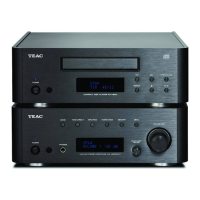
Open the DAB menu.
Press the MENU button while DAB is selected as the
source.
›Station List
Local Scan
2
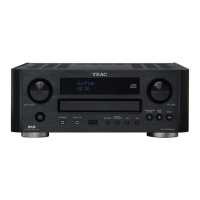
Select “Main Menu”.
Turn the MULTI JOG knob to select the item, and then
press the ENTER button.
Station Order
›Main Menu
3
Select the desired option.
Turn the MULTI JOG knob to select the item, and then
press the ENTER button.
System Setup
›Info
System Setup
To initialize the setting of the DAB tuner, select this.
Info
Displays the version of the software of the DAB tuner.


 To Next Page