ENGLISH
45
4
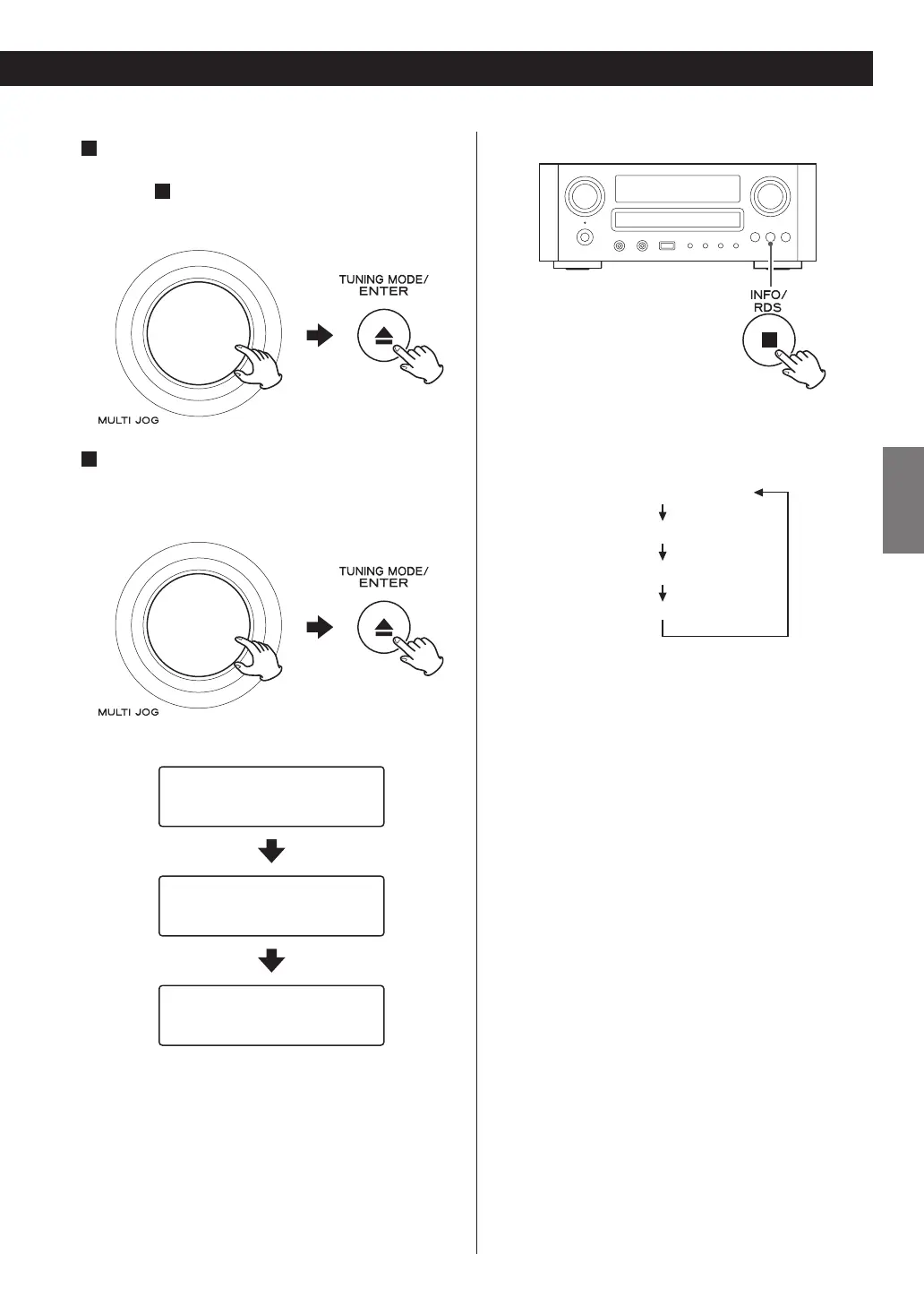
If you have selected “Location”, “Genre”
“Podcasts By Location”, or “Podcasts By Genre”,
in step
3
, search for the channel you want.
Turn the MULTI JOG knob to select the item, and then
press the ENTER button.
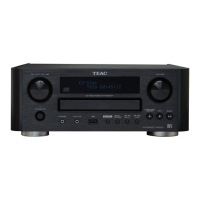
5
Select a station or a Podcast you want to listen
to.
Turn the MULTI JOG knob to select the item, and then
press the ENTER button.
,QWHUQHW5DGLR
,QWHUQHW5DGLR
,QWHUQHW5DGLR
03
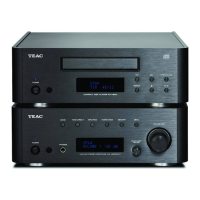
Changing the displayed information
Each time the INFO button is pressed, information on
the second line of the display changes.
Station
Track
Album
Elapsed time and File Format
< The types of information displayed may vary
depending on the stations/Podcasts.


 To Next Page