– 41 –
EO1-11097
0: Non-taxable
1: Tax 1 (Tax 1 taxable)
2: Tax 2 (Tax 2 taxable)
3: Tax 3 (Tax 3 taxable)
4: Tax 4 (Tax 4 taxable)
(More than one code can be
entered for combining Tax1 to
Tax4 taxable status. For
example, enter 12 to select
Tax1 and Tax2 taxable status.)
ADDITIONAL NOTES
If a PLU is linked to an Other Income Department, the PLU is automatically set as Other Income
PLU.
Amount Limits (High Amount, Low Amount) of each open-price PLU will be determined by those of
its link department.
Address No. Description of Programming Contents
--
Continued
--
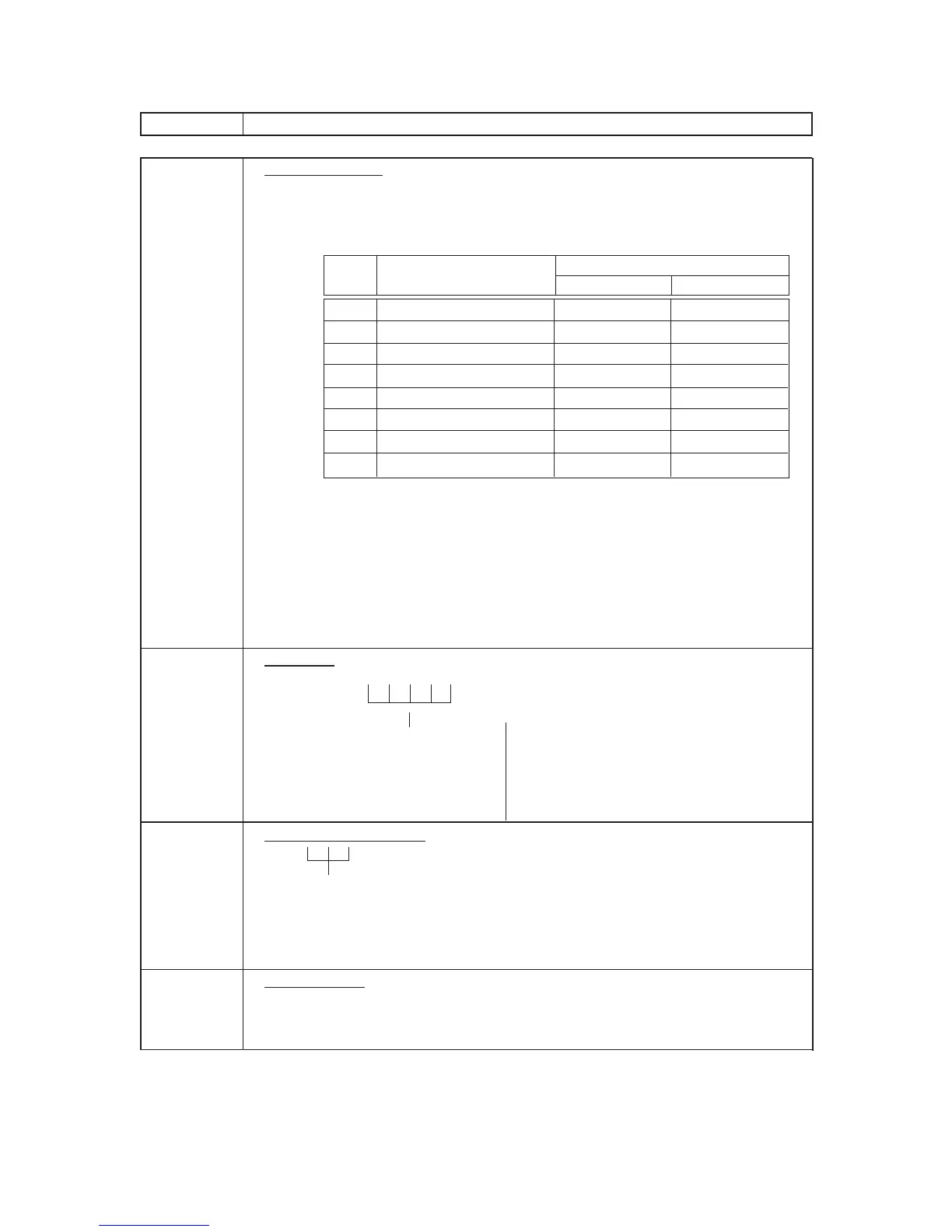
4 Status 1 Selection
• Enter the Status Codes 2 to 8 whose status must be set to ON side. More
than one code may be entered. Enter 0 When none of the statuses should
be set to ON.
Status Item Selective Status
Code OFF ON
1 -- vacant --
2 Net to S.I. 1? No Yes
3 Net to S.I. 2? No Yes
4 Food Stamp (or GST) Status? No Yes
5 -- vacant --
6 -- vacant --
7 Lock or Unlock Unlock (in use) Lock (not in use)
8 Set Menu No Yes
NOTES:
• Net to S.I. 1,2 … Refer to the section of PRESET RATE SETTING FOR
SELECTIVE ITEMIZERS near the end of this chapter.
Setting Examples:
To set only Status 2 to ON … Enter 2 [#]
To set Statuses 2,3,8 to ON … Enter 238 [#]
To set none of statuses to ON … Enter 0 [#]
6 Tax Status
• Enter one-to four-digit Status Codes for applicable Add-on Tax.
[#]
8 Whole Package Quantity (for Split Package Pricing PLUs)
[#]
Enter the whole package quantity in max. 2 digits (1 to 99), or enter 0 to
cancel the Split Package Pricing status.
NOTE: • When the option “Preset Point for one decimal digit” is selected, this
setting is not allowed to any PLUs.
9 PLU Group No. (for purposes of reports)
• Enter a 2-digit code (1 to 99) as a PLU Group No. to which the PLU
belongs, and depress [#]. To cancel the Group No. once set, enter 0 and
depress [#].









 To Next Page