- 65 -
EO1-11097
1
2
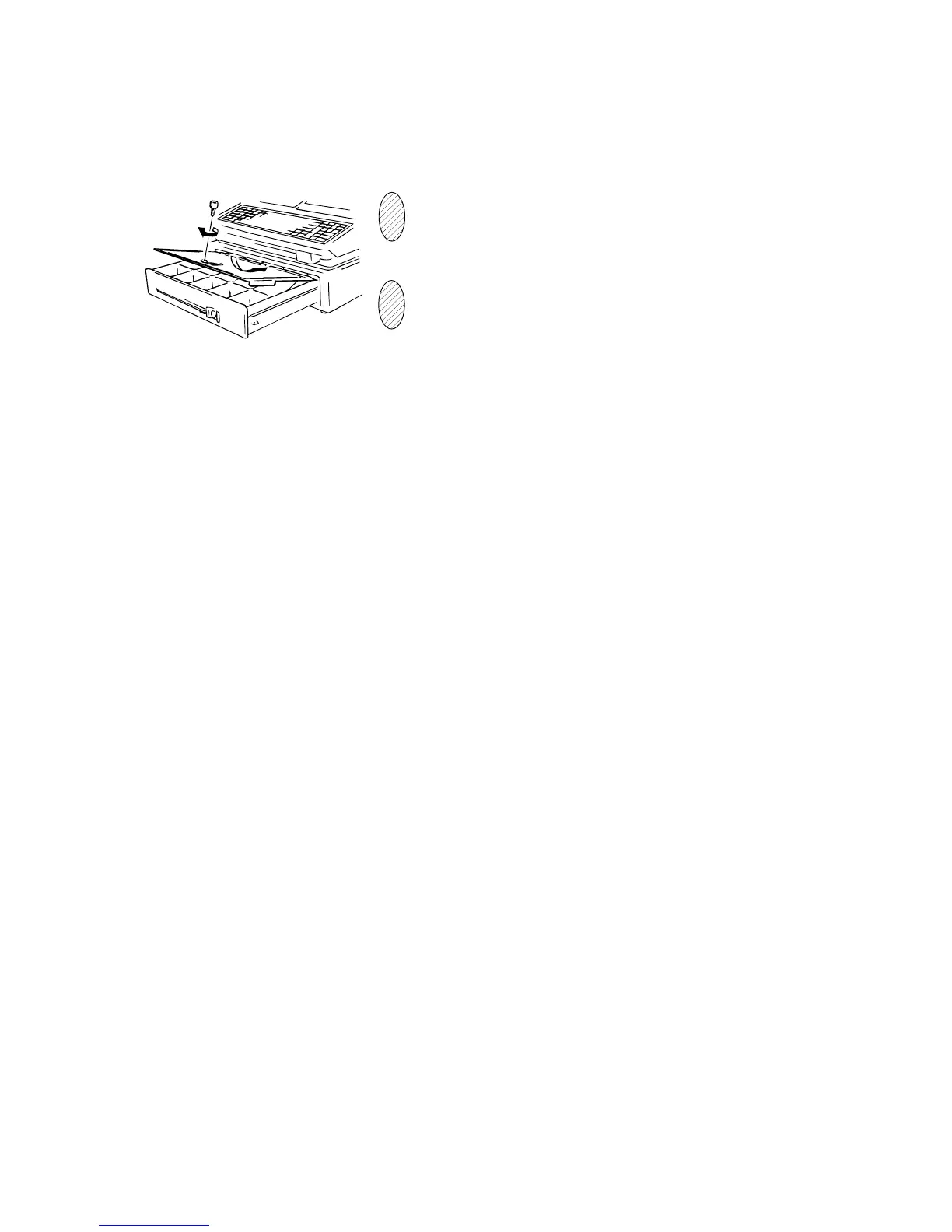
Fig. 4
CDC (Cash Drawer Cover; Option) Lock
Locking (Fig.4)
Push the Cash Drawer Cover to the back of the drawer.
Press the cover lightly, insert the key into the key hole on
the cover, and turn it to lock.
Unlock the cover using the key, and lift the front end.
Unlocking









 To Next Page