16
Notes:
● For storing SSB frequencies, please use the manual storing method (see page 15).
● Auto scan tunes the frequency band in the direction of the last used tuning direction (upwards/downwards).
If you need to change the direction, stop the auto scan, rotate the main tuning knob in your preferred
direction and then restart auto scan.
● When storing an MW (AM) frequency into memory pages 01-24, it will be stored in all other pages that
belong to the same time period, as indicated in Table 2 on page 14. These time periods are used in AP
mode when recalling frequencies (see also pages 21-23).
● When storing an SW frequency into memory pages 01-24, it will be recalled in AP mode during the
corresponding time period, as indicated in Table 2 on page 14.
Auto Tuning Storage (ATS)
Automatically tune into and store FM, LW, MW, SW and AIR frequencies.
Operation for FM, MW/LW and AIR:
1) Select the frequency band.
2) Use the [ PAGE ] or [ PAGE ] button to select an (empty) memory page.
3) Quick press the [ VF/VM ] (SCAN) button .
4) Press and hold the corresponding band button ([ FM ], [ MW/LW ] or [ AIR ]) until “ PRESET ” flashes and
the frequency starts running.
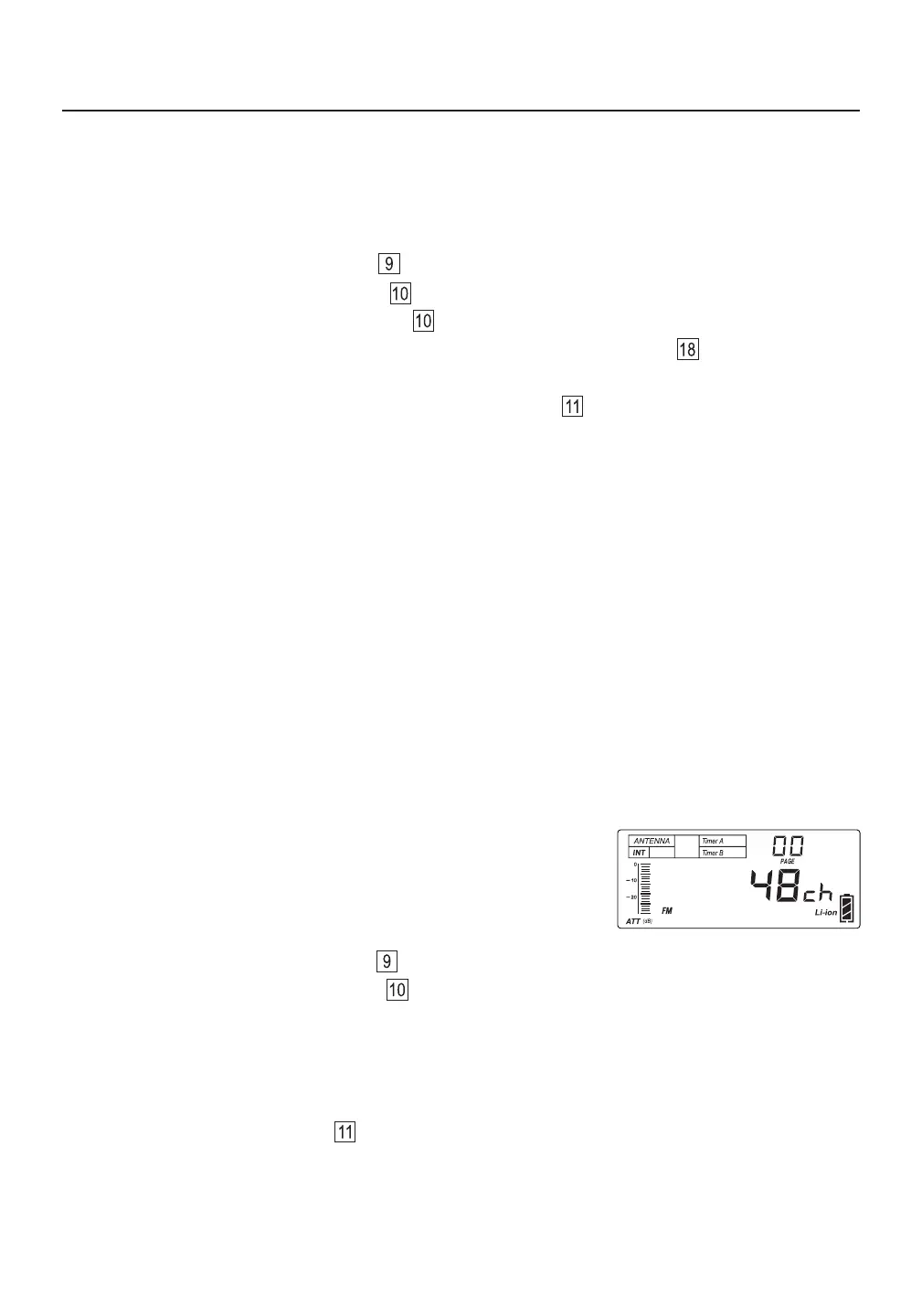
5) After ATS is completed and frequencies were stored, the frequency band, memory page and the number of
stored frequencies will be displayed, as shown in the figure. To stop the ATS process before it has finished,
gently rotate the main tuning knob .
Storing Frequencies During Auto Scan
You can tune a frequency band with auto scan and then upon finding something of interest decide to store it
into memory.
1) Select the frequency band.
2) Use the [ PAGE ] or [ PAGE ] button to select a memory page.
3) Quick press the [ VF/VM ] (SCAN) button .
4) Press and hold the [ VF/VM ] (SCAN) button . The device scans the frequency band for available stations.
5) When a station of your liking is found, quick press the memory [ M ] button twice ; the device
continues to scan for the next available station.
6) To stop the auto scan feature, gently rotate the main tuning knob .



 To Next Page