28
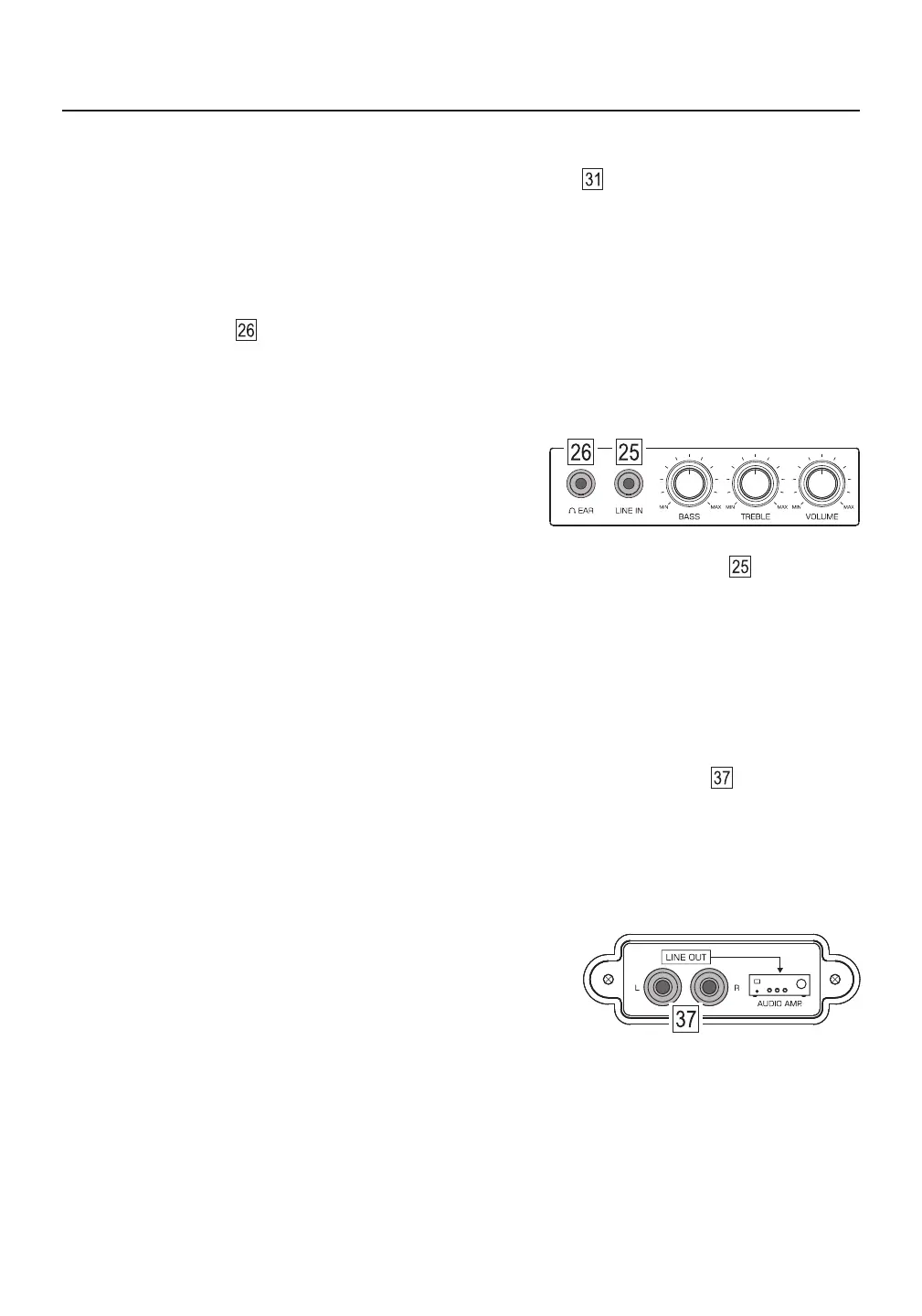
AUDIO INPUT (LINE IN)
The audio input socket is located on the lower left front of the radio and is labeled LINE IN . You can use
this device as an active speaker for an external audio source. Use a stereo audio cable with a Φ3.5 mm
(1/8 inch) plug to connect the [ LINE IN ] socket to the audio output socket of the source. Adjust the volume,
treble and bass with the knobs of this device. The built-in speaker output is mono and the headphone output
is stereo.
ALARM SNOOZE FUNCTION
When the alarm sounds, quick press the [ DISPLAY/SNOOZE ] button to temporarily turn off the alarm.
The alarm will go off again after 5 minutes. To disable this feature while still snoozing, quick press the red
[ POWER ] button.
Warning: Lower the volume before plugging in your headphones. To avoid hearing damage, do not use
headphones for long periods of time or at high volumes.
USING HEADPHONES
The headphone socket is located on the lower left front of the radio and is labeled EAR. Plug in
headphones (32-300Ω) using a Φ3.5 mm (1/8 inch) stereo plug.
AUDIO OUTPUT (LINE OUT)
The audio output sockets are located at the rear of the radio and are labeled LINE OUT . You can use this
device as a radio tuner for your home audio system.
Note: The treble and bass controls on this device are disabled while
feeding audio through the [ LINE OUT ] socket.
1) Use a stereo audio cable to connect the [ LINE OUT ] L (left channel) and R (right channel) sockets of this
device to the stereo audio input of the power amplifier.
2) ower on this device the v level power .L the volume to a minimum ( olume is controlled by the amplifier)



 To Next Page