24
SQUELCH CONTROL
Using the squelch control knob may reduce or suppress background noise w (LW)hen listening to longwave ,
(MW), (SW) and airband. Turn the [ SQUELCH ] knob clockwise to increase the medium wave shortwave
squelch level, turn it counterclockwise to lower the squelch level.
Tip: If the squelch level is adjusted too high, weak radio signals will be missed. Turn off the squelch control
function completely by turning the [ SQUELCH ] knob fully counterclockwise until the knob makes a “click”
sound.
RF GAIN CONTROL
When listening to longwave (LW), medium wave (MW) or shortwave (SW) radio,
use the RF Gain control knob [ RF GAIN ] to adjust the gain for signals of different
strengths and obtain the best reception.
Automatic gain control: Turn the knob counterclockwise until it makes a “click” sound, ●
indicating that the gain control is AUTO.set to
Manual gain control: Turn the knob clockwise to reduce gain, counterclockwise to ●
increase gain. Using it manually may improve the rejection of interference from
adjacent frequencies that may interfere, especially on shortwave.
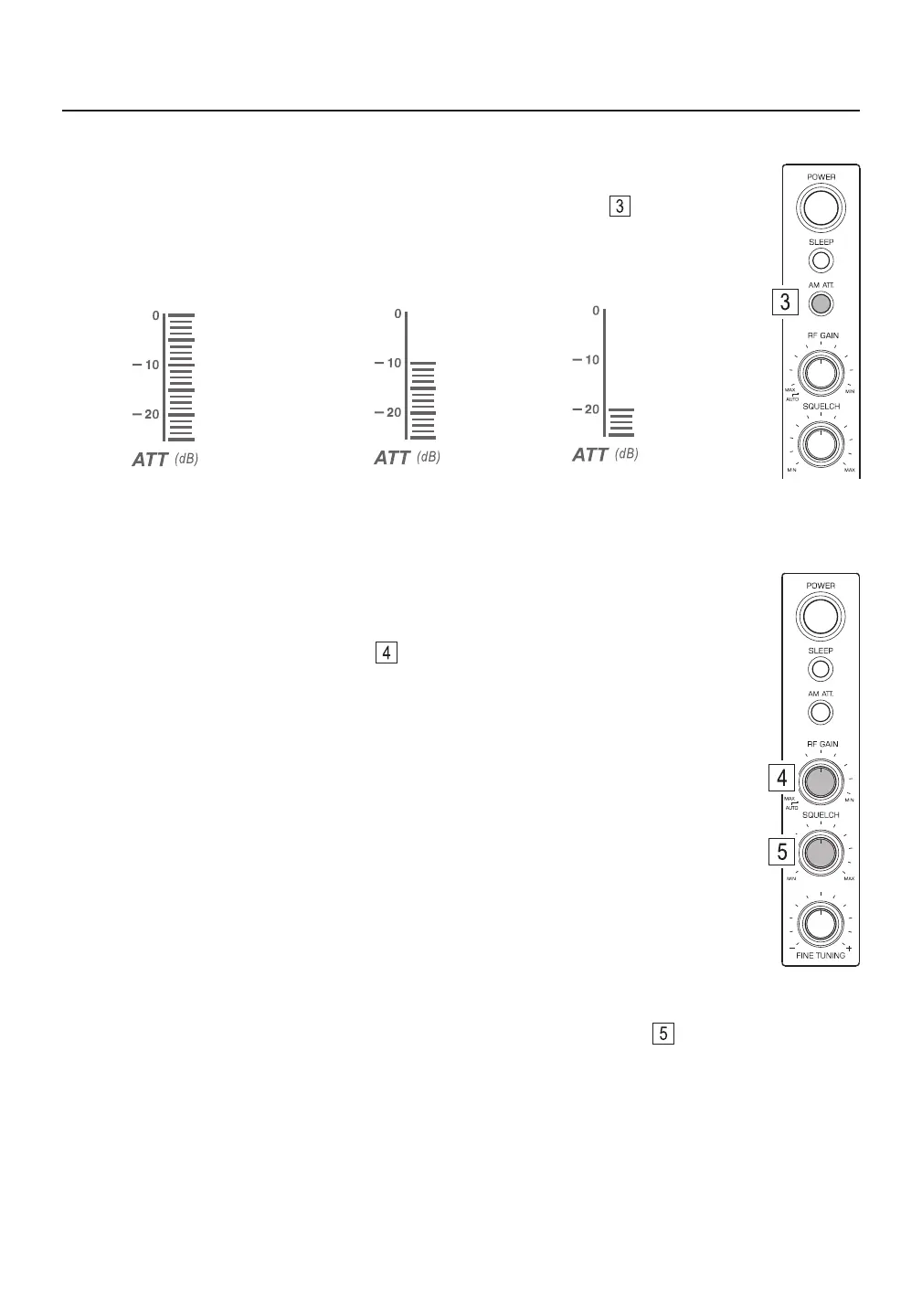
no signal attenuation
10dB signal attenuation
20dB signal attenuation
ANTENNA SIGNAL ATTENUATION
When listening to longwave (LW), medium wave (MW) or shortwave (SW) radio and
experiencing strong signal overloading, quick press the [ AM ATT. ] button to attenuate
the input signal by -10dB, -20dB or 0dB (no attenuation). Experiment with this control to see
how it works best with the signals that you listen to.



 To Next Page