19
LISTENING TO STORED FREQUENCIES (VM MODE)
VM mode
Recalling Stored Frequencies Manually
1) Select the frequency band (FM, LW, MW, SW, AIR) or mode (SSB).
2) Quick press [ PAGE ] or [ PAGE ] to automatically enter VM mode and select a memory page (for
AIR and SSB, only page 00 is available ). If the display shows “ ”, the selected memory page has no
stored stations and the device remains in VF mode.
3) Rotate the main tuning knob to select a memory, or use the numeric keys to directly enter the preset
station number followed by a quick press of the [ ] button to confirm.
Notes:
If the selected page does not contain any stored frequencies, the device will automatically return to ●
VF mode.
If you find yourself in pages 01-24 and wish to return to page 00, press and hold the [ P0 ] (PAGE ) button.●
If the display shows “- - - -” after entering a preset station number with the numeric keys, this indicates●
that there is no stored frequency at that location.
Recalling Stored Frequencies by Scanning a Memory Page
This device can auto scan a memory page, staying on each stored frequency for about 5 seconds.
1) Select the frequency band (FM, LW, MW, SW, AIR) or mode (SSB).
2) Quick press [ PAGE ] or [ PAGE ] to automatically enter VM mode and select a memory page (for
AIR and SSB, only page 00 is available). If the display shows “ ”, the selected memory page has no
stored stations and the device remains in VF mode.
3) Press and hold the [ VF/VM ] (SCAN) button until “ PRESET ” flashes in the upper right corner of the
display. The device scans all stored frequencies within the selected memory page.
4) To stop scanning, quick press any button except [ DEL. ] and [ M ] .
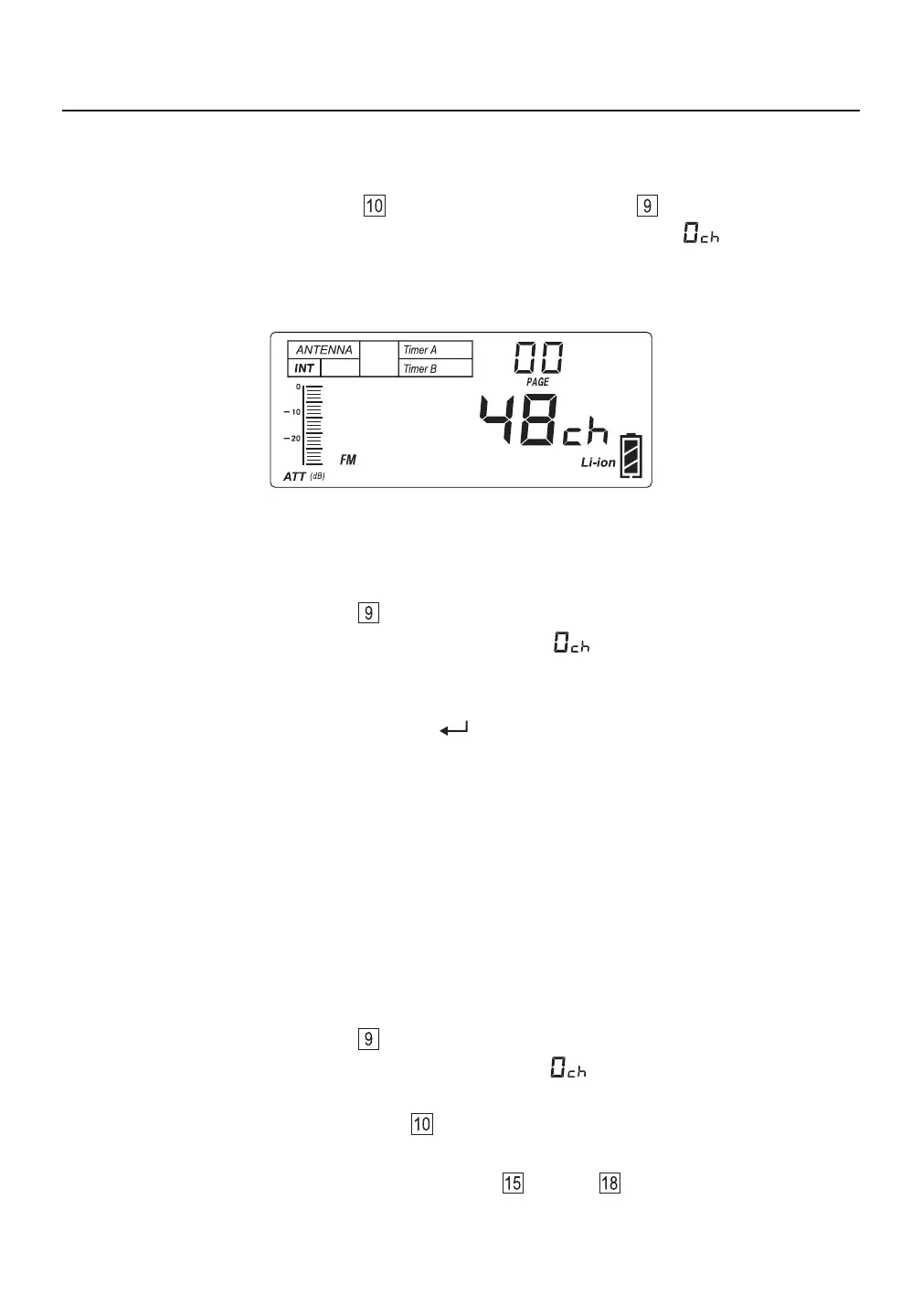
Recalling frequencies that have been stored into memory is done in the VM (memory) mode. You can enter
the memory using the [ VF/VM ] (SCAN) , [ PAGE ] or [ PAGE ] button . If no frequencies have
been stored for th ” and the device e selected frequency band and memory page, the display shows “
is in the VF mode. If there are stored frequencies, the display shows how many. For example, in the
figure below, the display indicates that 48 FM frequencies are stored in memory page 00.



 To Next Page