MATRIX
®
430
GUIDANCEJOB DATA CONFIGURATION INTRODUCTIONCONSOLE
3
98-05332-EN R4
INTRODUCTION
Keyboard Entry Screens
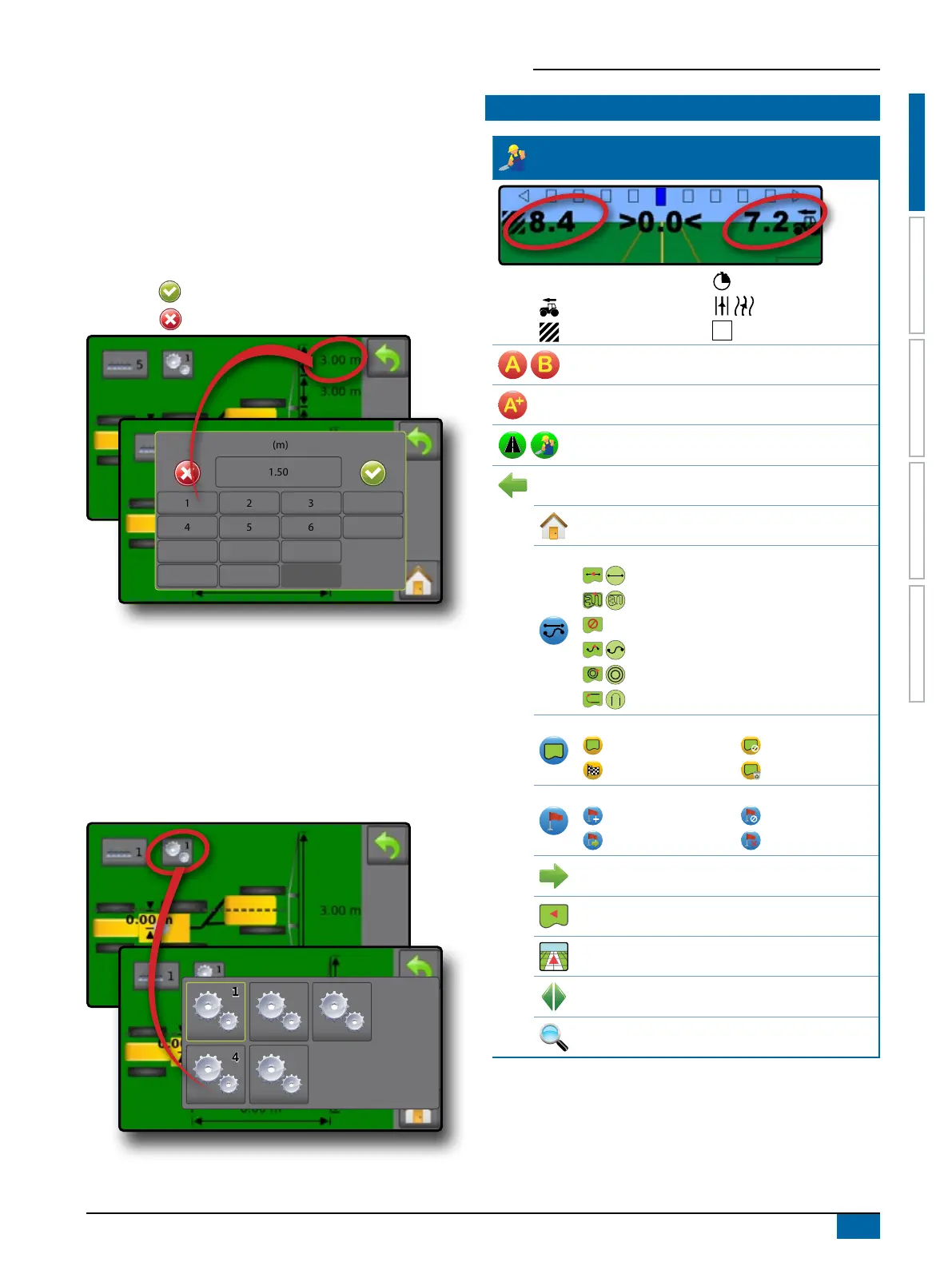
Some screens offer keyboard entry. Press the current selection to
access the keyboard. Use the numeric keypad to enter a value.
To change a value:
3. Press CURRENT VALUE.
3. Use the numeric keypad to enter a new value.
4. Select from:
X Accept
– to save the settings
X Cancel
– to leave the keypad without saving
(m)
1 2 3
1.50
Clear
4 5 6 <--
7 8 9
0 . +/-
Options Menus
Press the current selection to access options. Select an
appropriate option, or use a next page arrow to access additional
options. To close the list without changing the current option,
select the current option.
To change a value:
1. Press CURRENT VALUE.
2. Select an appropriate option.
3322
55
11
44
ICON REFERENCE
Guidance
Selectable Information
Speed
Total Applied Area
Application Time
Swath Number
Show nothing
Mark A , Mark B
A+ Nudge Feature
Transport Mode / Work Mode
Navigation and Guidance Options tab
Home
Guidance Modes
Straight AB guidance
Last pass guidance
No guidance
Curved AB guidance
Circle pivot guidance
NextRow guidance
Application Boundary
Start
Finish
Cancel
Delete
Return to Point
Mark
Go to point
Cancel
Delete
Close Options
Field View
Vehicle View
Pan
Zoom In/Out



 To Next Page