MATRIX
®
430
GUIDANCE JOB DATACONFIGURATIONINTRODUCTION
22
www.teejet.com
CONSOLE
CHAPTER 5 – CONSOLE
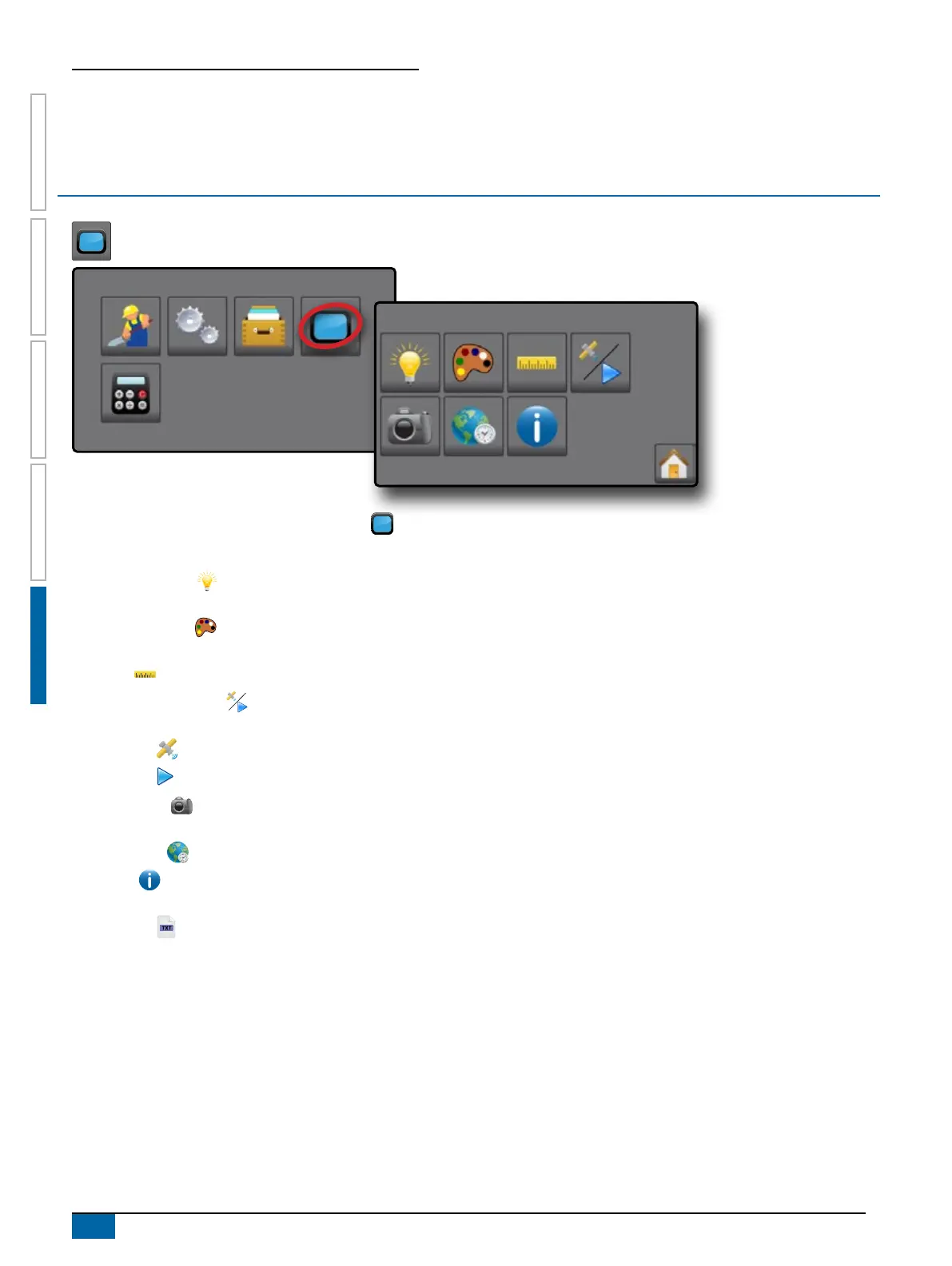
The Console setup is used to congure the display and cultural settings.
1. From the Home screen, press CONSOLE button .
2. Select from:
X LCD Brightness
– used to adjust the brightness of the
console display
X Colour Scheme
– used to change the background and
text colours on the display
X Units
– used to dene the system measurements
X Demonstration Mode
– used to start playback of
simulated GNSS data
W GNSS
– press to use real GNSS signals
W Demo
– press to start demonstration GNSS
X Screenshot
– used to allow screen captures to be saved
to a USB drive
X Time Zone
– used to establish the local time zone
X About
– used to display the system software version.
W To help troubleshoot problems in the eld, press TXT
button
to download a text le containing current
software information to a USB drive, then e-mail the le to
support personnel.



 To Next Page