MATRIX
®
430
JOB DATACONFIGURATIONINTRODUCTION CONSOLE
16
www.teejet.com
GUIDANCE
APPLICATION MAPPING & APPLIED ALERT
Application mapping is used to map coverage areas and
ash and sound alerts when entering and existing
previously mapped applied areas to alert the operator to turn on or
shut off application.
NOTE: Application mapping does not control actual application.
Mapping with Console Only
To switch mapping and alerts off or on using the console:
1. Press vehicle in the centre of the screen.
W Mapping and alerts on – status bar icon will change to
green
W Mapping and alerts off – status bar icon will change to
red
Mapping with Work On/Off Switch
When installed, the work on/off switch should remain in the “off”
position for all setup options.
To switch mapping and alerts off or on using the switch:
1. Turn the switch to the “On” or “Off” position.
W Mapping and alerts on – status bar icon will change to
green
W Mapping and alerts off – status bar icon will change to
red
To switch mapping and alerts off or on using the console while a
switch is attached:
1. Turn the switch to the “Off” position.
2. Press vehicle in the centre of the screen.
W Mapping and alerts on – status bar icon will change to
green
W Mapping and alerts off – status bar icon will change to
red
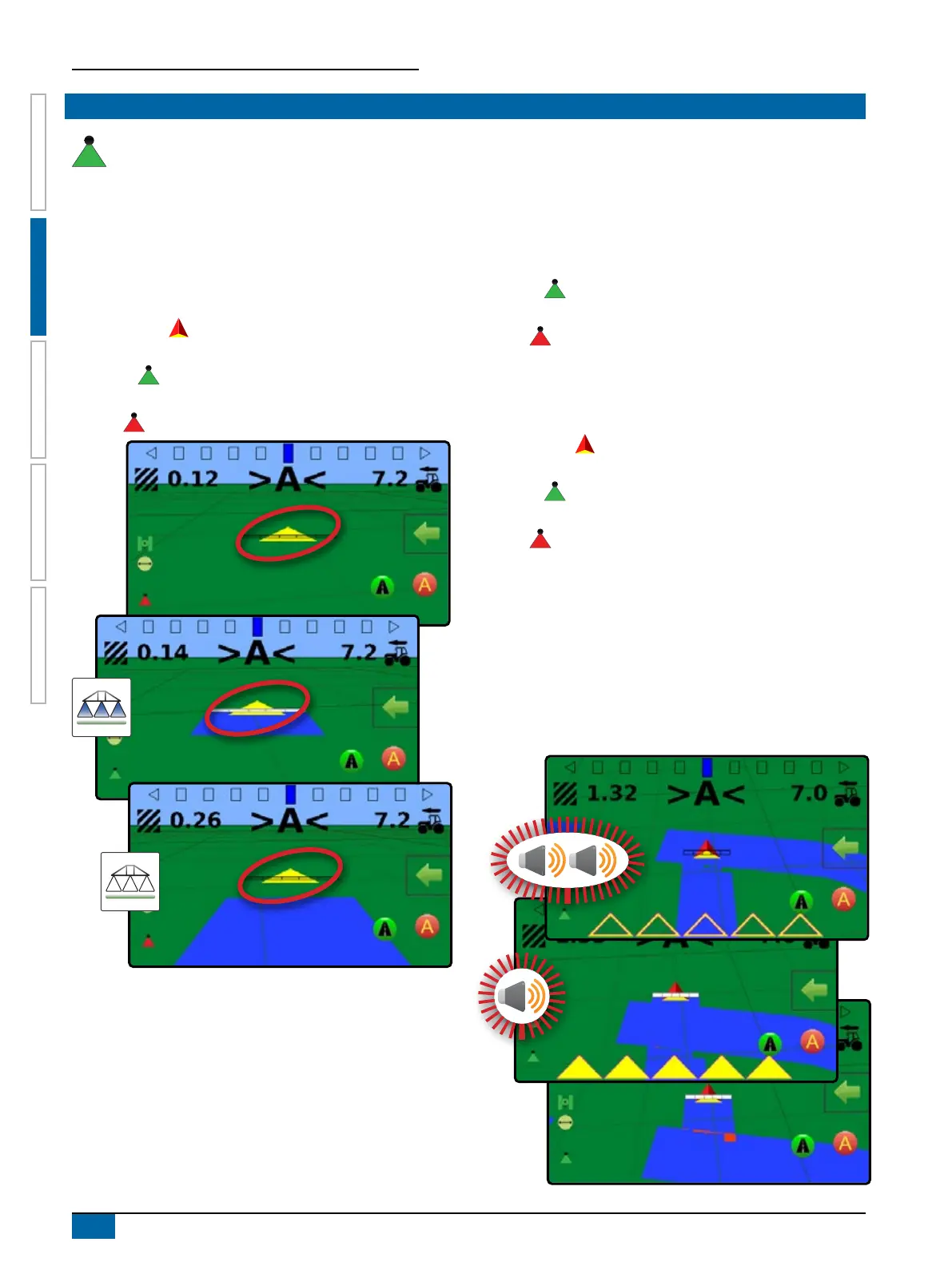
Applied Alert
When entering or exiting an applied area, an audio alert will sound
and section indicators will ash as each section needs to be
turned on/off.
W Two beeps – entering an applied area; section mapping will
turn off
W One beep – exiting an applied area; section mapping will
turn on



 To Next Page