MATRIX
®
430
JOB DATA CONFIGURATION INTRODUCTIONCONSOLE
5
98-05332-EN R4
GUIDANCE
CHAPTER 2 – GUIDANCE
Two guidance screens, vehicle view and eld view, assist in keeping the user informed. From the vehicle view screen, guidance
setup and navigation options can be accessed via the tab on the right side of the screen.
GUIDANCE SCREEN OPTIONS AND INFORMATION
Guidance Views
Vehicle View Navigation
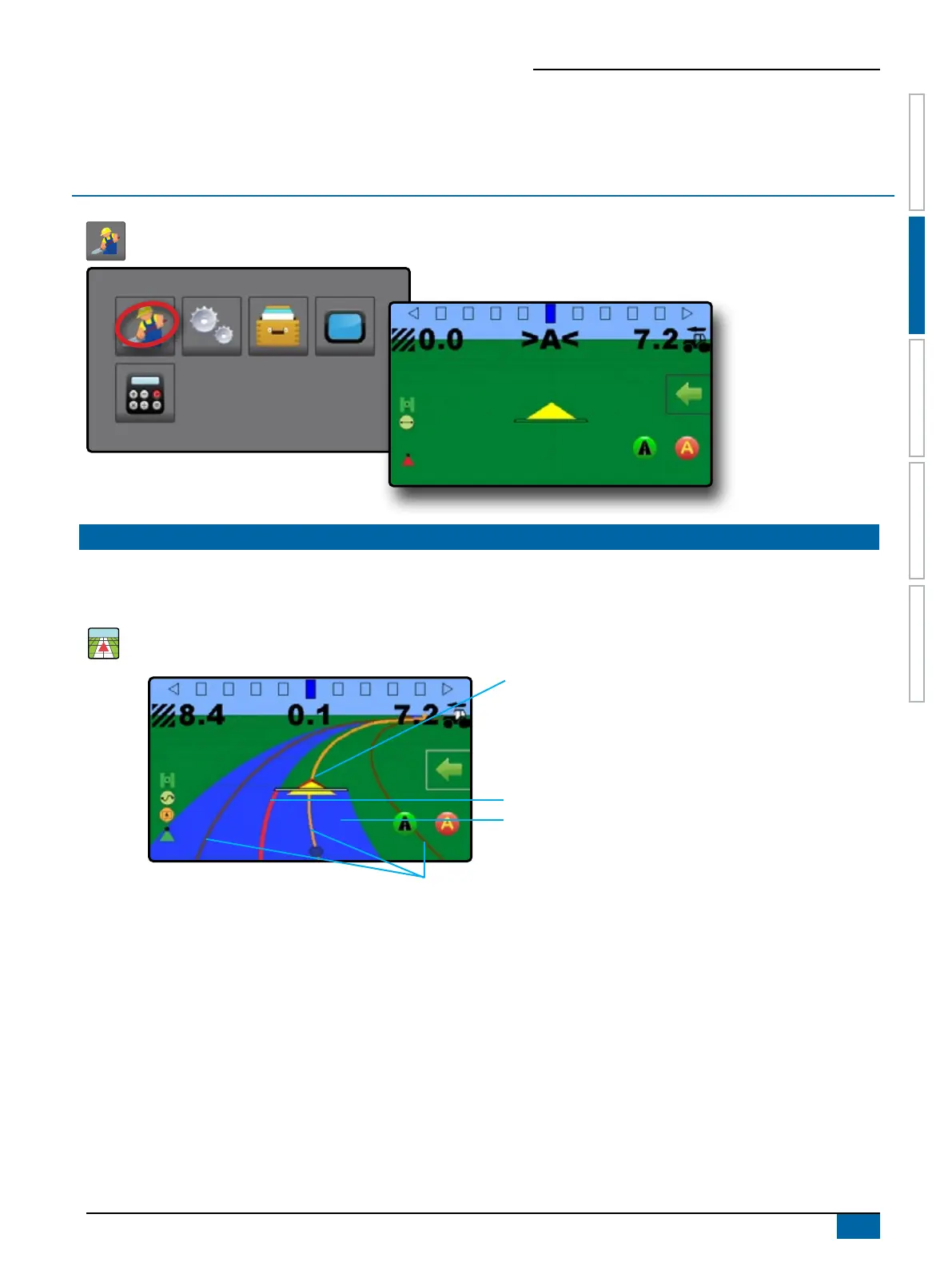
Vehicle view guidance creates a computer-generated image of the vehicle position displayed in the application area.
Status Bar
Guidance Bar
Painted Coverage Area
Overlap Coverage Area
Vehicle with real-time representation of active
boom sections
Navigation and Guidance Options Tab
Navigation Guidelines
On Screen Guidance
• Guidelines:
W Orange – active guidance line
W Brown – two guidance lines adjacent to the left and right of
the active guideline
W Dark grey – boundary line
• Points – markers for established points:
W Red point – Return to point
W Blue point – Mark A
W Green point – Mark B
• Coverage Area – illustrates applied area and overlap:
W Blue – one application
W Red – two or more applications
Zoom In/Out & Perspective – adjusts the vehicle’s view or
perspective to the horizon from vehicle view to bird’s eye view.
• Boom Sections:
W Empty box – inactive section
W White box – active section



 To Next Page