MATRIX
®
430
JOB DATA CONFIGURATION INTRODUCTIONCONSOLE
15
98-05332-EN R4
GUIDANCE
Pan
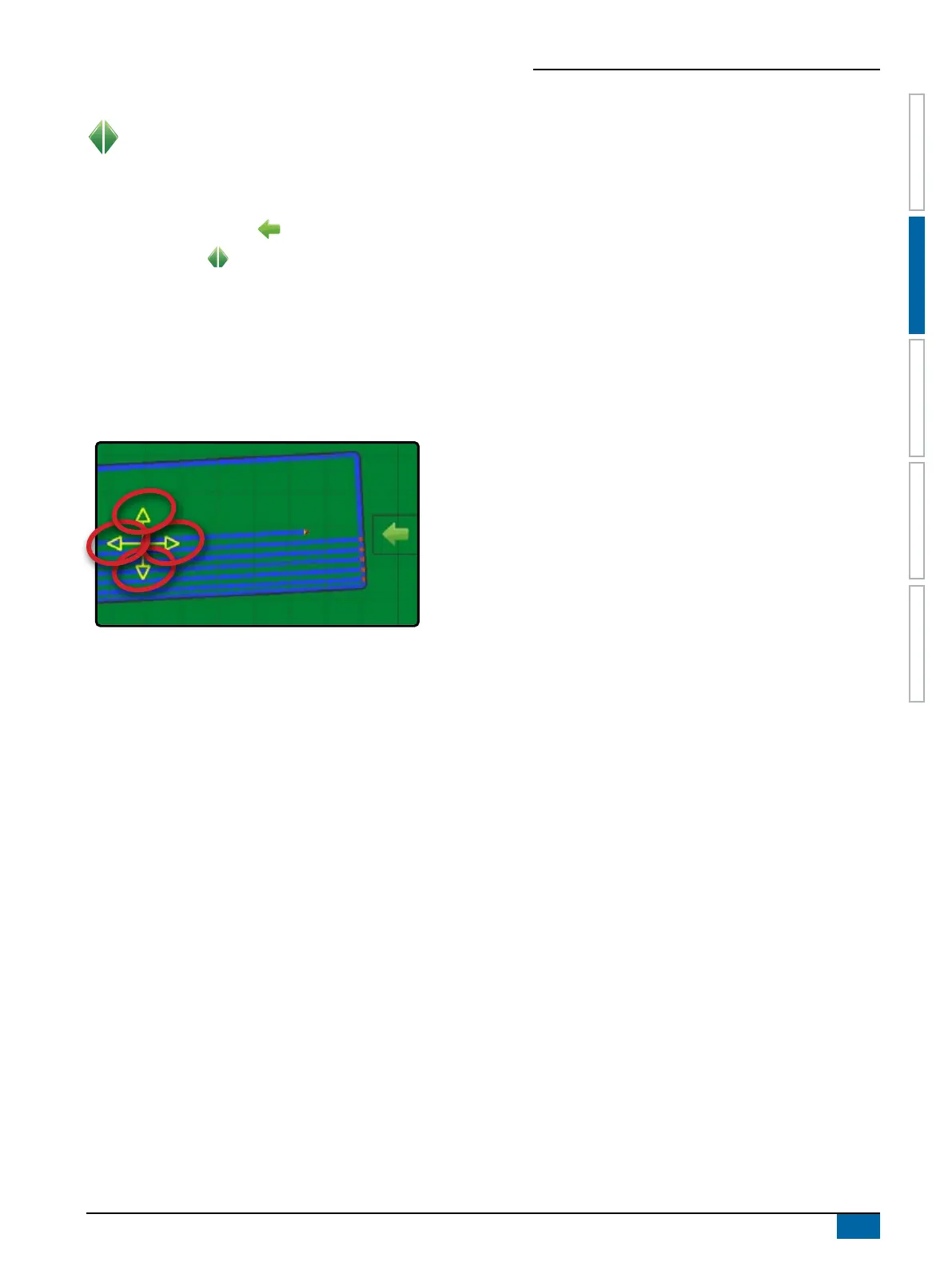
While in Field view guidance, the Pan mode allows the
screen to be positioned manually as desired.
To enter Pan mode and pan across the screen:
1. On eld view guidance screen, press NAVIGATION AND
GUIDANCE OPTIONS tab to display navigation options.
2. Press PAN button .
3. Press:
X AND DRAG SCREEN in the corresponding direction to move
the view on screen (only available if application has been
applied).
X ARROWS in the corresponding direction to move the view on
screen (down, left, right, up).
NOTE: Press & hold ARROWS to quickly adjust settings.



 To Next Page