MATRIX
®
430
JOB DATA CONFIGURATION INTRODUCTIONCONSOLE
13
98-05332-EN R4
GUIDANCE
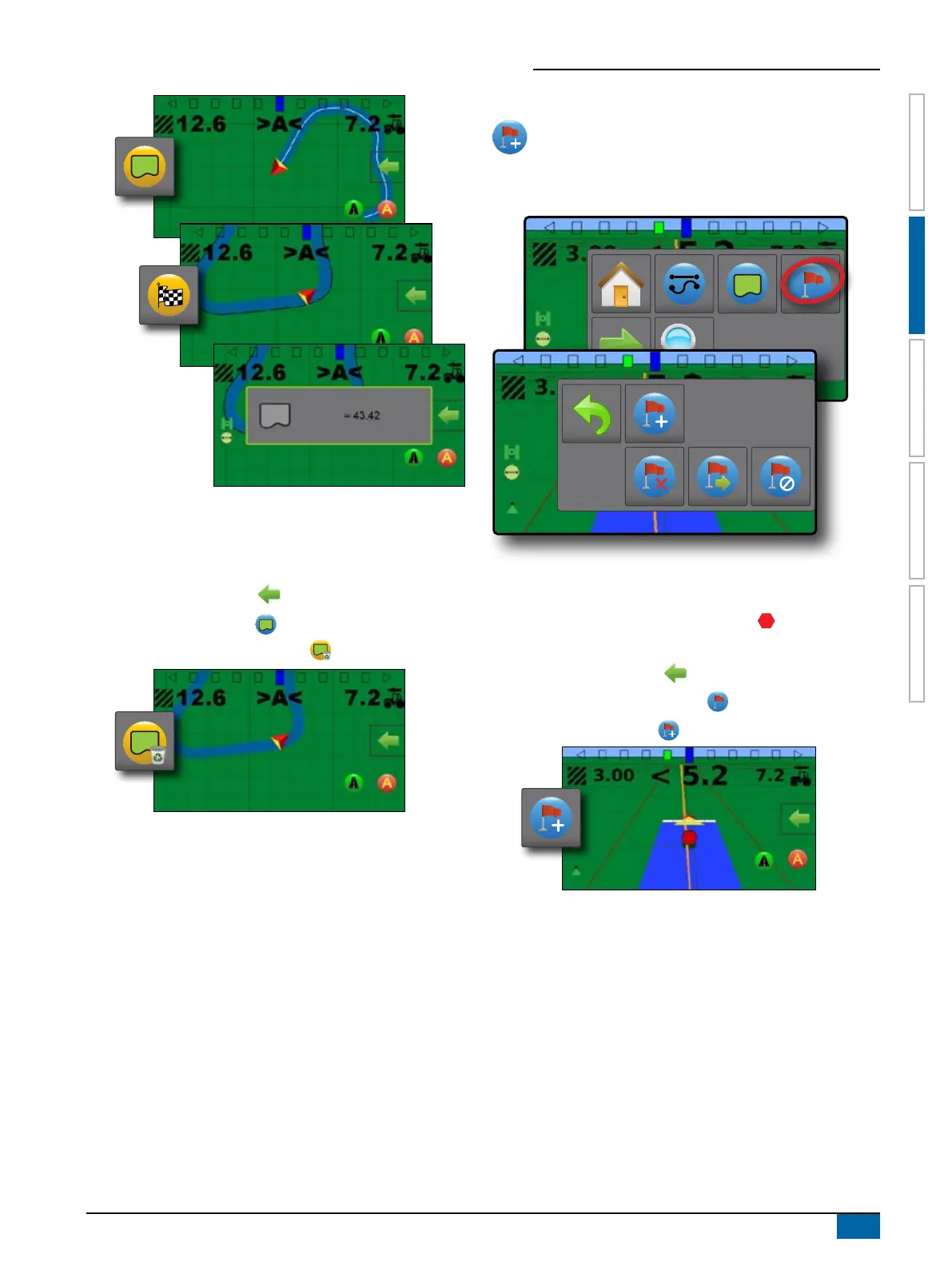
Delete the Boundary
To delete the established boundary:
1. On vehicle view guidance screen, press NAVIGATION AND
GUIDANCE OPTIONS tab to display navigation options.
2. Press BOUNDARY button .
3. Press DELETE BOUNDARY button .
Return to Point
Return to point provides guidance back to an established
point. An arrow directs the vehicle back to the established
point.
A return point will remain active until deleted.
Marking a Return Point
To mark a return point:
1. Drive to the desired location of return point .
2. On vehicle view guidance screen, press NAVIGATION AND
GUIDANCE OPTIONS tab to display navigation options.
3. Press RETURN TO POINT button .
4. Press ADD POINT button .



 To Next Page