MATRIX
®
430
JOB DATACONFIGURATIONINTRODUCTION CONSOLE
14
www.teejet.com
GUIDANCE
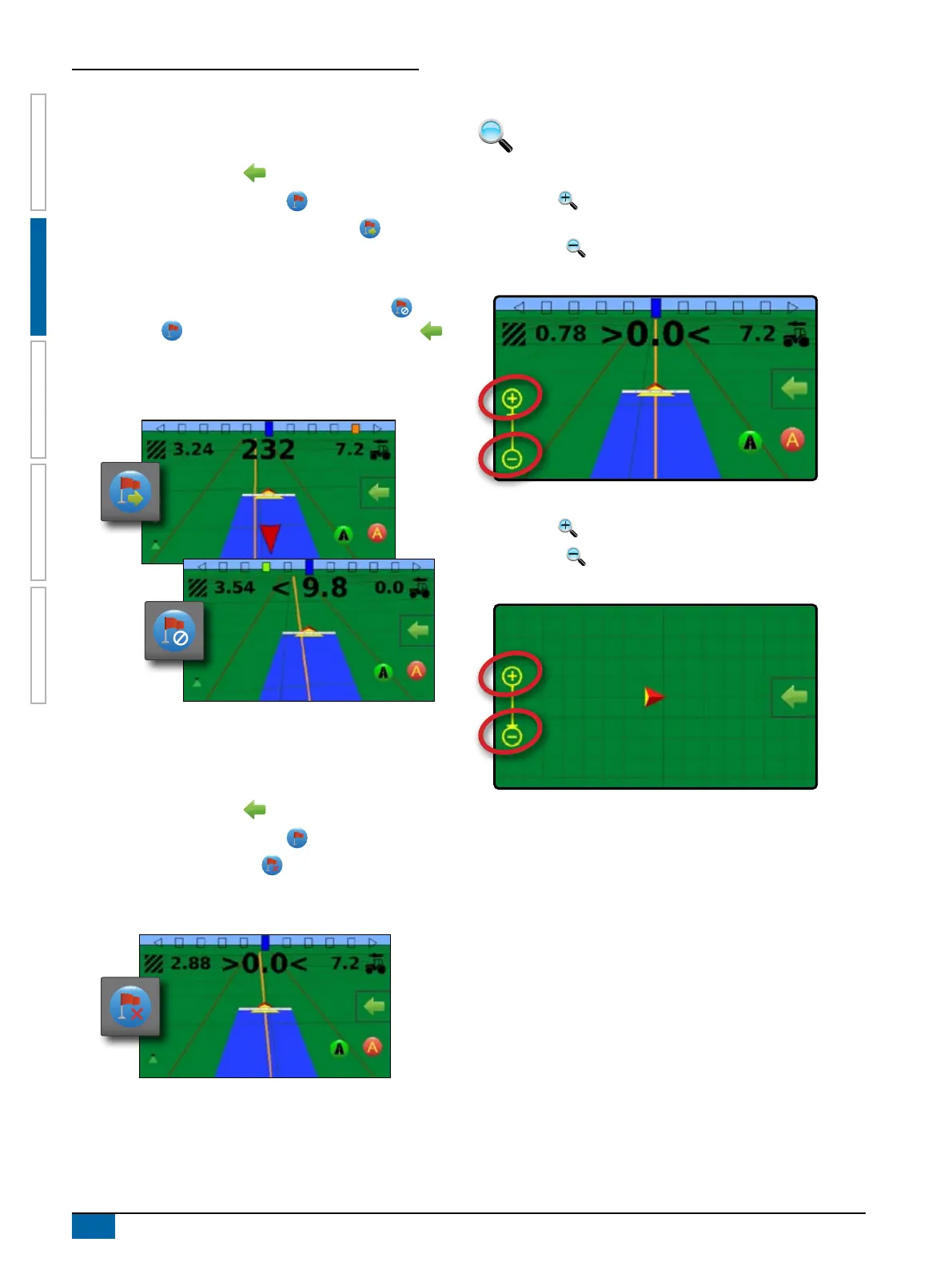
Guidance to a Return Point
To show distance and guidance to the established return point:
1. On vehicle view guidance screen, press NAVIGATION AND
GUIDANCE OPTIONS tab to display navigation options.
2. Press RETURN TO POINT button .
3. Press RETURN TO POINT GUIDANCE button .
The console will begin providing the distance information on the
guidance bar from the vehicle to the established point.
Use CANCEL RETURN TO POINT GUIDANCE button under
Return to point on the Navigation and guidance options
menu to hide distance and guidance to the established point.
Guidance cannot be calculated when “?” appears in the guidance
bar.
Delete the Return Point
To delete the established return point:
1. On vehicle view guidance screen, press NAVIGATION AND
GUIDANCE OPTIONS tab to display navigation options.
2. Press RETURN TO POINT button .
3. Press DELETE POINT button .
Delete point button is not available while return to point guidance
is active.
Zoom In/Out
Zoom in/out is used to adjust the map’s visible area.
Vehicle View
X Zoom in will adjust view to vehicle view displaying a
compass on the horizon
X Zoom out
will adjust view to bird’s eye view
NOTE: Press & hold PLUS/MINUS to quickly adjust settings.
Field View
X Zoom in will decrease the amount of map area visible
X Zoom out
will increase the amount of map area visible
NOTE: Press & hold PLUS/MINUS to quickly adjust settings.



 To Next Page