25
Customising TV operation
Customising S2 Edit Channel Settings
Press the DVB-S2 DVD SETUP/EXIT button to access the S2 menu.
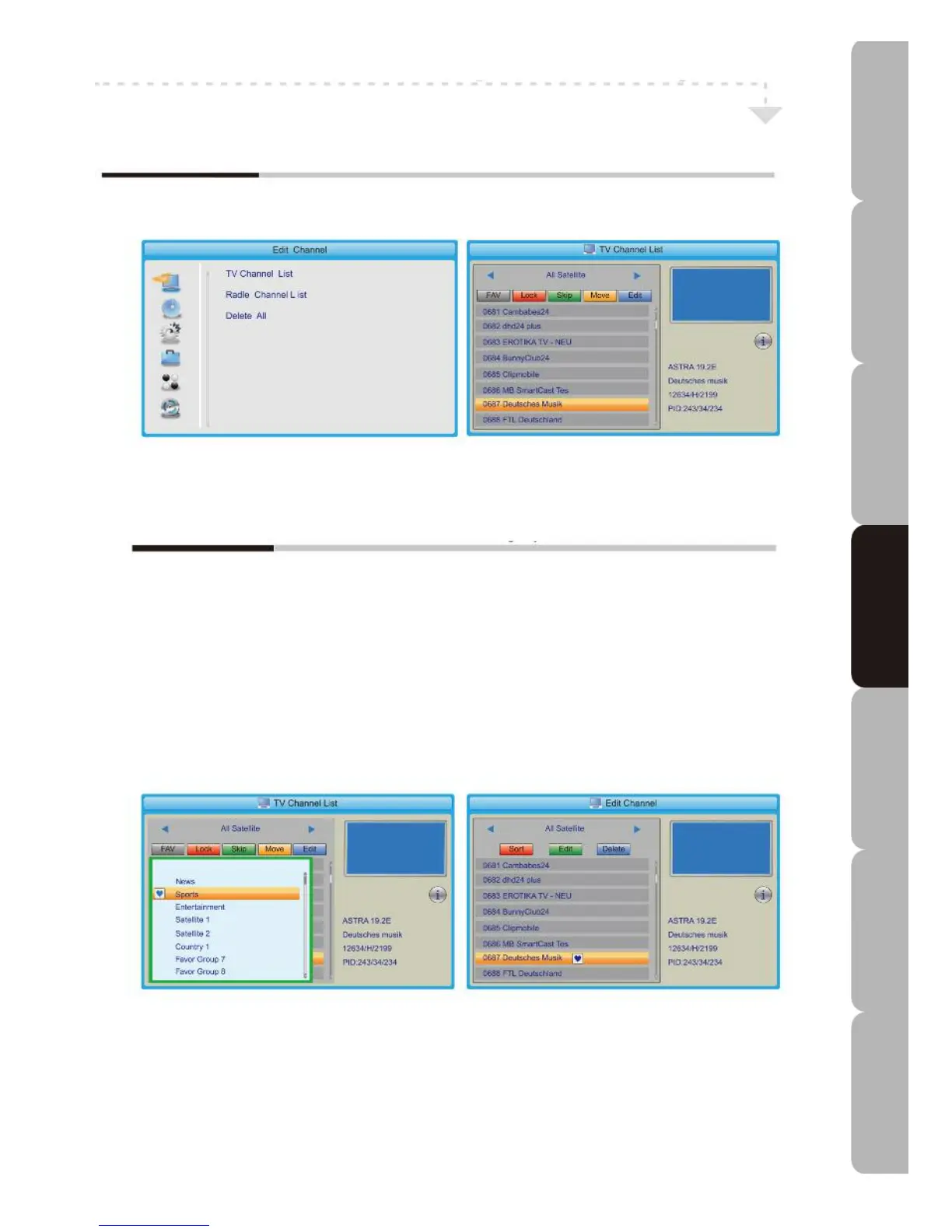
Edit Channel MENU
Allows you to operate the TV Channel List, Radio Channel List or Delete All functions.
The Edit Channel menu includes the following options:
TV Channel List Radio Channel List
Press the corresponding buttons to display the FAV list, Lock, Skip, Move or Edit the
desired Channel.
Delete All
Press to delete all channels.
Specifications Troubleshooting Using DVD Using TV Installing Introducing Safety Warnings
Features Features LED TV LED TV



 To Next Page