39
Troubleshooting
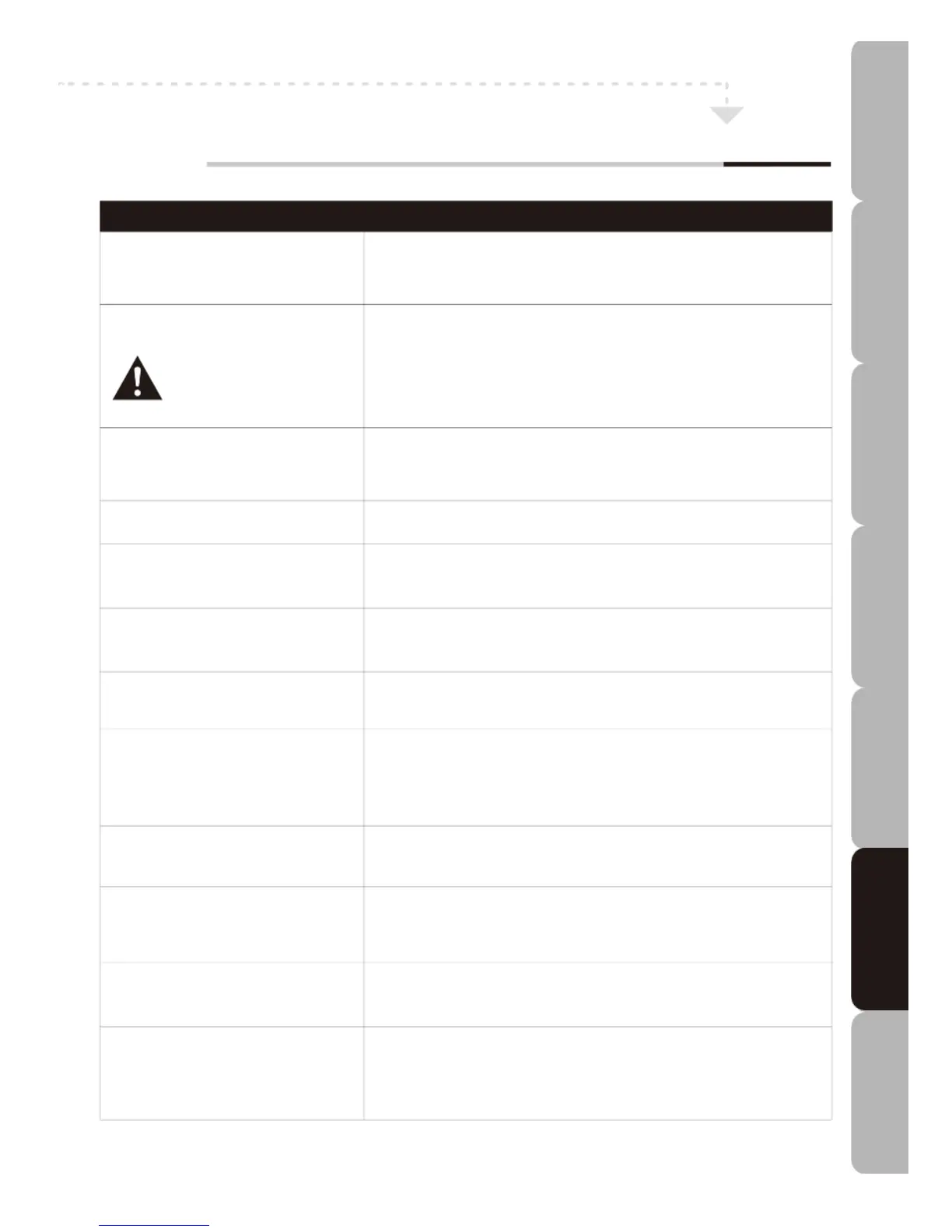
To assist in locating possible faults use the help guide below.
TROUBLESHOOTING
N
o picture, no sound. Check that TV is correctly plugged in.
Check the TV is connected to a suitable power source.
C
heck the power supply is turned on.
No picture. Make sure the TV is powered.
Check that all cables are attached securely.
Ensure aerial and/or external sources are connected properly.
Press the INPUT button to change the source.
Turn the TV on and off.
Try a disc that you know plays.
No sound. Press the MUTE button and check if Mute mode is set.
Switch to another channel and see if the same problem occurs.
Press the VOL+ button to see if the problem can be solved.
Poor sound. Check if sound system is working properly. Refer to user manual for
adjustment instructions.
No picture on some channels. Check correct channel is selected.
Adjust the antenna.
No colour on some channels See if the same problem exists on other channels.
(black & white). Ensure the correct picture settings are selected.
‘Snowy’ interference on some or Check that the antenna is correctly connected.
all channels. Check that the antenna is in good condition.
Controls not working. Disconnect the TV from the power supply, wait 10 seconds, reconnect
the TV to the power supply.
If the problem persists contact an authorized after-sales service for
technical assistance.
Disc does not play. Check that the disc has been correctly loaded, with the label facing the
right way. Check the disc format. If it is a DVD, ensure the region is
correct.
DVD picture quality is poor. Check that the disc surface has not been damaged.
Try cleaning the disc.
Check that the cables are fitted securely.
Some functions do not work Refer to the DVD packaging as some functions may be unavailable.
(e.g. Angle, Search etc.). No response to remote control.
Remote control not aimed correctly. Remote control front sensor obstructed.
Remote control batteries inserted incorrectly.
Remote control batteries exhausted.
Specifications Troubleshooting Using DVD Using TV Installing Introducing Safety Warnings
Features Features LED TV LED TV



 To Next Page