38
Customising DVD Operation
DVD Function General setup
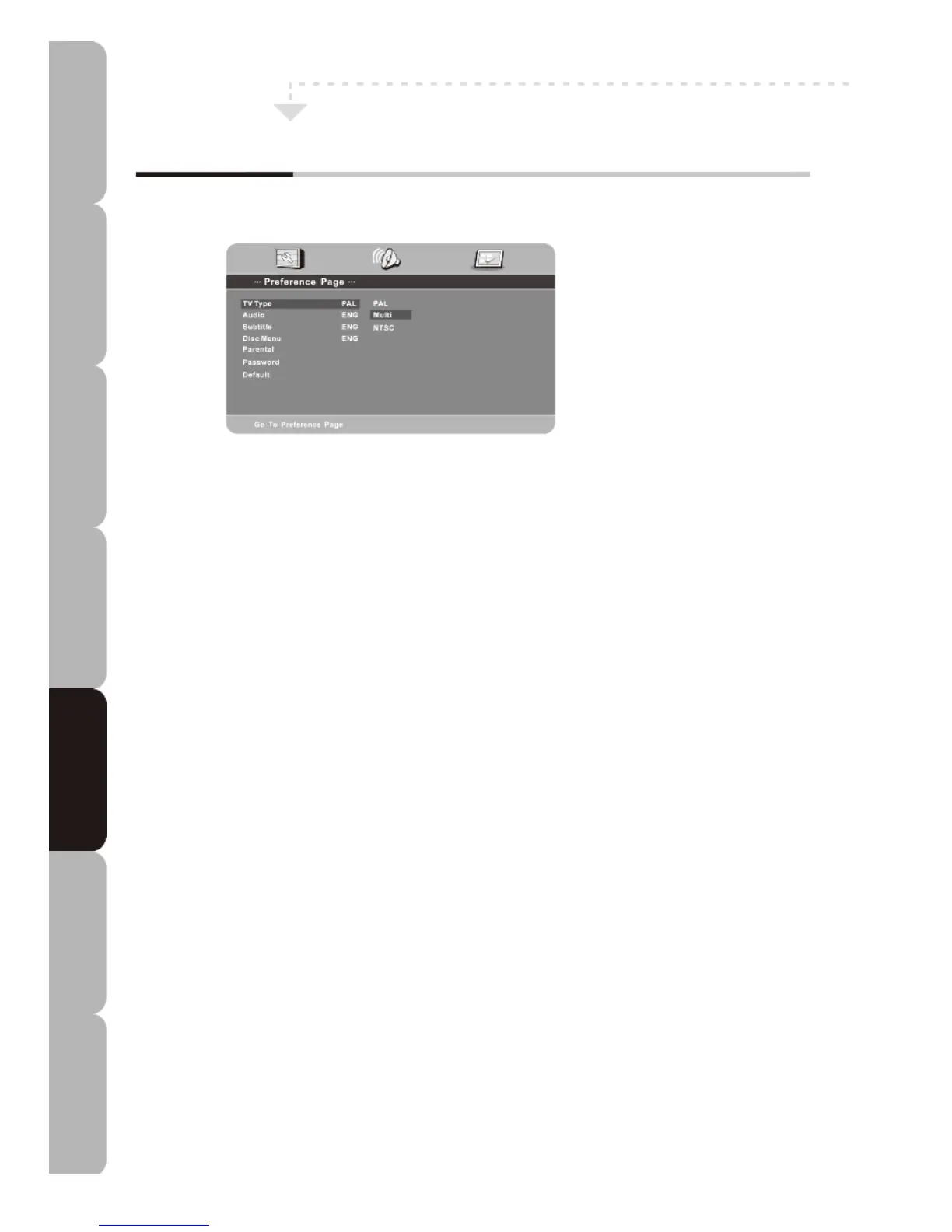
Preference Page
TV Type
Allows you to select one of three standard TV types: PAL/MULTI/NTSC.
Audio
There are 8 languages. Press the UP/DOWN buttons to toggle between them. The available
languages are: English/French/Spanish/Portuguese/Italian/German/Dutch/Greek.
NOTE: If the selected language is not included in your DVD disc content, the default
language of the disc will automatically be selected.
Subtitle
There are 8 languages. Press the UP/DOWN buttons to toggle between them. The available
languages are: English/French/Spanish/Portuguese/Italian/German/Dutch/Greek.
Disc Menu
There are 8 languages. Press the UP/DOWN buttons to toggle between them. The available
languages are: English/French/Spanish/Portuguese/Italian/German/Dutch/Greek.
Parental
Playback of some discs will depend on their rating. You can set the preferred rating. Rating
restriction is divided into eight different categories from KID SAFE to ADULT.
Password
Allows you to change the standard PASSWORD.
The default password is “0000”.
Default
This option lets you restore the DVD player factory settings.
Specifications Troubleshooting Using DVD Using TV Installing Introducing Safety Warnings
Features Features LED TV LED TV



 To Next Page