24
Customising TV operation
S2 Basic Functions
Program information
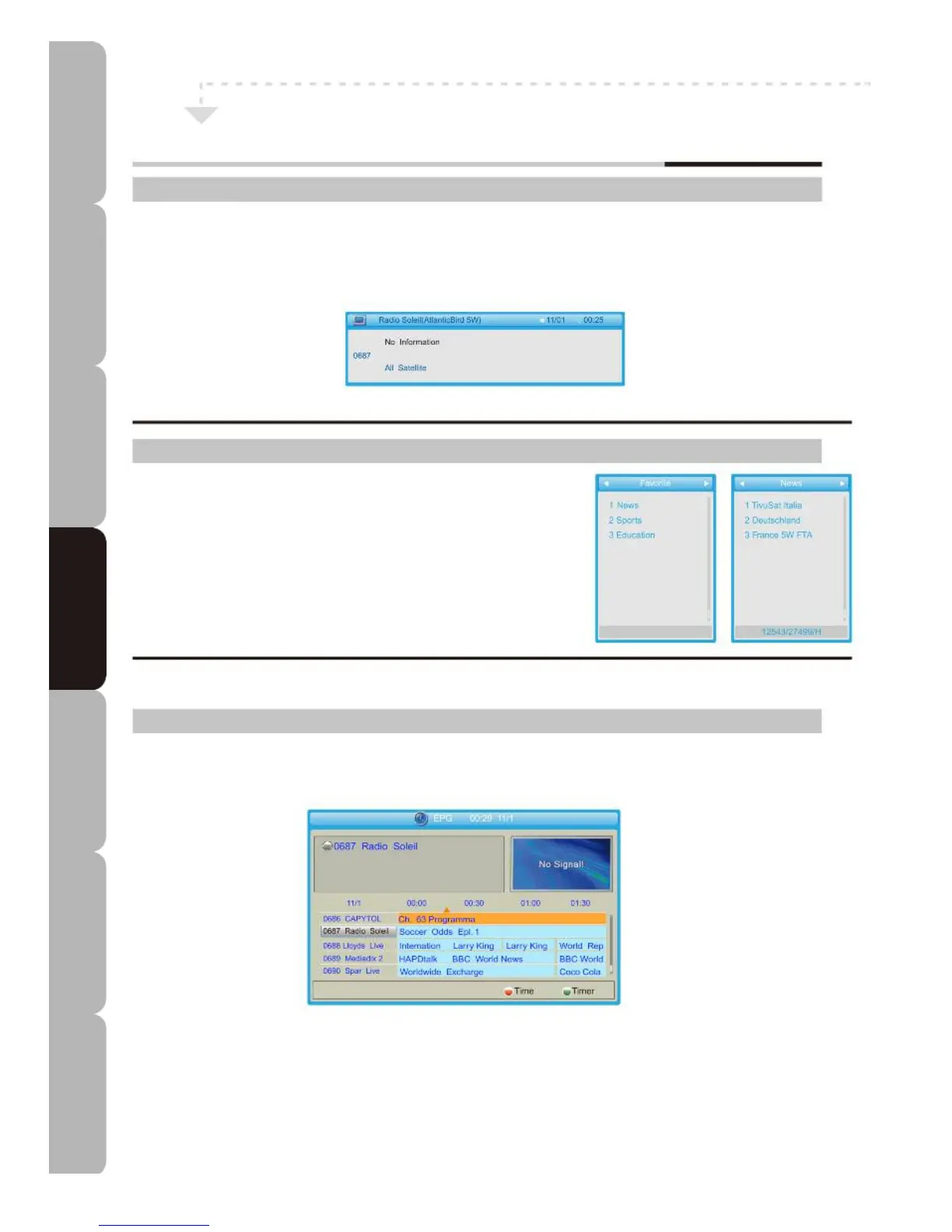
Press the D.DISP button once to display a banner on the screen; press the button again
while the banner is still displayed and it will show detailed channel information such as
Channel, Satellite, Transponder, PID, Signal Intensity and Signal Quality.
Favourite List
If you press FAV on the remote control while outside the
menu, the favourite group list will be displayed on the
screen. You can select one of these favourite groups and
press the OK button to access the favourite channel list.
Program Guide
The EPG (Electronic Program Guide) shows event information for the current channel by
time zone.
Move the cursor to an event in the required time zone, and press the RED button to see the
EPG for the whole week.
Move the cursor to an event in the required time zone and press the BLUE button to set the
timer to the designated time.
Specifications Troubleshooting Using DVD Using TV Installing Introducing Safety Warnings
Features Features LED TV LED TV



 To Next Page