27
Customising S2 System Setup Settings
S
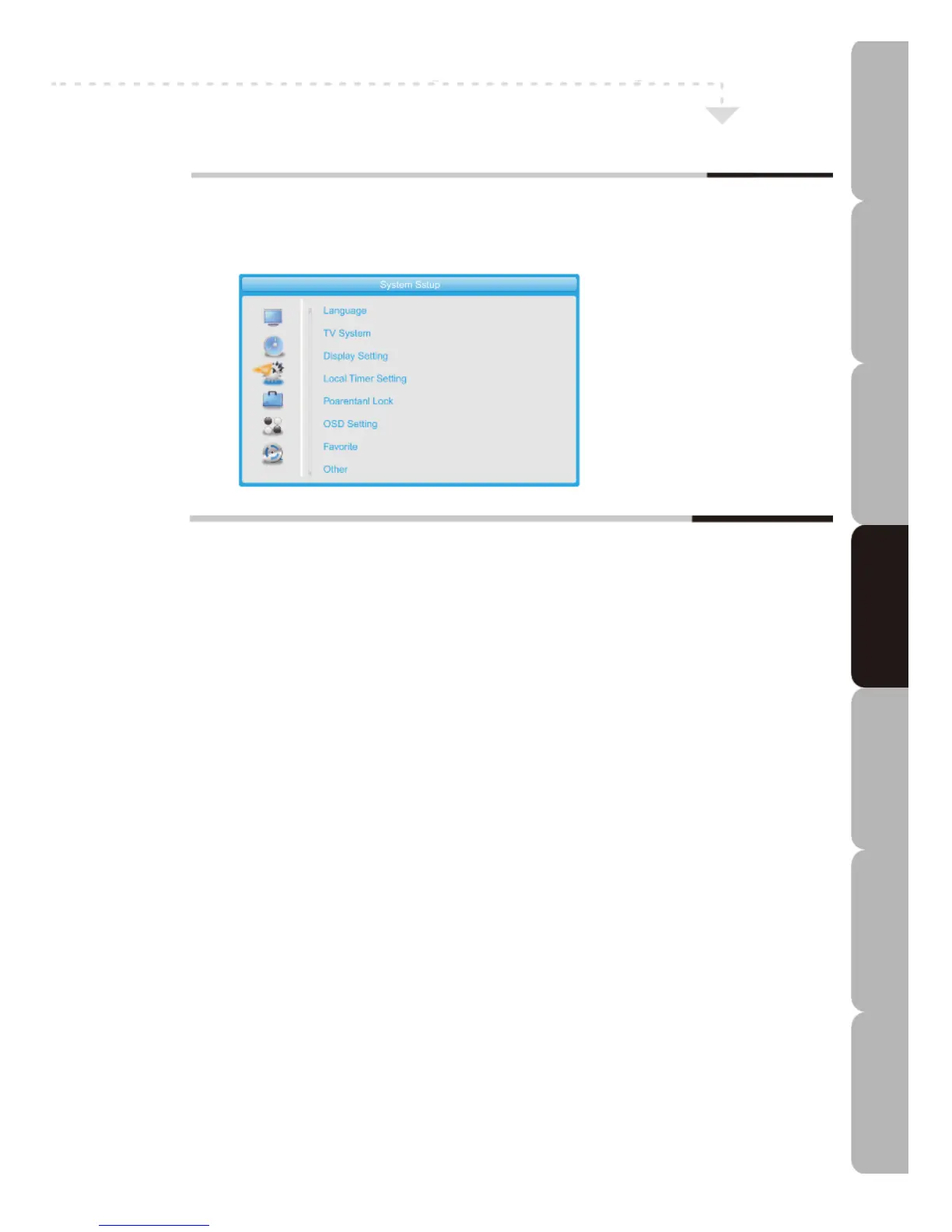
ystem Setup MENU
Allows you to set up a variety of features: Language, TV System, Display Setting,
Local Time Setting, Timer Setting, Parental Lock, OSD Setting, Favorite, Other.
The System Setup menu includes the following options:
Language
You can set the OSD Language, First Audio Language, Second Audio Language and Teletext Language.
TV System
Video Resolution: You can choose to set By Native TV, By Source, 1080p_24Hz, 1080p_30Hz, 1080p_25Hz,
1080p_60Hz, 1080p_50Hz, 1080i_30Hz, 1080i_25Hz, 720p_60Hz, 720p_50Hz, 576p, 576i, 480p, 480i.
Aspect Mode: you can set Auto, 16:9, 4:3LB or 4:3PS.
Digital Audio Out: you can set LPCM Out or BS Out.
Display Settings
You can set Brightness, Contrast, Saturation, Hue and Sharpness.
Local Time Setting
You can set Region, GMT Usage, GMT Offset, Summer Time, Date and Time. As regards GMT Usage the
choice is By Region, Off or User Define. Date and Time are available when Off is selected; GMT Offset and
Summer Time are available when User Define is selected.
Timer Setting
You can set several timers as alarms.
Timer Mode can be set to Off, Once or Daily.
Timer Service can be set to Channel or Record.
Wakeup Channel, Wakeup Date, On Time and Duration can be set when Timer Mode is not Off.
PS Record can be set to ON to record as Program Stream format.
Parental Lock
You can set a Menu Lock, Channel Lock and change the Password.
OSD Setting
You can set OSD Timeout and OSD Transparency.
Favorite
You can rename 8 favourite Groups.
Other
You can set LNB Power, Channel Play Type (All, Free or Scrambled) and Auto Standby (Off, 1 Hour,
1.5/2/2.5/3/3.5/4/4.5/5 Hours).
Customising TV operation
Specifications Troubleshooting Using DVD Using TV Installing Introducing Safety Warnings
Features Features LED TV LED TV



 To Next Page