26
Customising TV operation
Customising S2 Installation and Game Settings
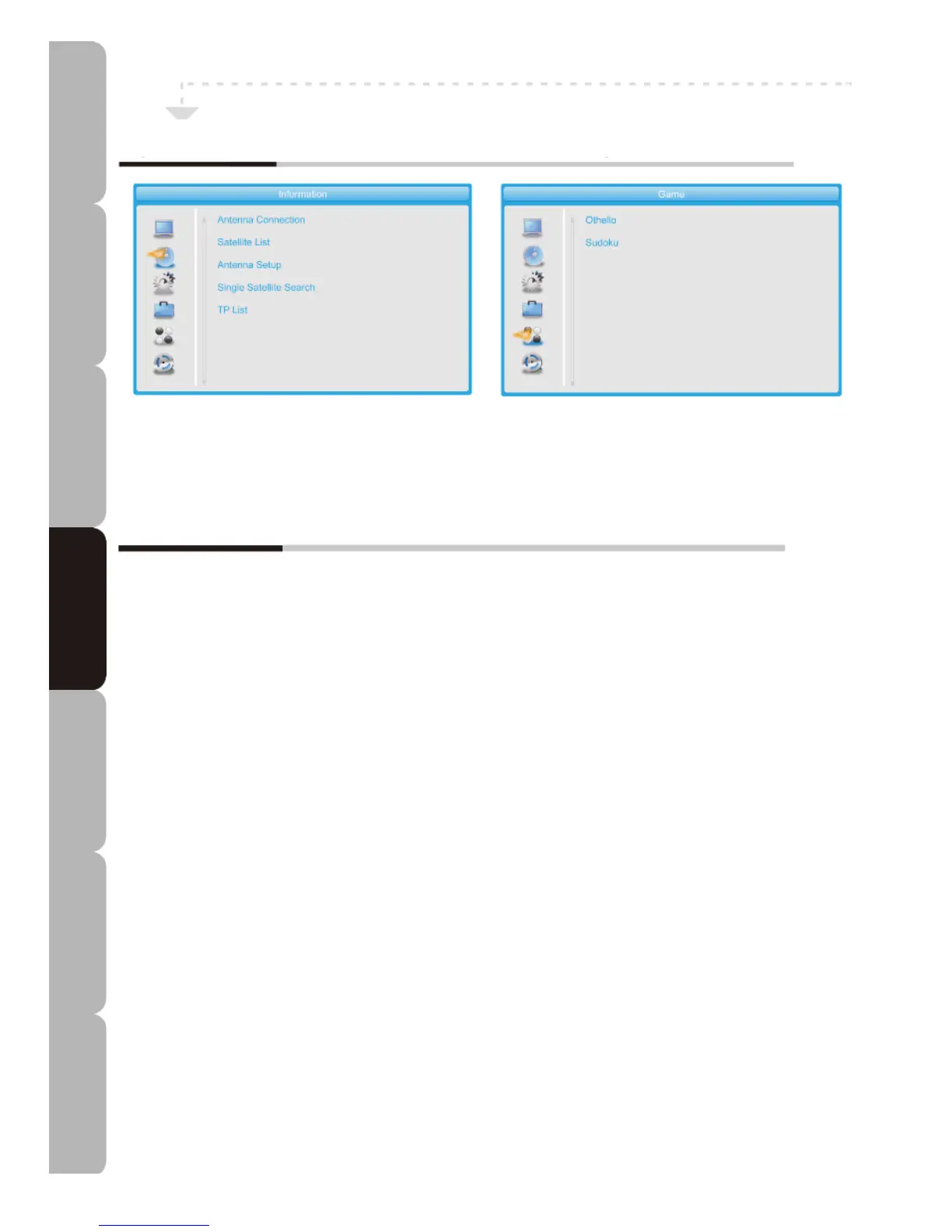
Installation MENU
Allows you to set up a variety of features: Antenna Connection, Satellite List, Antenna Setup,
Single Satellite Search, Multi Satellite Search, TP List.
The Installation menu includes the following options:
Antenna Connection
You can select the antenna connection mode LNB1 of Fixed Antenna or Motor-driven Antenna.
Satellite List
Press a colour button to Edit, Add or Delete a satellite.
Antenna Setup
LNB Freq: To modify Low Noise Block Frequency.
Motor Type: To select DiSEqC1.2 or USALS. If you select USALS you can set Local Longitude and
Local Latitude.
Delete All: To clear the set satellite positions of the tuner.
Motor Setting: To set the Transponder position and display Signal Intensity and Signal Quality.
Limit setup: To set West Limit or East Limit or Disable Limit and Go to Reference point.
Single Satellite Search
Multi Satellite Search
You can select a satellite and set FTA Only, Scan Channel, Network Search and Scan Mode to
search channels on the selected satellite only or on multiple satellites.
FTA Only: Free To Air
Scan Channel: TV+Radio/TV/Radio Channels
Network Search: Only available when Preset Scan is set
Scan Mode: Auto Scan or Preset Scan
TP List
Press a colour button to Edit, Add, Delete or Search a Transponder.
Game MENU
Allows you to select Othello or Sudoku.
Specifications Troubleshooting Using DVD Using TV Installing Introducing Safety Warnings
Features Features LED TV LED TV



 To Next Page