17
Customising TV operation
Menu Operation
All functions can be operated via the remote control or operated partially via the keyboard.
T
he main menu is controlled via the MENU, OK and EXIT buttons.
Use the MENU button to open the menu or go to a higher level. There are five main menu pages on the DVB-T
system: Picture, Sound, Channel, Feature, Setup.
Press the Navigation button to select a function or adjust settings, Press OK to confirm a selection, Press the
E
XIT button to go up a level.
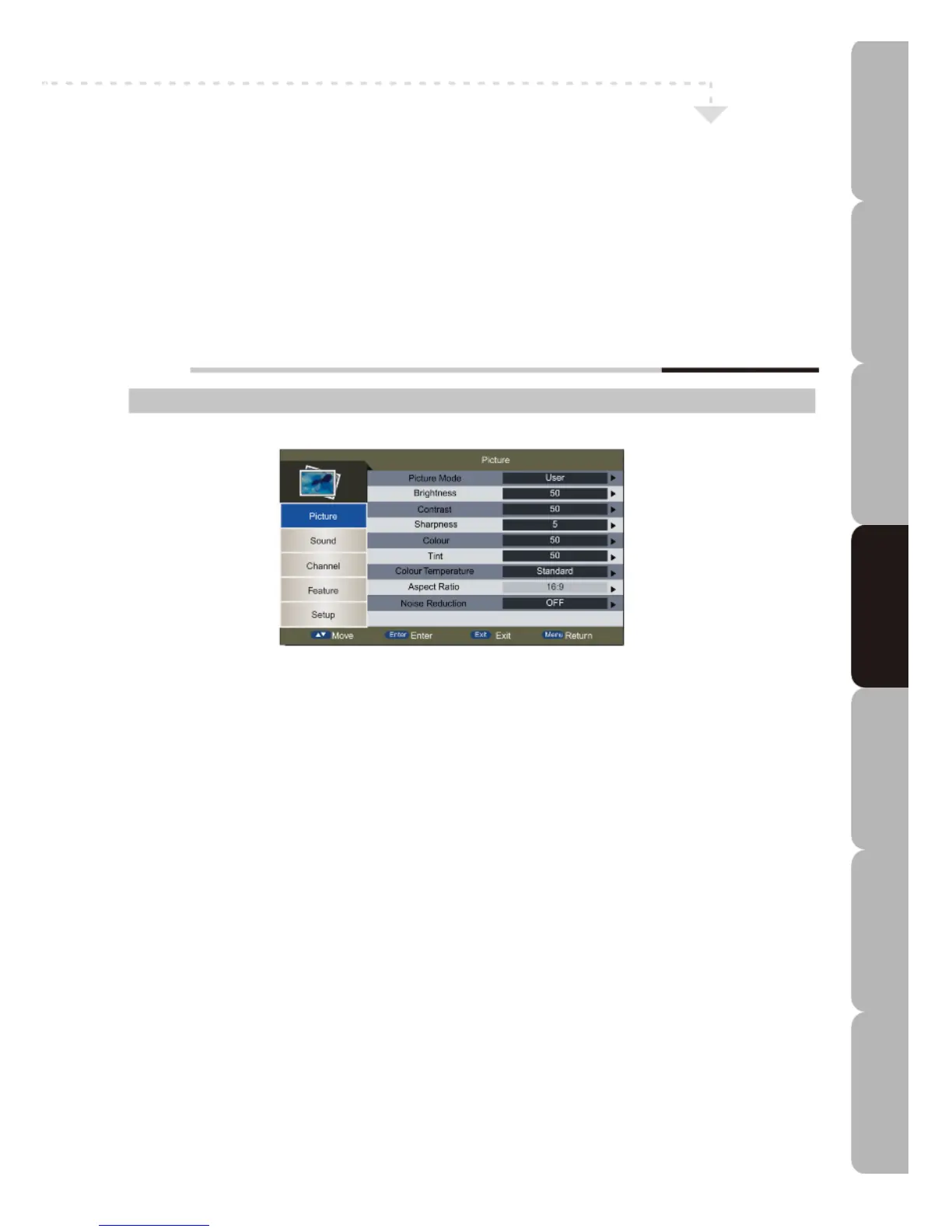
Customising the Picture Settings
Picture MENU:
Allows you to make adjustments to your picture settings.
Picture Mode
Toggles between display types: Standard/Mild/User*/Dynamic.
*User: allows you to save your preferred settings.
Brightness
Controls overall brightness level of the picture: the higher the level the brighter the picture.
Contrast
Controls difference in colour and light between different parts of an image. The higher the contrast the more marked the user-
perceived difference.
Sharpness
Controls picture sharpness. Higher settings sharpen the image more.
Colour
Controls colour intensity. The higher the setting the more vivid the colour.
Tint (for NTSC system only)
Controls the difference between green and red regions of the picture.
Colour Temperature
Adjusts colour components independently to achieve a warm or cool effect: Standard/Cool/Warm
Aspect Ratio
Toggles between aspect types:
Auto/4:3/16:9/Full/Zoom1/Zoom2/Panorama etc.
NOTE: The available aspect mode may vary according to the input source signal.
*Not available in PC or USB mode.
Noise Reduction
Reduces noise and improves the appearance of the picture. Noise reduction gives good results but creates blur on pictures when
switching from Low to High. The available levels are Off/Low/Middle/High. *Not available in PC mode.
Specifications Troubleshooting Using DVD Using TV Installing Introducing Safety Warnings
Features Features LED TV LED TV



 To Next Page