iTRANS 2
FIXED POINT SINGLE OR DUAL GAS MONITOR
WITH DUAL ANALOG OUTPUTS
USER MANUAL
Revision 7.0
5.5.5 Changing Span Gas Concentration
The option after calibration is Span Gas Concentration. The
span option is designated with a flashing “S” in the status bit
with the current span value next to it. To change the span
value, place the magnetic wand over CH2 during the 10-
second countdown. If you do not place the magnet over CH1
during the 10-second countdown, the will return to
the Normal Operating Mode. If you initiate the change span
option, the status bit will start to flash and the span
value can now be changed.
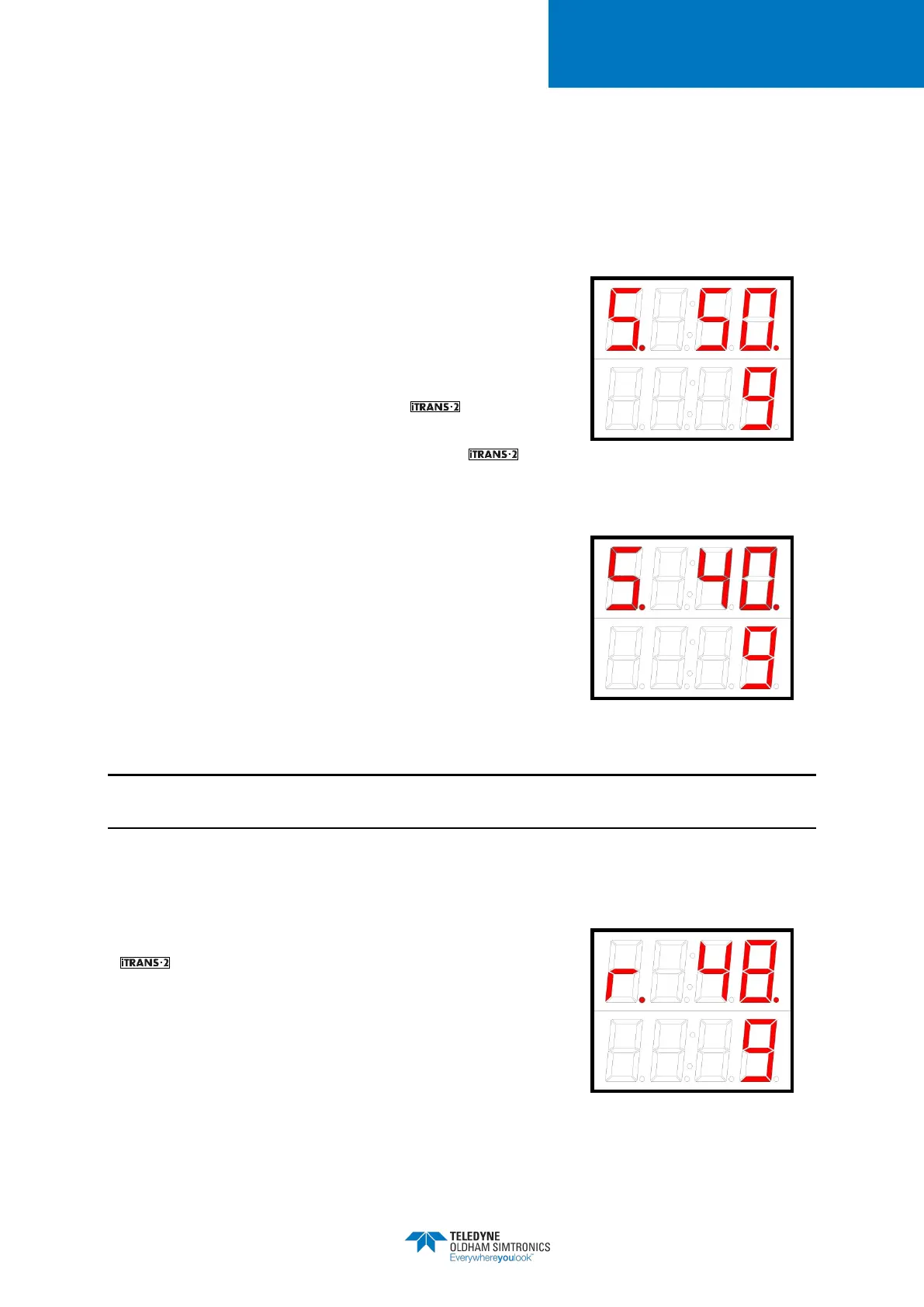
The current span value is displayed on the top line of the LED
display. To increment the span value, pass the magnetic
wand over CH1. When the desired value is reached, pass
the magnetic wand over CH2 to accept and save changes.
Passing over CH1 or letting the timer count down to zero
without saving the new value, will take you back into the
Programming Mode.
Figure 5-11 Sample Span Gas
Concentration Display
Figure 5-12 Flashing Status Bit
NOTE: Span Gas Concentration for combustibles can be set from 0% to 100%LEL. For the sake
of resolution, the Span Gas Concentration should be set above 20% LEL.
5.5.6 Sensor Span Reserve
The last option available is viewing the sensor span reserve.
The span reserve option is designated with an “r” in
the status bit. The current span reserve is displayed on the top
line of the LED display.
Figure 5-13 Sample Span Reserve
Display


 To Next Page