iTRANS 2
FIXED POINT SINGLE OR DUAL GAS MONITOR
WITH DUAL ANALOG OUTPUTS
USER MANUAL
Revision 7.0
6 Modbus Interface
6.1 Introduction
The
device with public Modbus
interface can also be configured to operate with a MX43
controller from TELEDYNE OLDHAM SIMTRONICS. Please
follow the procedure given below to enable MX43-
compatibility mode on .
Set the Modbus ID of using dip-switches as shown in
Figure 4-10 according to MX43 configuration (for details
please see the user manual of MX43 controller). The MX43-
compatibility menu on is pass
enter MX43-compatibility menu, remove the front cover of
and press “Enter” key. The access code is “Enter”,
“Up”, “Down”, “Up”, “Mode”.
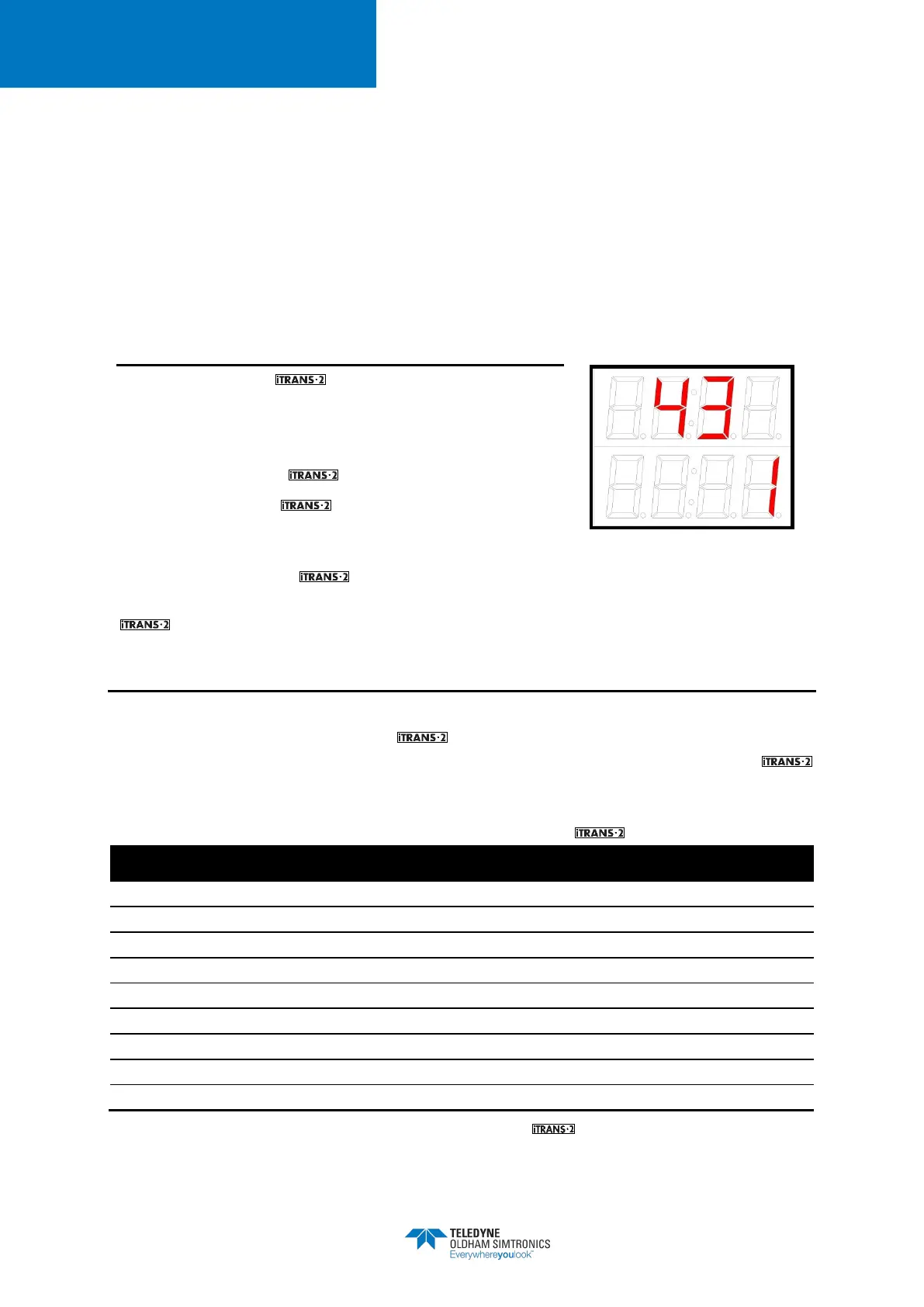
Figure 6-1 MX43-compatibilty
Menu
Once the correct access code has been entered then the user can select to enable (1) or disable
(0) the MX43-compatibility mode on using “Up” or “Down” key then the selection is
confirmed by pressing the “Enter” key.When programming the ModBus ID address on the
electronics module or on the smart sensor board, use the binary reference chart on the following
page. A “1” represents “ON” on the switch bank, and position 1 of the switch bank represents
the right most binary digit (LSB). ModBus characteristics for the are listed below.
Electrical Standard TIA/EIA-485
Message Coding System 8-bit
Parity Bits 0
Table 6-1 ModBus Characteristics for the Gas Monitor


 To Next Page