iTRANS 2
FIXED POINT SINGLE OR DUAL GAS MONITOR
WITH DUAL ANALOG OUTPUTS
USER MANUAL
Revision 7.0
If you do not press “
” during the 10-second countdown, the
will return to the Normal Operating Mode. If you
initiate the 4-20 mA range option, the status bit will start to
flash and the range setpoint can be changed by using
the “↑” and “↓” keys.
When the desired value is reached, press the “↵” key. If the
value is not saved before the time-out, the will go
back to the Programming Mode.
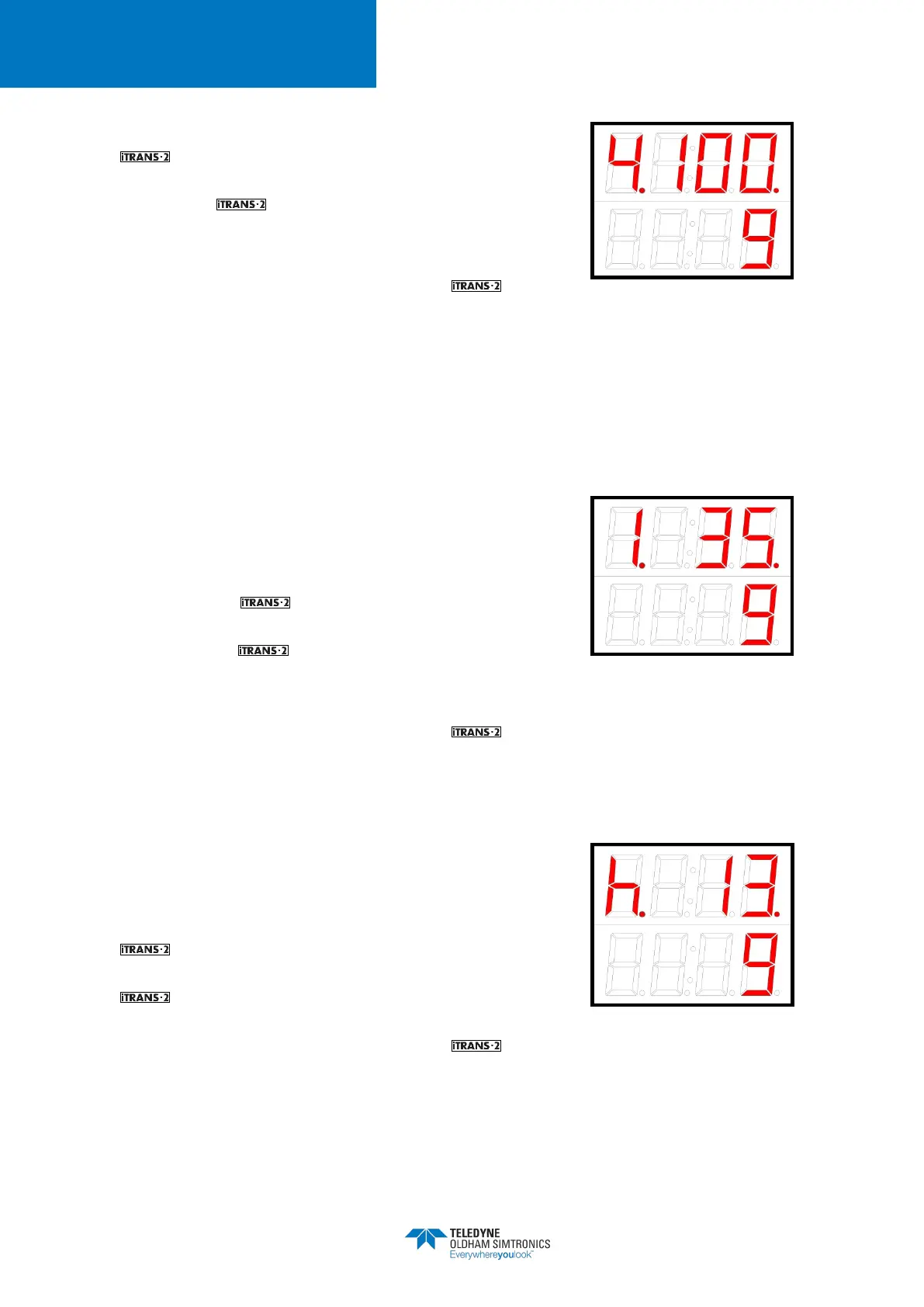
Figure 5-18 Changing the Analog
Output Upper Value
5.6.6 Set System Time – Minute
The system’s clock minute setting is designated with a “1” in
the status bit and current value next to it. To change the
minutes, press the “↵” button
countdown. If you do not press “↵” during the 10-second
countdown, the will return to the Normal Operating
Mode. If you initiate the minutes option, the status bit will start
to flash and the minute can be changed by using the
“↑” and “↓” keys.
When the desired value is reached, press the “↵” key. If the
value is not saved before the time-out, the will go
back to the Programming Mode.
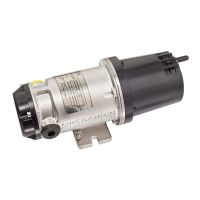
Figure 5-19 Setting System Time
(Minutes)
5.6.7 Set System Time – Hour
The system’s clock hour setting is designated with an “h” in
the status bit and current value next to it. To change the hour,
press the “↵” button during the 10 second countdown. If you
do not press “↵” during the 10-
will return to the Normal Operating Mode. If you
initiate the hours option, the status bit will start to flash and the
hour can be changed by using the “↑” and “↓” keys.
When the desired value is reached, press the “↵” key. If the
value is not saved before the time-out, the will go
back to the Programming Mode.
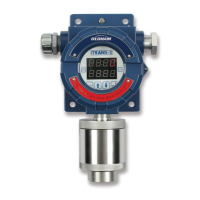
Figure 5-20 Setting System Time
(Hour)


 To Next Page