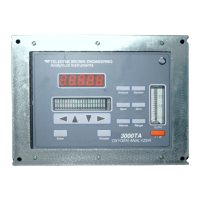
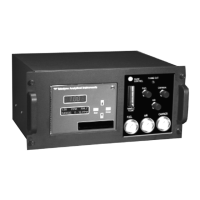
Infrared Gas Analyzer Operation
Teledyne Analytical Instruments 41
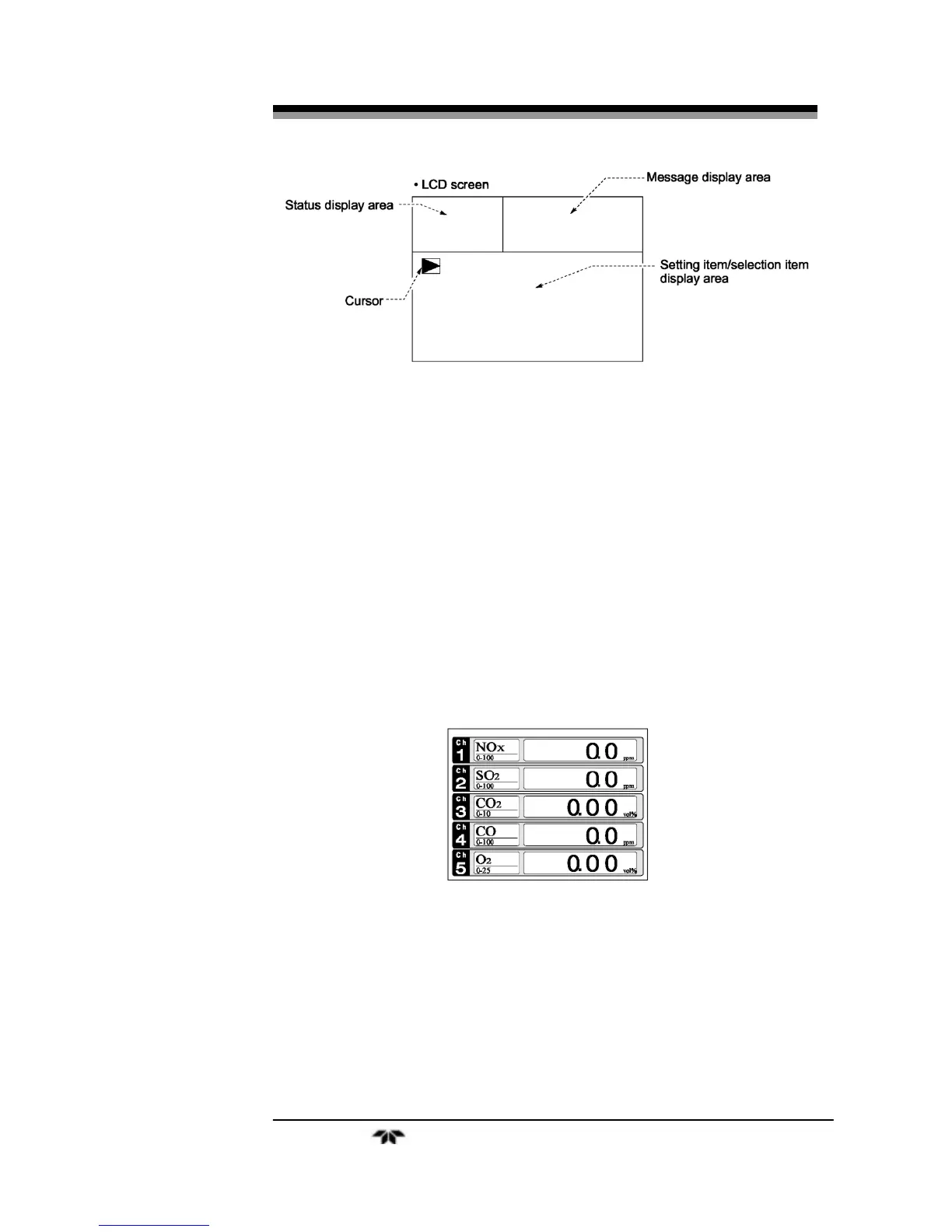
Figure 3-5: Setting/Selection Screen Areas
3.4 Basic Operation
Measurement mode
The measurement mode is the default mode of the instrument and
appears when the unit is first turned on. It displays information about the
process being analyzed such as: channel number, component species
analyzed, concentration or calculated value, etc. In this mode, the
display can show up to 5 channels on a single screen. To view additional
channels, scroll down by pressing the DOWN key or back up using the
UP key. Each press scrolls the screen by one channel. You can also
calibrate the instrument from this mode by pressing the appropriate
ZERO or SPAN button. See Section 3.7
Calibration.
User mode displays:
In the user mode you can:
•
Switch ranges
•
Set calibration parameters
•
Adjust alarm settings


 To Next Page